
Insignia NS-CSPBTHOL-R Power Button Replacement

Judith Villegas and 3 other contributors
Last updated on May 7, 2024
Views: 1.1K
View statistics:
- Past 24 Hours:
- 3
- Past 7 Days:
- 19
- Past 30 Days:
- 85
- All Time:
- 1,058
Comments: 0
No one has left comments on this guide. Will you be first?
Go to guide commentsCompleted: 2 3
2 people have marked this guide "completed." Will you be next?
3 people have marked this guide "completed." Including you — great job!
Favorites: 0 1
No one has favorited (and subscribed to) this guide. Will you be the first?
1 person has favorited (and subscribed to) this guide — and that's you!
Introduction
Go to step 1 ↓Is the power button no longer powering on your device? This guide will help replace the power button so you can turn your speaker on and off.
What you need
Tools


-
-
-
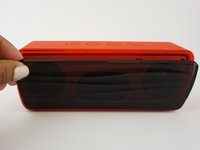
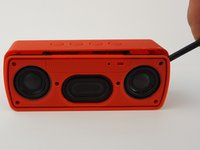
Push the Spudger into the crevice between the grated panel of the speaker and the base of the speaker.
-
Angle the spudger to create a separation between the grate and the base.
 Ask FixBot
-
-
-
Slide the spudger along the separation between the grate and the base of the speaker to loosen the grate. Do this to the entire perimeter of the speaker.
-
-
-
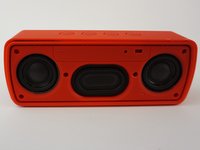
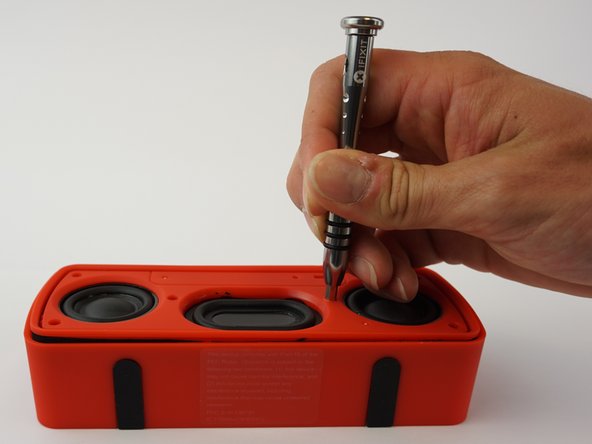
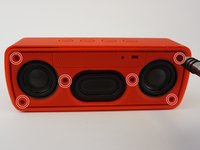
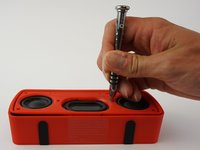
Remove the six 3mm screws using the J00 JIS screw bit. This will require a long, narrow screwdriver.
-
-
-
Push the spudger into the crevice between the base and the face of the speaker and create a separation.
-
Slide the spudger along the entire perimeter and gently pull off the face of the speaker.
-
-
-
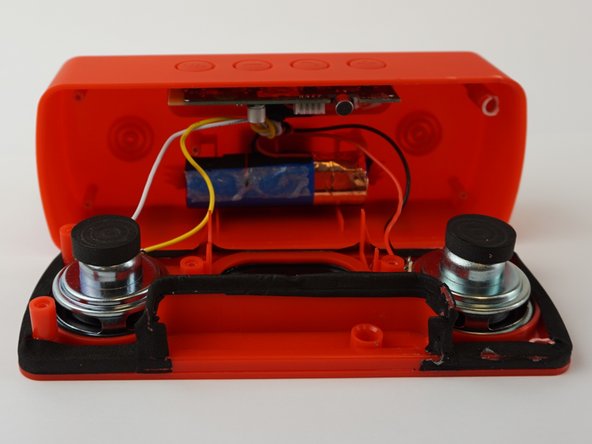
Use the spudger to release the battery by sliding it underneath the battery to create a separation.
-
Remove the battery.
-
-
-
Tool used on this step:Tweezers$4.99
-
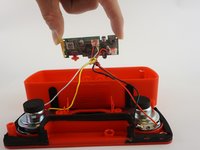
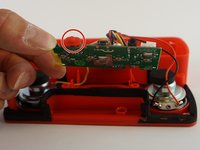
Pull the motherboard from the base of the speaker.
-
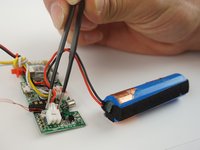
Using tweezers, squeeze and pull on the white plastic clip that connects the battery wires to the motherboard.
-
Unclip the battery from the motherboard.
-
-
-
-
Tool used on this step:Tweezers$4.99
-
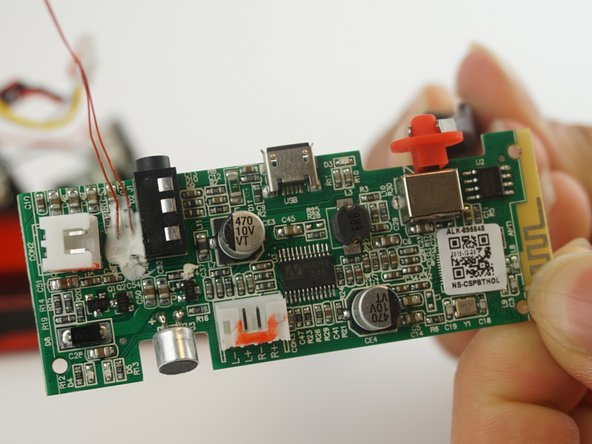
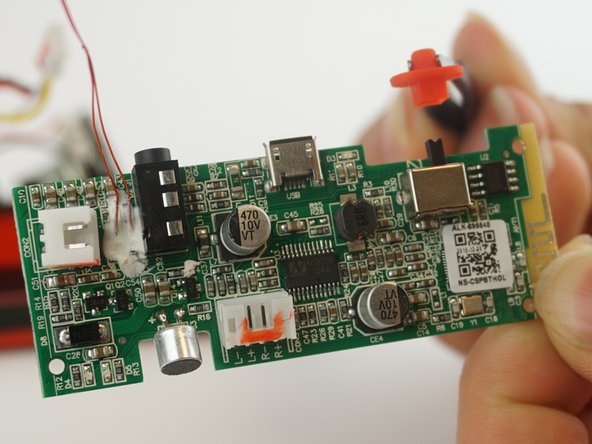
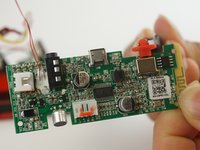
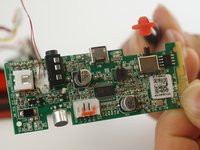
Using tweezers, detach the power button from the mother board.
-
-







To reassemble your device, follow these instructions in reverse order.
Cancel: I did not complete this guide.
2 other people completed this guide.

Team

USF Tampa, Team 12-6, Eyestone Spring 2017 Member of USF Tampa, Team 12-6, Eyestone Spring 2017
USFT-EYESTONE-S17S12G6
3 Members
48 Guides authored
