Free Shipping on Domestic Orders $75+

Insignia Ice Maker NS-IMP26SS7 Fan Replacement

What you need

  1. Insignia Ice Maker NS-IMP26SS7 Fan Replacement, Fan: step 1, image 1 of 2 Insignia Ice Maker NS-IMP26SS7 Fan Replacement, Fan: step 1, image 2 of 2
    • Undo the 6 Screws found on the bottom edge holding the rear casing on.

    Ask FixBot
  2. Insignia Ice Maker NS-IMP26SS7 Fan Replacement: step 2, image 1 of 1
    • Pull the casing off.

    Ask FixBot
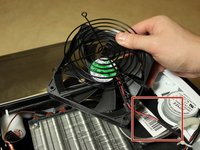
  3. Insignia Ice Maker NS-IMP26SS7 Fan Replacement: step 3, image 1 of 2 Insignia Ice Maker NS-IMP26SS7 Fan Replacement: step 3, image 2 of 2
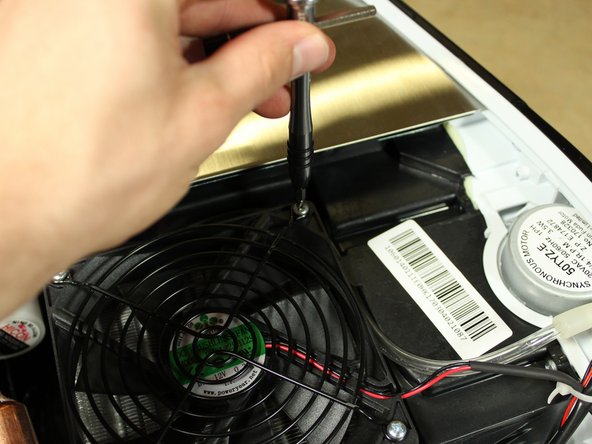
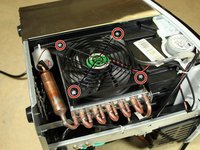
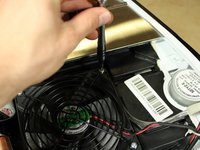
    • Locate the fan on the side of the Ice maker and undo the 4 screws holding it in place.

    Ask FixBot
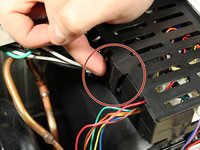
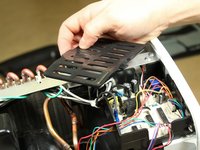
  4. Insignia Ice Maker NS-IMP26SS7 Fan Replacement: step 4, image 1 of 2 Insignia Ice Maker NS-IMP26SS7 Fan Replacement: step 4, image 2 of 2
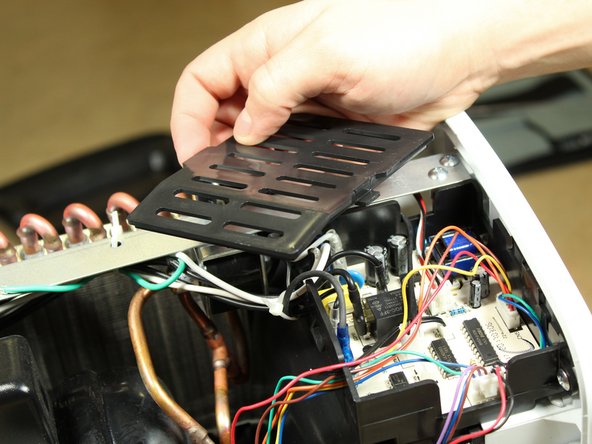
    • Remove the cover from the circuit board by pressing against the lever to the side. A pry tool may be needed.

    Ask FixBot
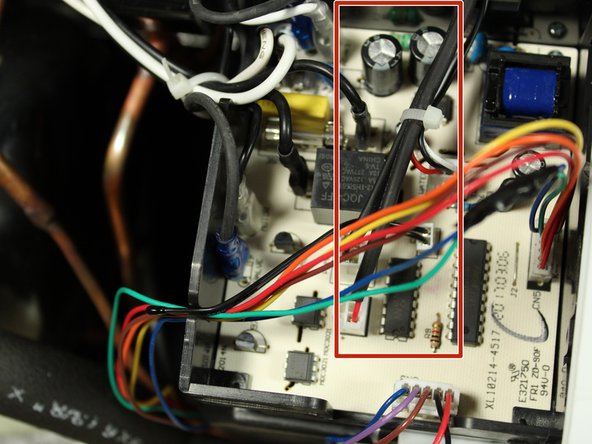
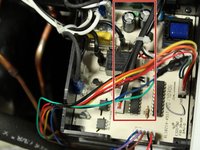
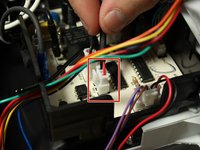
  5. Insignia Ice Maker NS-IMP26SS7 Fan Replacement: step 5, image 1 of 3 Insignia Ice Maker NS-IMP26SS7 Fan Replacement: step 5, image 2 of 3 Insignia Ice Maker NS-IMP26SS7 Fan Replacement: step 5, image 3 of 3
    • Follow the fan's power cable and unplug.

    • You may have to cut a zip tie holding the cable in place.

    Ask FixBot
Conclusion

To reassemble your device, follow these instructions in reverse order.

One other person completed this guide.

Evan Taylor

Member since: 01/18/18

664 Reputation

5 Guides authored

Team

Cal Poly, Team S21-G3, Banghart Winter 2018 Member of Cal Poly, Team S21-G3, Banghart Winter 2018

CPSU-BANGHART-W18S21G3

2 Members

5 Guides authored

0 Guide Comments

Add Comment

View Statistics:

Past 24 Hours: 0

Past 7 Days: 4

Past 30 Days: 65

All Time: 2,207