Free Shipping on Domestic Orders $75+

Inse N500 Motor Replacement

Views: 2K

View statistics:

Past 24 Hours:
3
Past 7 Days:
25
Past 30 Days:
103
All Time:
1,962
Comments: 4

3 comments on steps, 1 guide comment.

Go to guide comments
Completed: 2

2 people have marked this guide "completed." Will you be next?

Favorites: 0

No one has favorited (and subscribed to) this guide. Will you be the first?

Time Required: 10 minutes
Difficulty: Moderate
Inse N500 Motor Replacement

Introduction

Go to step 1 ↓

If your Inse vacuum (model N500) is producing strange noises due to dust and debris in the motorhead, use this repair guide for the motor replacement.

What you need

Tools

    1. Inse N500 Motor Replacement, Dustbin: step 1, image 1 of 3 Inse N500 Motor Replacement, Dustbin: step 1, image 2 of 3 Inse N500 Motor Replacement, Dustbin: step 1, image 3 of 3
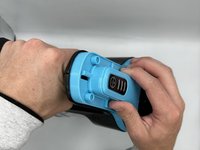
      • Unclip the plastic band from the vacuum head.

      Ask FixBot
      Add Comment

    2. Inse N500 Motor Replacement: step 2, image 1 of 2 Inse N500 Motor Replacement: step 2, image 2 of 2
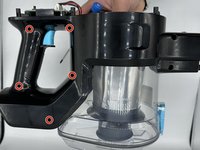
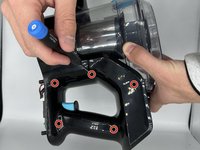
      • Remove six 6 mm screws using a Phillips #0 screwdriver.

      Ask FixBot
      Add Comment

    3. Inse N500 Motor Replacement: step 3, image 1 of 2 Inse N500 Motor Replacement: step 3, image 2 of 2
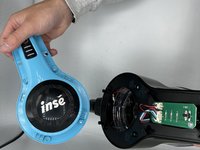
      • Remove the vacuum head guard.

      Ask FixBot

      Add Comment

    4. Inse N500 Motor Replacement: step 4, image 1 of 2 Inse N500 Motor Replacement: step 4, image 2 of 2
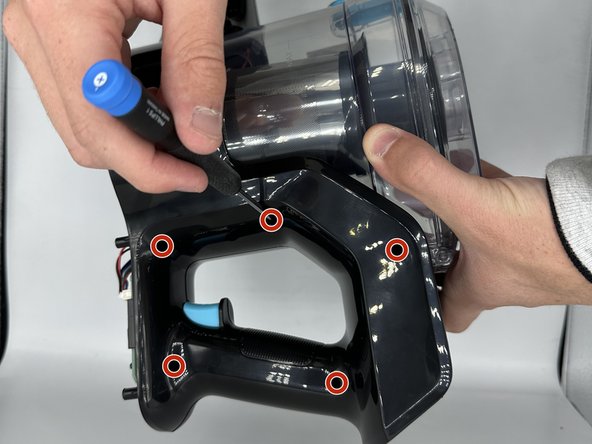
      • Remove the ten 4 mm screws using a Phillips #0 screwdriver.

      • There are five screws on each side of the vacuum.

      Ask FixBot

      Add Comment

    5. Inse N500 Motor Replacement: step 5, image 1 of 2 Inse N500 Motor Replacement: step 5, image 2 of 2
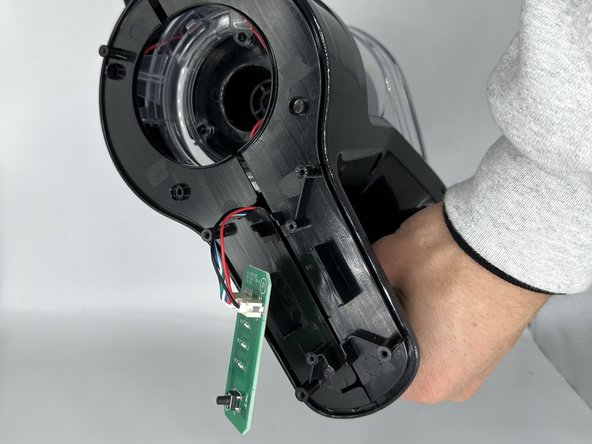
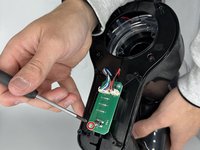
      • Remove the single 4 mm screw from the circuit board using a Phillips #0 screwdriver.

      Ask FixBot

      Add Comment

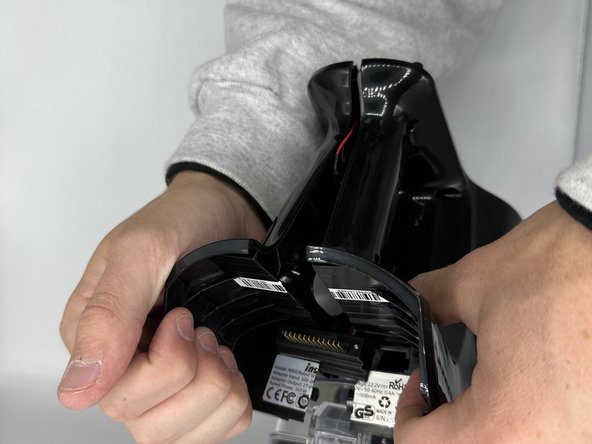
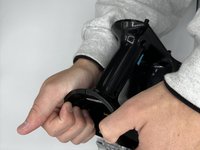
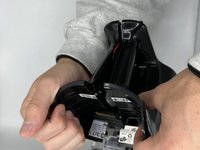
    6. Inse N500 Motor Replacement: step 6, image 1 of 2 Inse N500 Motor Replacement: step 6, image 2 of 2
      • Unfasten the remaining clips.

      Ask FixBot

      Add Comment

    7. Inse N500 Motor Replacement: step 7, image 1 of 3 Inse N500 Motor Replacement: step 7, image 2 of 3 Inse N500 Motor Replacement: step 7, image 3 of 3
      • Remove the dustbin.

      Ask FixBot

      Add Comment

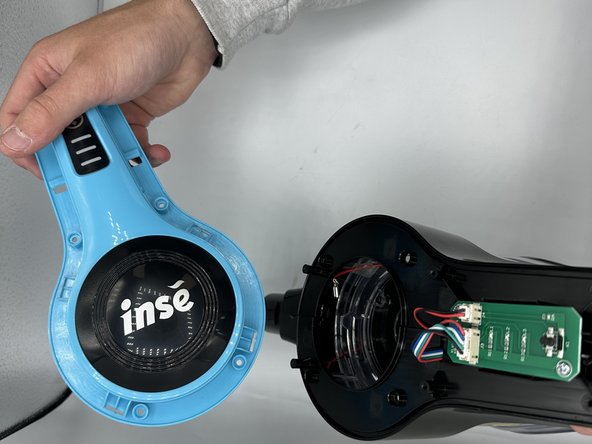
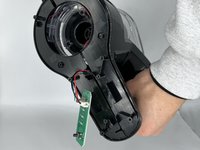
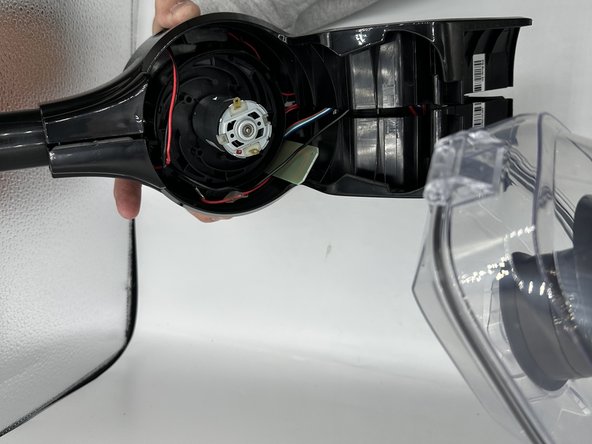
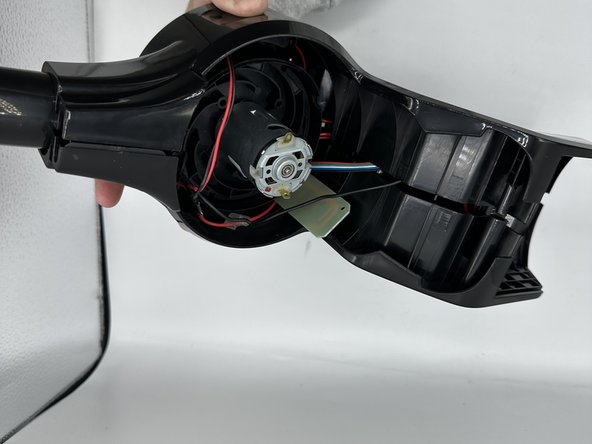
    1. Inse N500 Motor Replacement, Motor: step 8, image 1 of 2 Inse N500 Motor Replacement, Motor: step 8, image 2 of 2
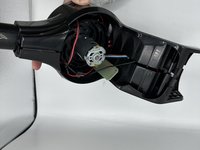
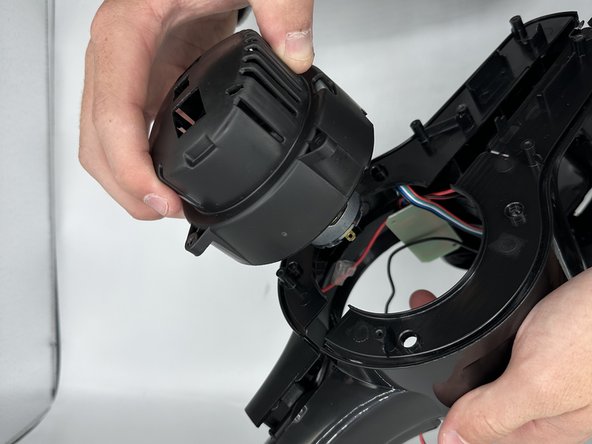
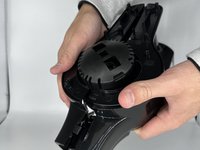
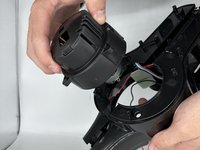
      • Unfasten the surrounding motor clips and remove the motor.

      Ask FixBot

      Add Comment

Conclusion

To reassemble your device, follow these instructions in reverse order.

Cancel: I did not complete this guide.

2 other people completed this guide.

1 Guide Comment

Please 🙏 the motor of roborock h7 please 🙏

Wayl - Reply Share

Add Comment

View Statistics:

Past 24 Hours: 3

Past 7 Days: 25

Past 30 Days: 103

All Time: 1,962