Free Shipping on Domestic Orders $75+

InFocus Remote Button Pad Replacement

Views: 873

View statistics:

Past 24 Hours:
5
Past 7 Days:
20
Past 30 Days:
96
All Time:
873
Comments: 0

No one has left comments on this guide. Will you be first?

Go to guide comments
Completed: 0

No one has marked this guide "completed." Will you be the first?

Favorites: 0

No one has favorited (and subscribed to) this guide. Will you be the first?

Time Required: No estimate
Difficulty: Easy
InFocus Remote Button Pad Replacement

Introduction

Go to step 1 ↓

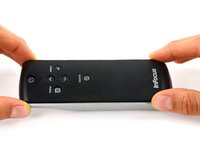
Use this guide to replace broken, torn or ugly buttons on your InFocus Remote.

What you need

Tools

    1. InFocus Remote Button Pad Replacement, Front Cover: step 1, image 1 of 2 InFocus Remote Button Pad Replacement, Front Cover: step 1, image 2 of 2
      • Use your finger to press the tab on the battery cover.

      • Lift the cover up and out.

      Ask FixBot

      Add Comment

    2. InFocus Remote Button Pad Replacement: step 2, image 1 of 2 InFocus Remote Button Pad Replacement: step 2, image 2 of 2
      • Use your finger to lift the two AA batteries up and out of the remote.

      Ask FixBot

      Add Comment

    3. InFocus Remote Button Pad Replacement: step 3, image 1 of 1
      • Remove the three 9mm Phillips #00 screws located on the backside of the remote.

      Ask FixBot

      Add Comment

    4. InFocus Remote Button Pad Replacement: step 4, image 1 of 2 InFocus Remote Button Pad Replacement: step 4, image 2 of 2
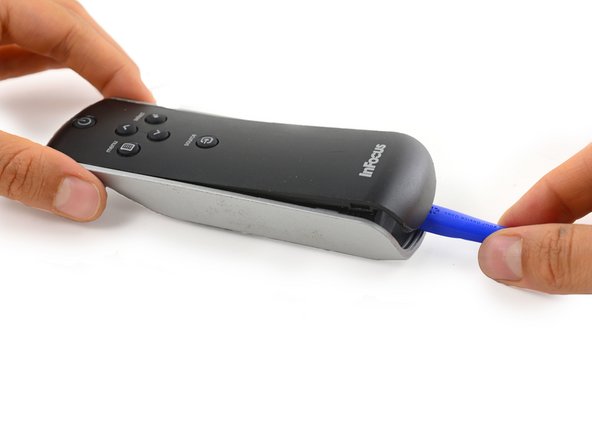
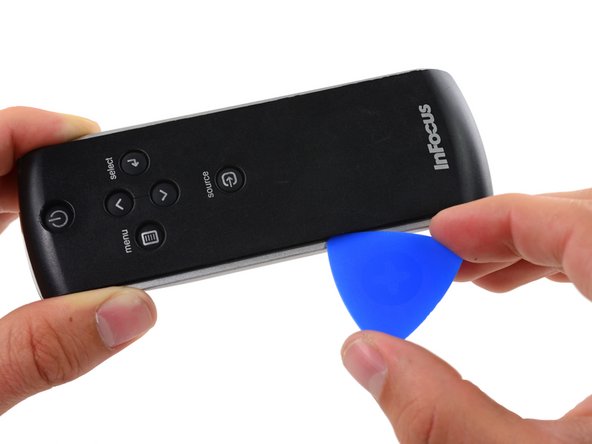
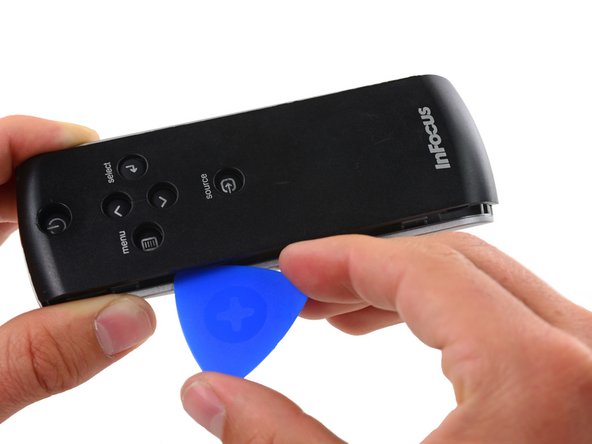
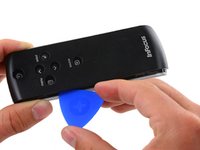
      • Insert a plastic opening tool into the seam between the black top cover and silver base at the bottom edge of the remote.

      • Carefully pry the top cover up and away from the base.

      Ask FixBot

      Add Comment

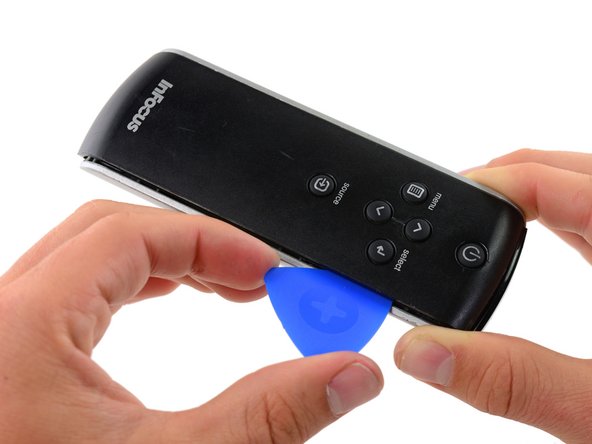
    5. InFocus Remote Button Pad Replacement: step 5, image 1 of 3 InFocus Remote Button Pad Replacement: step 5, image 2 of 3 InFocus Remote Button Pad Replacement: step 5, image 3 of 3
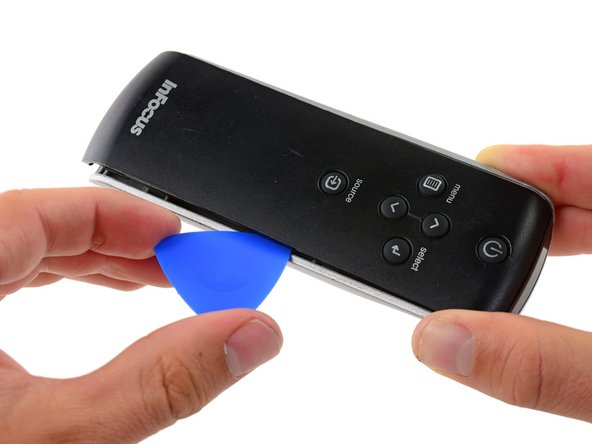
      • Insert an opening pick into the seam on side of the remote, even with the InFocus Label.

      • Slide the opening pick along the side of the remote, moving towards the buttons.

      • There is a plastic tab that holds the covers to the base, located even with the Source button. Push the pick through with a bit more force here to disconnect the cover.

      Ask FixBot

      Add Comment

    6. InFocus Remote Button Pad Replacement: step 6, image 1 of 3 InFocus Remote Button Pad Replacement: step 6, image 2 of 3 InFocus Remote Button Pad Replacement: step 6, image 3 of 3
      • Repeat the previous step on the other side of the remote, working from the InFocus label towards the buttons until the entire cover is loose.

      Ask FixBot

      Add Comment

    7. InFocus Remote Button Pad Replacement: step 7, image 1 of 2 InFocus Remote Button Pad Replacement: step 7, image 2 of 2
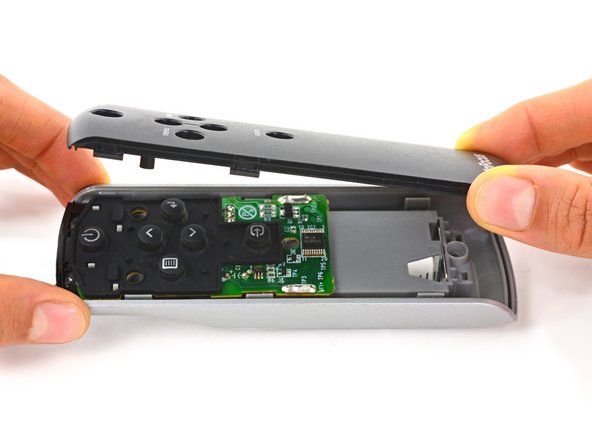
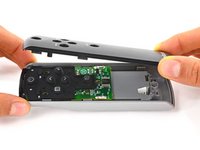
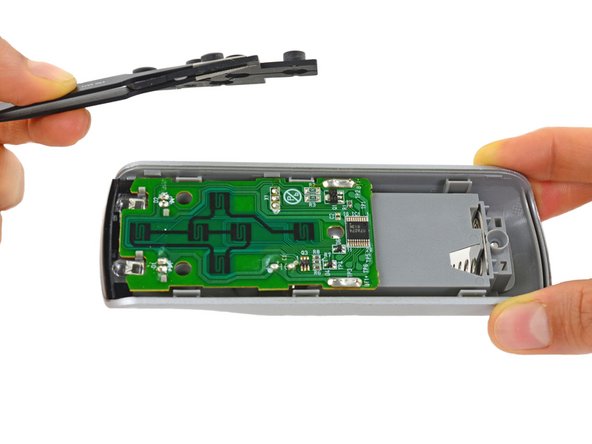
      • Firmly grasp the cover and lift it away from the remote.

      Ask FixBot

      Add Comment

    1. InFocus Remote Button Pad Replacement, Button Pad: step 8, image 1 of 2 InFocus Remote Button Pad Replacement, Button Pad: step 8, image 2 of 2
      • Lift the button pad up and out of the remote.

      Ask FixBot

      Add Comment

Conclusion

To reassemble your device, follow these instructions in reverse order.

Cancel: I did not complete this guide.

Paige Reisman

Member since: 04/07/14

24,183 Reputation

15 Guides authored

0 Guide Comments

Add Comment

View Statistics:

Past 24 Hours: 5

Past 7 Days: 20

Past 30 Days: 96

All Time: 873