
InFocus IN3114 LED Touch Board Replacement

Kevin Li and 3 other contributors
Last updated on Jan 20, 2025
Views: 457
View statistics:
- Past 24 Hours:
- 1
- Past 7 Days:
- 12
- Past 30 Days:
- 64
- All Time:
- 457
Comments: 0
No one has left comments on this guide. Will you be first?
Go to guide commentsCompleted: 0 1
No one has marked this guide "completed." Will you be the first?
1 person has marked this guide "completed." It's you — great job!
Favorites: 0 1
No one has favorited (and subscribed to) this guide. Will you be the first?
1 person has favorited (and subscribed to) this guide — and that's you!
Introduction
Go to step 1 ↓The InFocus IN3114 projector uses an LED touch screen to provide users with control over the quality of the image produced.
Consider replacing the board if the LEDs on the board do not light up, or if the buttons on the board are not responsive when pressed.
This guide provides instructions on replacing the LED touch screen for the InFocus IN3114.
No special skills are required to complete this task, and all required tools are listed.
Before beginning the process, turn off the projector, unplug the power cable.
What you need
Tools


-
-
-
Use a Phillips #1 screwdriver to remove the 1.2 cm Phillips-head screw from each side of the projector.
 Ask FixBot
-
-
-
Use your hands to slide the top plate off of the projector.
-
Lift and remove the plate.
-
-
-
-
-
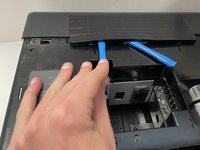
Use the opening tool to lift the control panel cover.
-
Remove the cover.
-
-
-
-
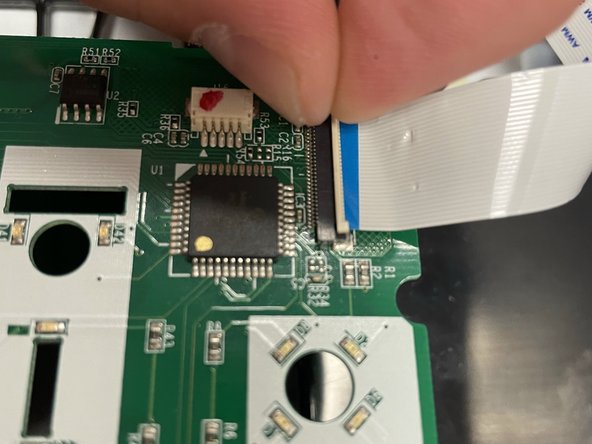
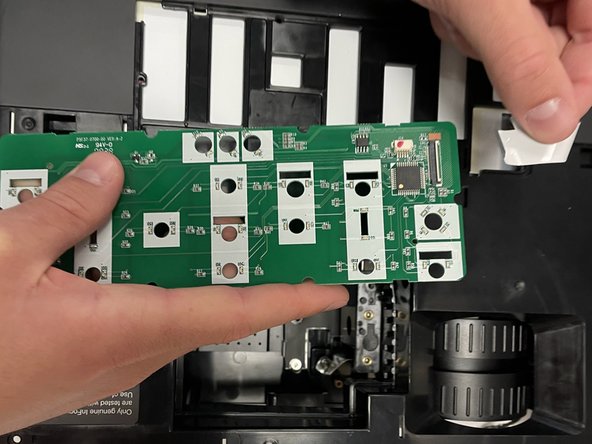
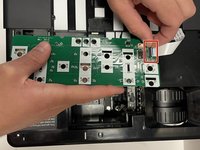
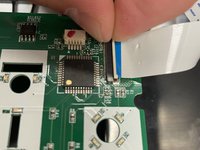
Disconnect the ribbon cable located at the edge of the LED touch board.
-
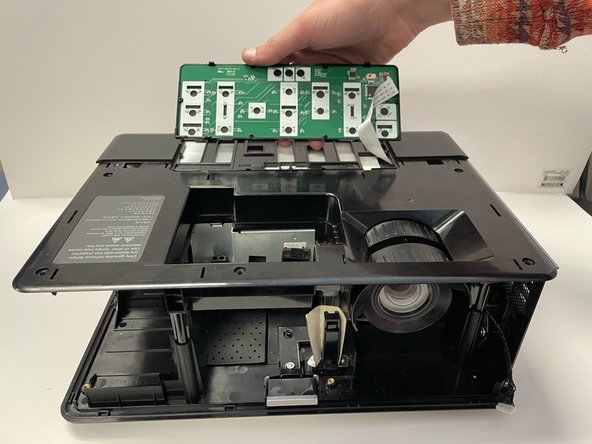
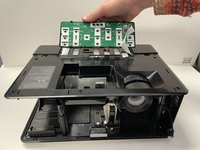
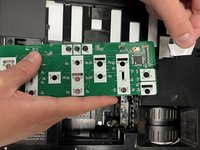
Remove the LED touch board.
-
-



To reassemble your device, follow these instructions in reverse order.

Team

University of Alabama, Team 3-3, Bedsole Spring 2022 Member of University of Alabama, Team 3-3, Bedsole Spring 2022
UA-BEDSOLE-S22S3G3
4 Members
48 Guides authored
