Introduction
Use this guide to replace the face buttons of the IFYOO ZD-V108.
The main reasons you would need to replace the face buttons are that the inputs of them are not being read or that they have become stiff, requiring more effort to push them down.
Before proceeding, make sure the device is not plugged in and completely dry, away from any water sources.
What you need
-
-
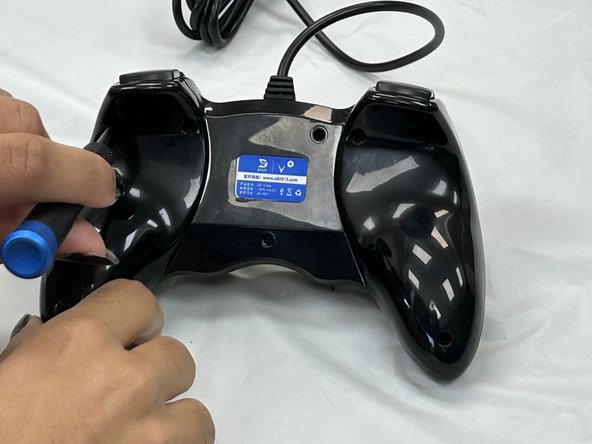
Remove the seven 9.2 mm screws from the back of the controller using a Phillips #00 screwdriver.
-
Remove the back cover.
 Ask FixBot
-
-
-
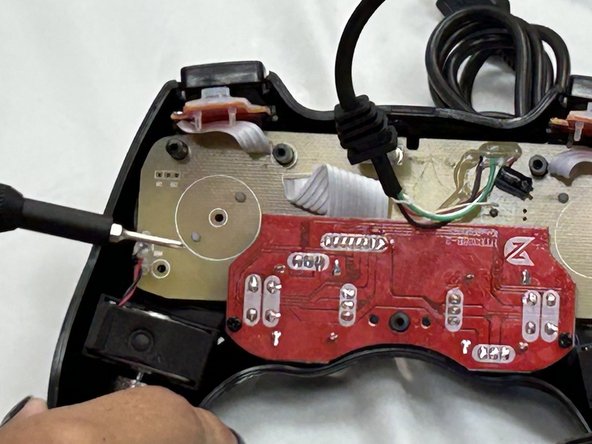
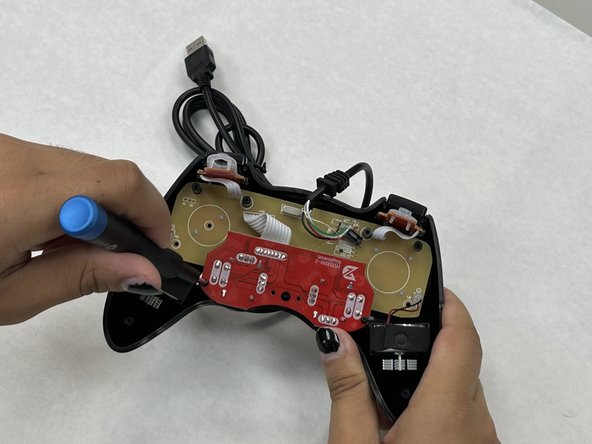
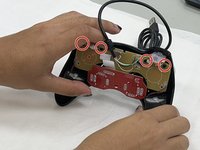
Remove the two 7.2 mm screws that connect the red daughterboard to the tan motherboard using a Phillips #00 screwdriver.
-
-
-
-
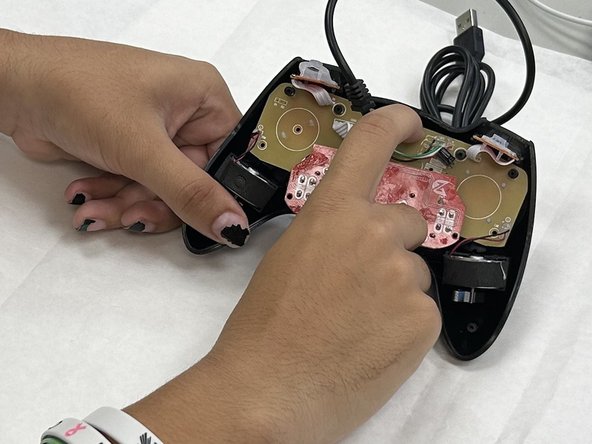
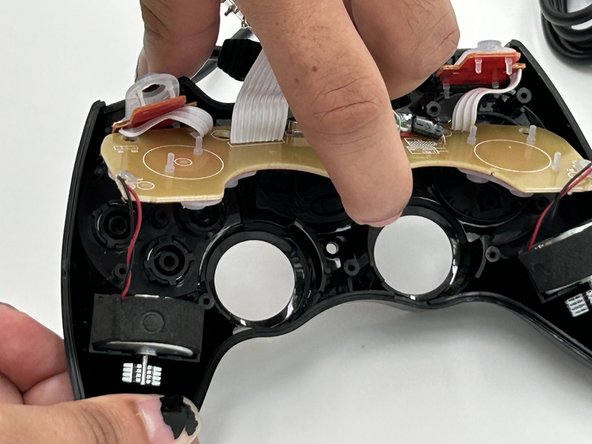
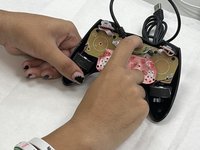
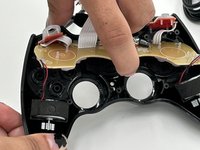
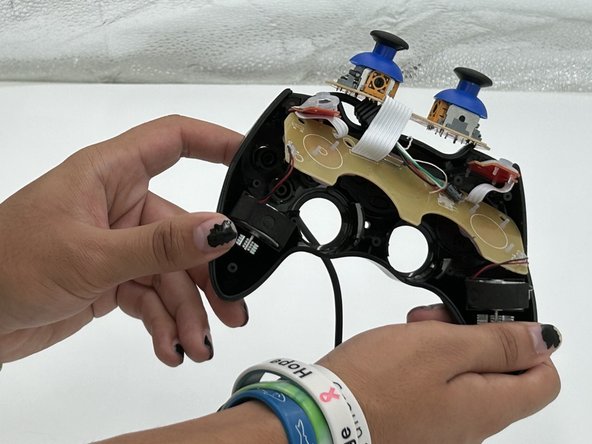
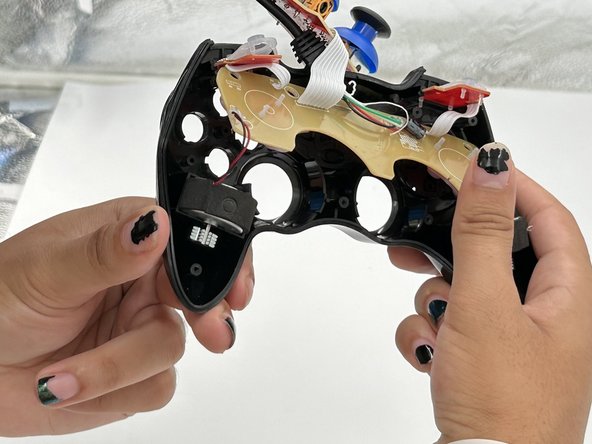
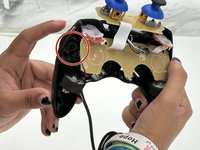
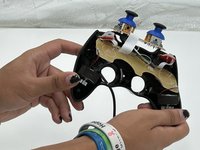
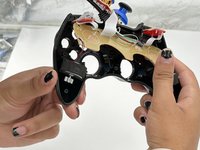
Carefully pull up on the motherboard until it slides off from the four black cylinders keeping it in place.
-






To reassemble your device, follow these instructions in reverse order.

Team

University of North Texas, Team 4-4, Harold Fall 2024 Member of University of North Texas, Team 4-4, Harold Fall 2024
UNT-HAROLD-F24S4G4
4 Members
5 Guides authored
