Introduction
Use this guide to replace the D-pad of the IFYOO ZD-V108. This should be replaced when the controller doesn't read the inputs properly.
Before proceeding, make sure this device isn’t plugged into any source and isn't near a water source.
What you need
-
-
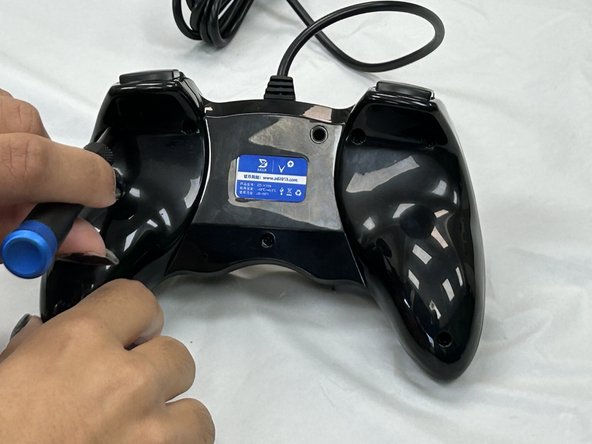
Remove the seven 9.2 mm screws from the back of the controller using a Phillips #00 screwdriver.
-
Remove the back cover.
 Ask FixBot
-
-
-
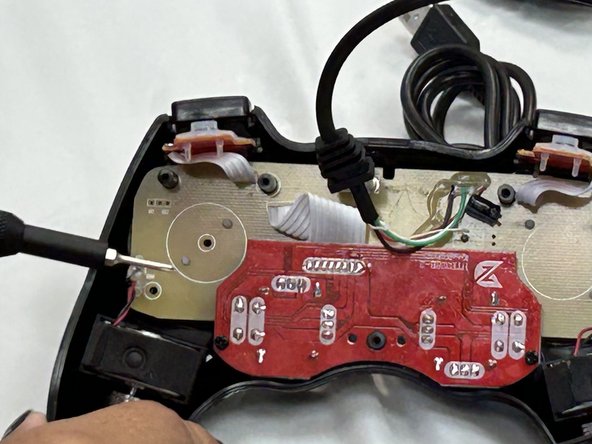
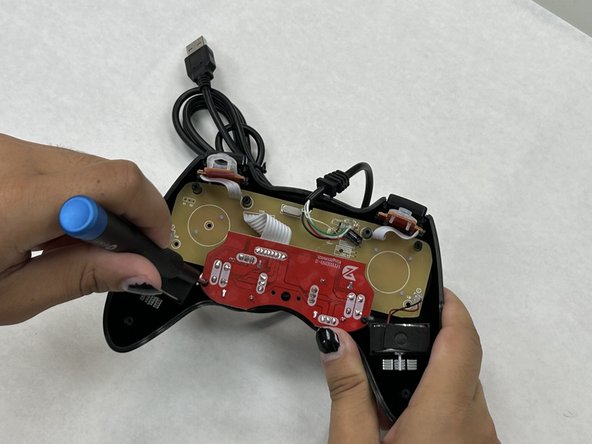
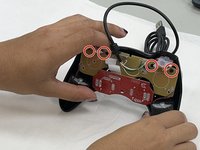
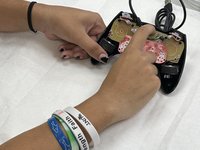
Remove the two 7.2 mm screws that connect the red daughterboard to the tan motherboard using a Phillips #00 screwdriver.
-
-
-
-
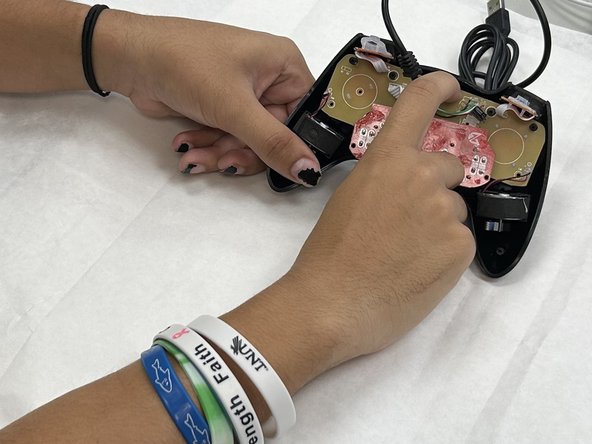
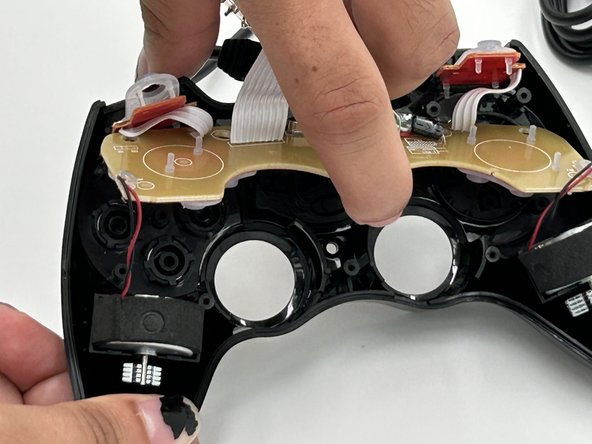
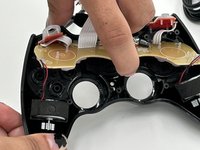
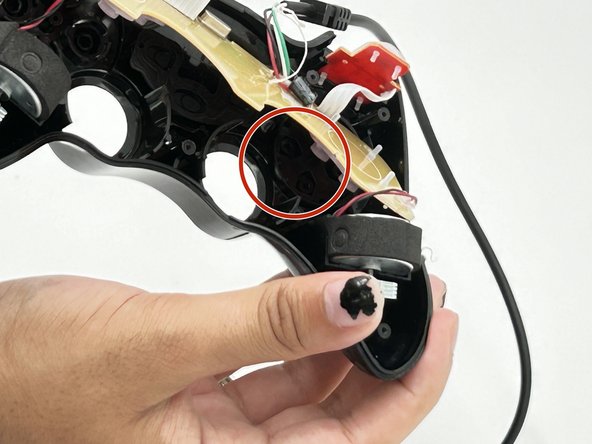
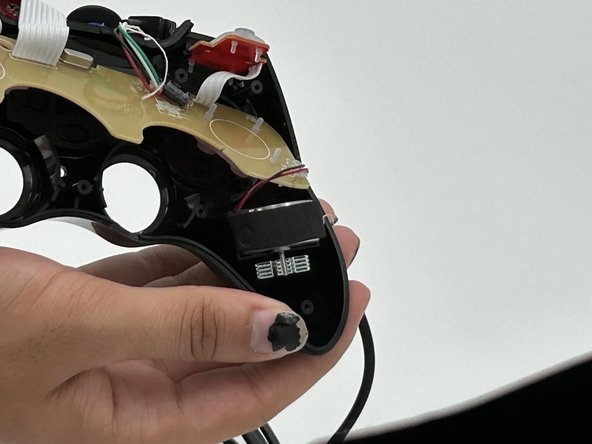
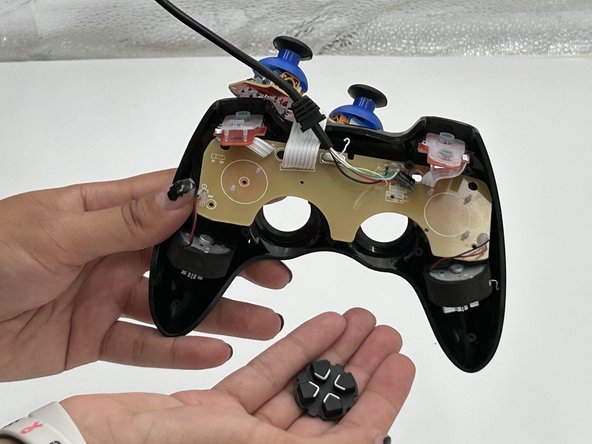
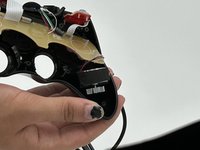
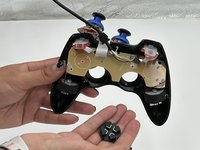
Carefully pull up on the motherboard until it slides off from the four black cylinders keeping it in place.
-





To reassemble your device, follow these instructions in reverse order.
Cancel: I did not complete this guide.
2 other people completed this guide.

Team

University of North Texas, Team 4-4, Harold Fall 2024 Member of University of North Texas, Team 4-4, Harold Fall 2024
UNT-HAROLD-F24S4G4
4 Members
5 Guides authored
