Introduction
Use this guide to replace the Wi-Fi Card of the IBM Thinkpad R40.
What you need
-
-
-
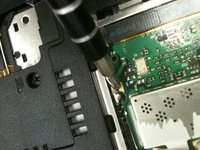
Use a screwdriver to remove the screws located at the bottom of the laptop, covering the battery pack.
 Ask FixBot
-
-
-
-
Open the now loosened section.
-
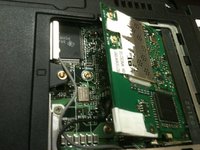
Release the clips that hold the Wi-Fi card in place.
-
Remove the Wi-Fi card.
-
-


To reassemble your device, follow these instructions in reverse order.
Cancel: I did not complete this guide.
2 other people completed this guide.

Team

University of Maine, Team 1-13, Diaz Fall 2011 Member of University of Maine, Team 1-13, Diaz Fall 2011
UMAINE-DIAZ-F11S1G13
1 Member
24 Guides authored
