Free Shipping on Domestic Orders $75+

IBM ThinkPad A31 Display Replacement

What you need

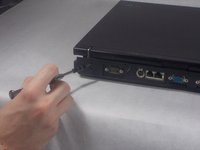
    1. IBM ThinkPad A31 Display Replacement, Keyboard: step 1, image 1 of 3 IBM ThinkPad A31 Display Replacement, Keyboard: step 1, image 2 of 3 IBM ThinkPad A31 Display Replacement, Keyboard: step 1, image 3 of 3
      • The sticker is to keep the warranty on the laptop so once removed the warranty is void

      • Peel the sticker and remove the 15mm screw

      • Remove all 6 of the 16mm screws

      Ask FixBot

      Add Comment

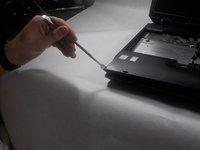
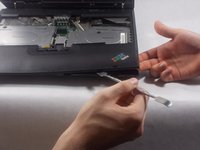
    2. IBM ThinkPad A31 Display Replacement: step 2, image 1 of 2 IBM ThinkPad A31 Display Replacement: step 2, image 2 of 2
      • use a prying tool and insert it on the cracks on the sides of the keyboard and lift gently until you here a click

      • repeat this step on all sides of the keyboard until the keyboard is completely detached from the laptop

      Ask FixBot

      Add Comment

    3. IBM ThinkPad A31 Display Replacement: step 3, image 1 of 3 IBM ThinkPad A31 Display Replacement: step 3, image 2 of 3 IBM ThinkPad A31 Display Replacement: step 3, image 3 of 3
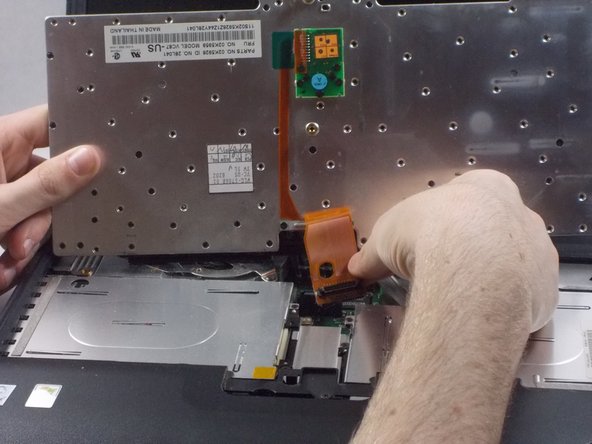
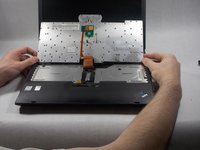
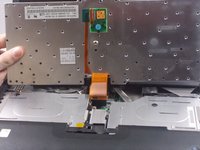
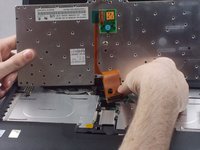
      • Lift the keyboard and remove the keyboard ribbon cable from the laptop

      Ask FixBot

      Add Comment

    1. IBM ThinkPad A31 Display Replacement, Display: step 4, image 1 of 2 IBM ThinkPad A31 Display Replacement, Display: step 4, image 2 of 2
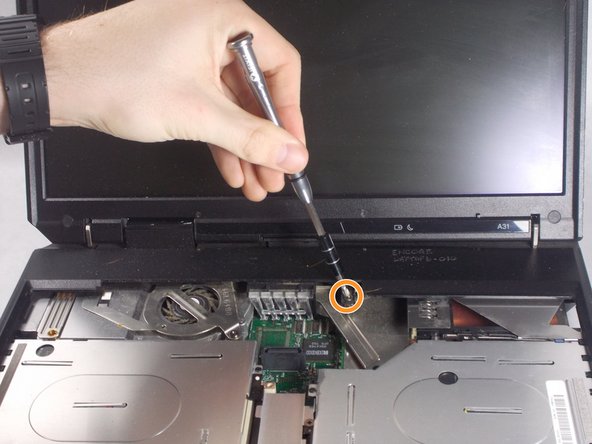
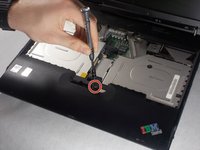
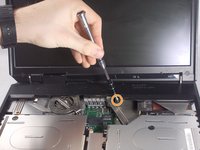
      • Remove the one 21mm screw

      • Remove the 6mm screw

      Ask FixBot

      Add Comment

    2. IBM ThinkPad A31 Display Replacement: step 5, image 1 of 2 IBM ThinkPad A31 Display Replacement: step 5, image 2 of 2
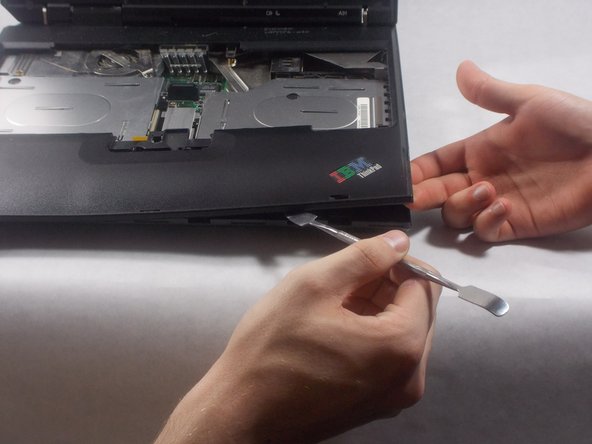
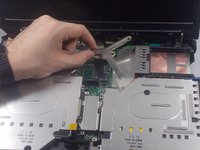
      • Take the tool and run it under the black case.

      Ask FixBot

      Add Comment

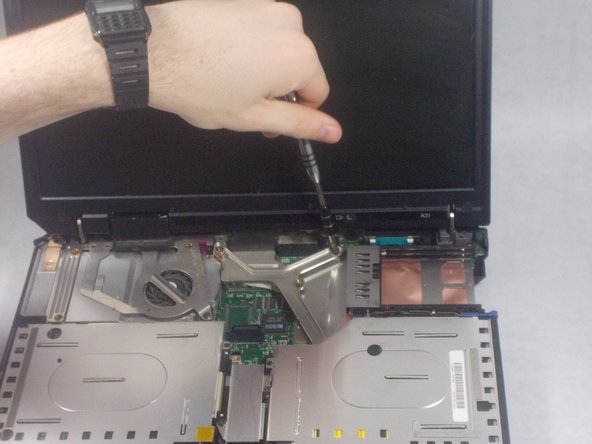
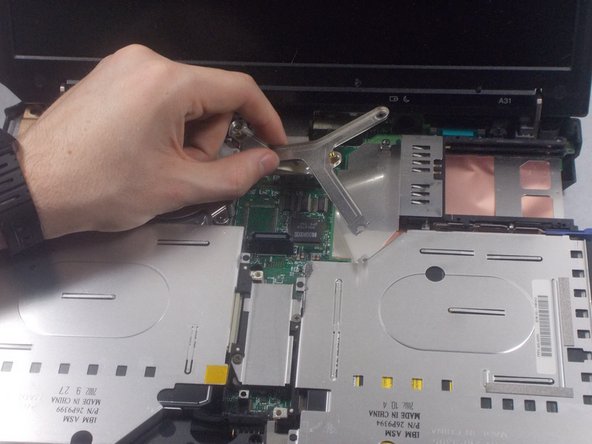
    3. IBM ThinkPad A31 Display Replacement: step 6, image 1 of 3 IBM ThinkPad A31 Display Replacement: step 6, image 2 of 3 IBM ThinkPad A31 Display Replacement: step 6, image 3 of 3
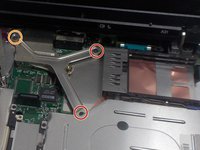
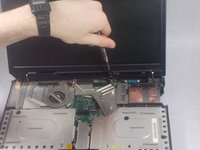
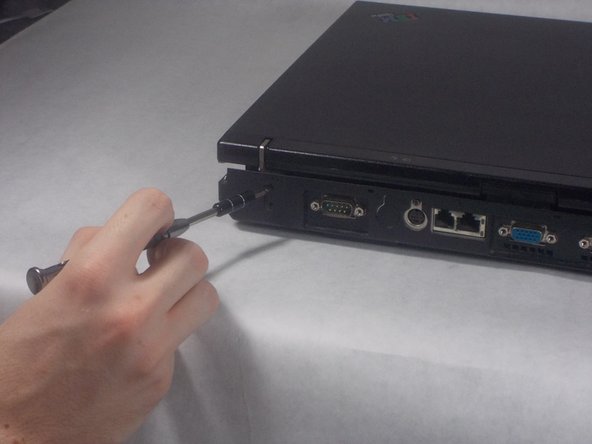
      • Unscrew the 2 (17mm) screws

      • Unscrew the 6mm screw

      Ask FixBot

      Add Comment

    4. IBM ThinkPad A31 Display Replacement: step 7, image 1 of 2 IBM ThinkPad A31 Display Replacement: step 7, image 2 of 2
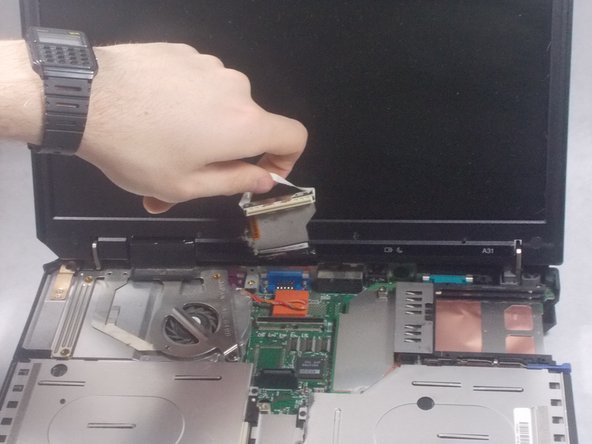
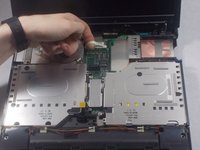
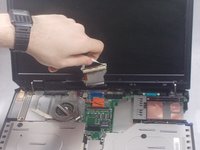
      • Gently disconnect the white display ribbon cable

      • Pulling on the ribbon cable too hard could result in worse or faulty connection.

      Ask FixBot

      Add Comment

    5. IBM ThinkPad A31 Display Replacement: step 8, image 1 of 3 IBM ThinkPad A31 Display Replacement: step 8, image 2 of 3 IBM ThinkPad A31 Display Replacement: step 8, image 3 of 3
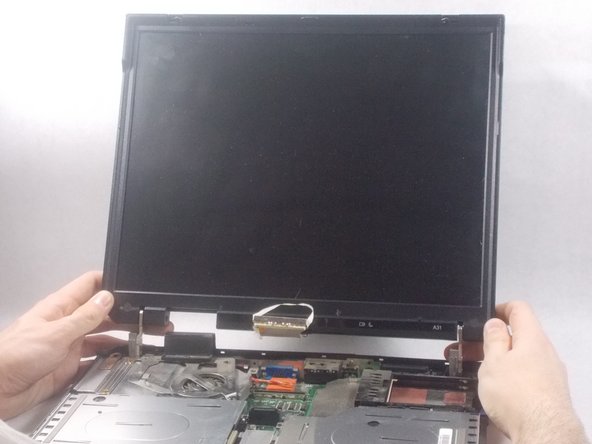
      • Unscrew 4 (6mm) screws

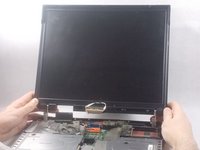
      • Lift screen straight up

      • If not lifted straight up the screen could get damaged

      Ask FixBot

      Add Comment

Conclusion

To reassemble your device, follow these instructions in reverse order.

Cancel: I did not complete this guide.

Sean Tocci

Member since: 03/19/18

293 Reputation

2 Guides authored

Team

1 Guide Comment

i have that but display is

not work

Ahmed Elwy - Reply Share
Add Comment

View Statistics:

Past 24 Hours: 0

Past 7 Days: 1

Past 30 Days: 18

All Time: 884