
IBM ThinkPad 600E Keyboard Replacement

Kevin Nguyen and 5 other contributors
Last updated on Mar 7, 2024
Views: 2.9K
View statistics:
- Past 24 Hours:
- 6
- Past 7 Days:
- 33
- Past 30 Days:
- 127
- All Time:
- 2,942
Comments: 1
1 guide comment.
Go to guide commentsCompleted: 3 4
3 people have marked this guide "completed." Will you be next?
4 people have marked this guide "completed." Including you — great job!
Favorites: 0 1
No one has favorited (and subscribed to) this guide. Will you be the first?
1 person has favorited (and subscribed to) this guide — and that's you!
Inconsistent Images
Updating the images on this guide to be more consistent with the prerequisites would increase its awesomeness.
Introduction
Go to step 1 ↓This guide will show you how to replace your keyboard. Sometimes the keys get broken or worn out, or the track point gets damaged, thus needing it to be replaced.
What you need
Tools


-
-
-
Tool used on this step:Anti-Static Wrist Strap$7.95
-
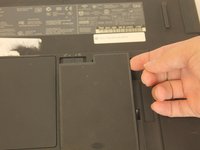
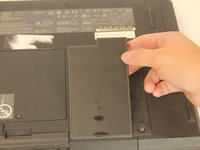
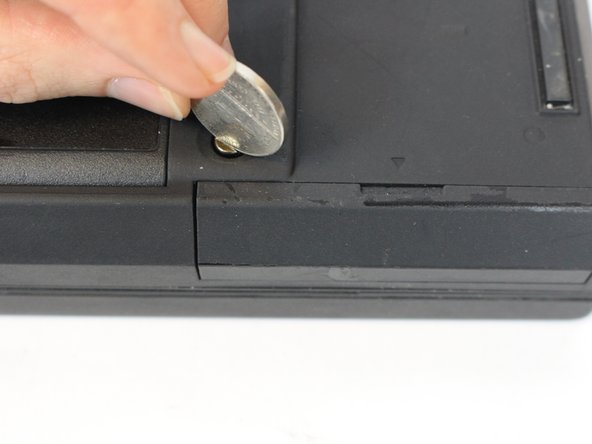
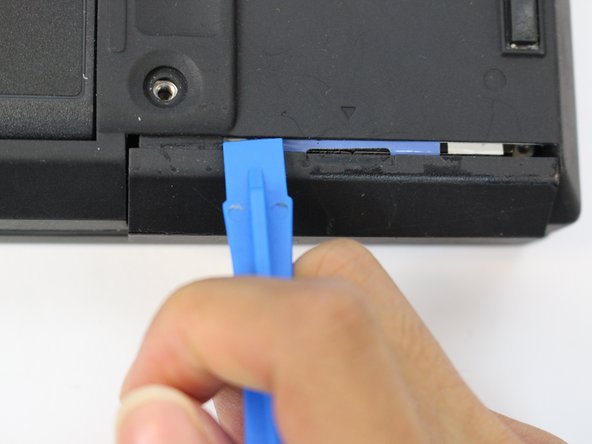
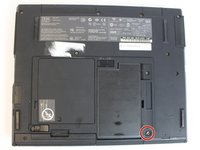
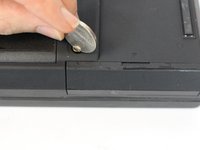
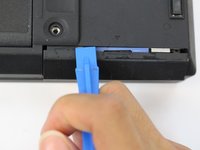
Unscrew the coin screw for the hard drive using a coin. Pry off the HDD cover.
-
-
-
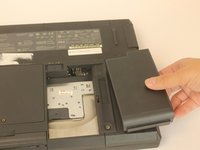
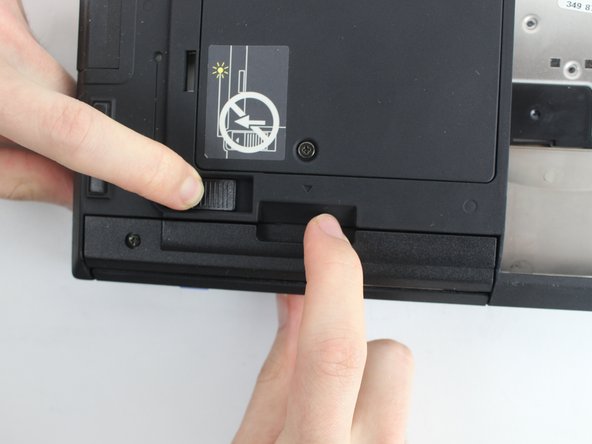
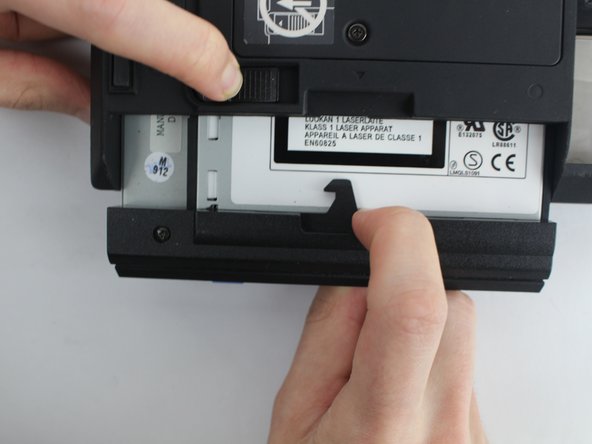
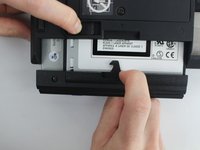
Unlock the highlighted latch and pull the disk drive out.
-
Remove the disk drive.
-
-
-
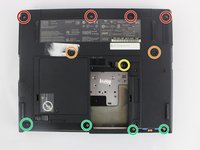
Four 18mm long M2.5 screws
-
Two 16mm long M2.5 screws
-
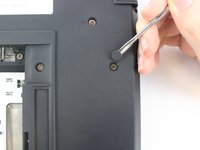
One 4.5mm long M2.5 screws
-
Four 3mm long M2.5 screws
-
-
-
-
Open the laptop all the way until it is flat.
-
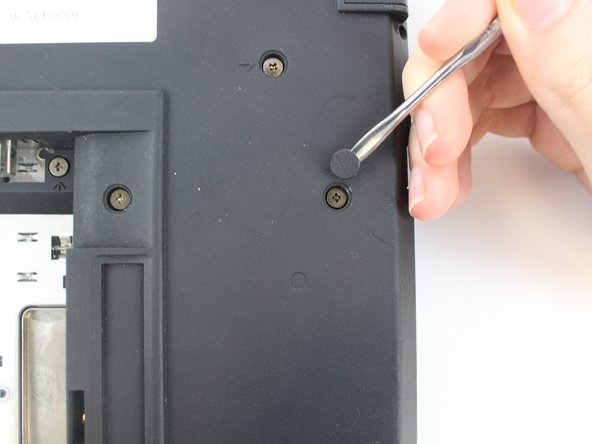
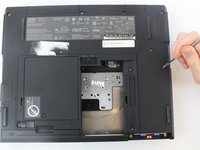
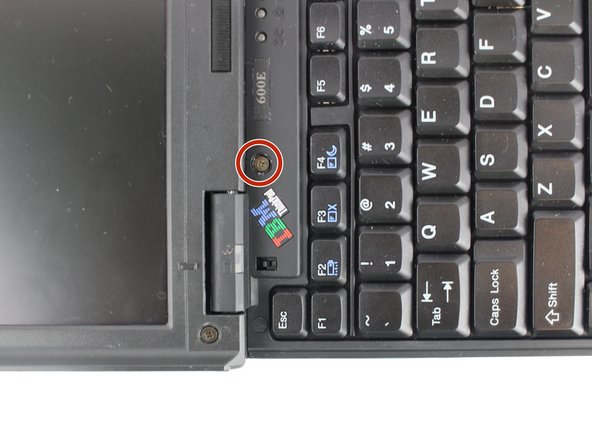
Take the black circle off and remove the screw.
-
One 4.5mm long M2.5 screw
-
-
-
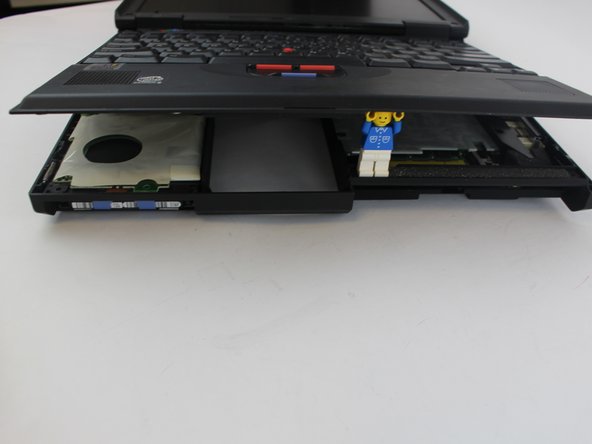
Pry the keyboard case up from the bottom and gently pry it up from all other edges.
-
-
-
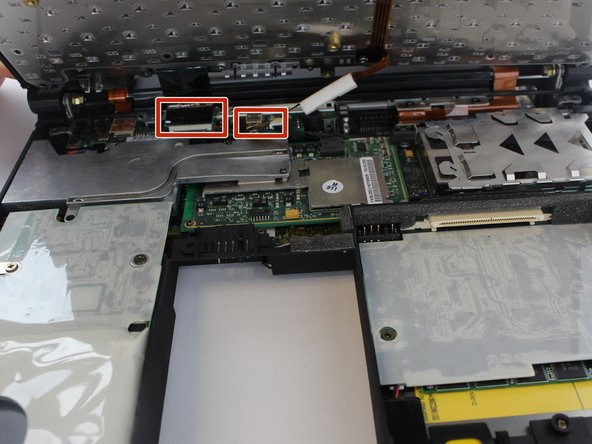
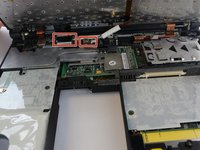
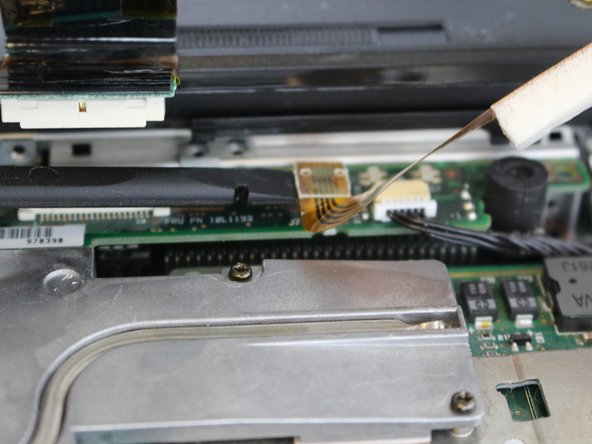
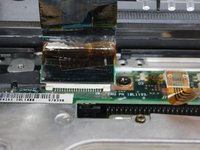
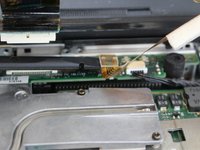
Pry the connectors of the ribbon cables off slowly, lifting straight up. Wiggle gently side to side if necessary.
-
-


 Ask FixBot










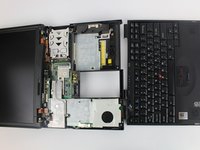
To reassemble your device, follow these instructions in reverse order.
Cancel: I did not complete this guide.
3 other people completed this guide.

Team

USF Tampa, Team 1-4, Nance Fall 2016 Member of USF Tampa, Team 1-4, Nance Fall 2016
USFT-NANCE-F16S1G4
4 Members
60 Guides authored
1 Guide Comment
Thank you. Unfortunately it didn't help. Otherwise great instructions. Because I wanted to replace the BIOS battery on the 600e ibm think pad to know if there was anything on the laptop at the time. Unfortunately I couldn't get it opened again. And since I didn't want to force it open, I screwed the notebook back together and put it away.
