Free Shipping on Domestic Orders $75+

Huawei Y7 2019 Charging Board Replacement

What you need

Video Overview

    1. Huawei Y7 2019 Charging Board Replacement, Y7 2019 Charging Board: step 1, image 1 of 2 Huawei Y7 2019 Charging Board Replacement, Y7 2019 Charging Board: step 1, image 2 of 2
      • Huawei Y7 2019 Charging board / Sub Board Replacement

      Ask FixBot

      Add Comment

    2. Huawei Y7 2019 Charging Board Replacement: step 2, image 1 of 3 Huawei Y7 2019 Charging Board Replacement: step 2, image 2 of 3 Huawei Y7 2019 Charging Board Replacement: step 2, image 3 of 3
      • Switch off the device.

      • Remove the SIM Tray.

      • Use plastic opening tool to remove the back / battery cover.

      • Gently disconnect the Fingerprint Flex Cable.

      Ask FixBot

      Add Comment

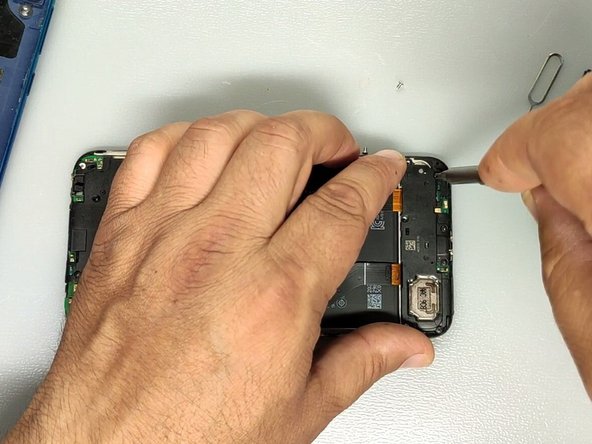
    3. Huawei Y7 2019 Charging Board Replacement: step 3, image 1 of 3 Huawei Y7 2019 Charging Board Replacement: step 3, image 2 of 3 Huawei Y7 2019 Charging Board Replacement: step 3, image 3 of 3
      • Unscrew the 7 Phillips screws.

      • There are 3x white screws and 4x black screws.

      • Use the plastic tool to unstick the daughter board plastic cover.

      • If you find it difficult to remove the plastic cover - use hot air to melt the adhesive.

      Ask FixBot

      Add Comment

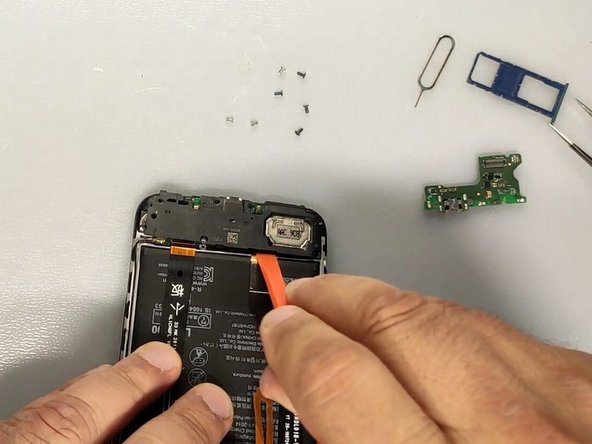
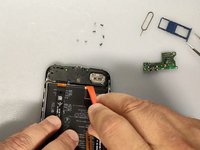
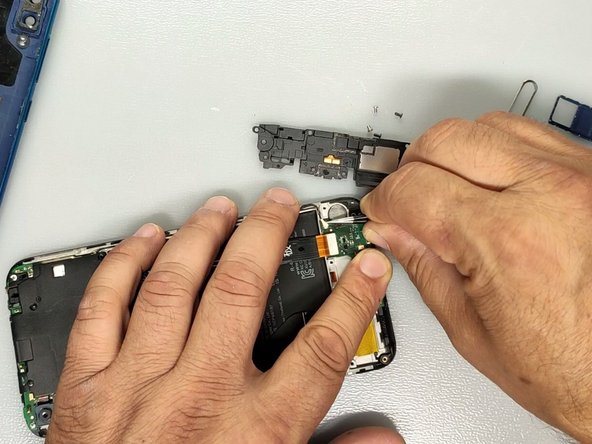
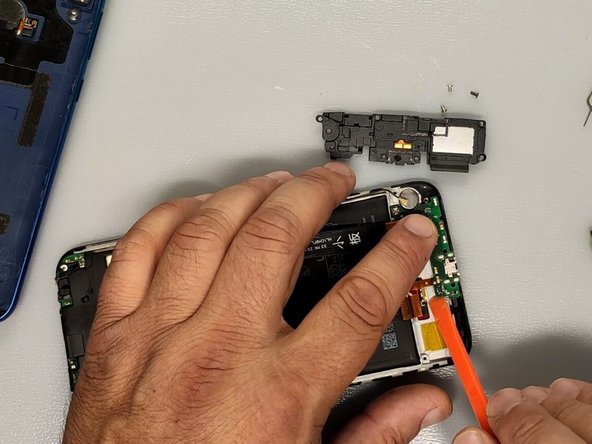
    4. Huawei Y7 2019 Charging Board Replacement: step 4, image 1 of 3 Huawei Y7 2019 Charging Board Replacement: step 4, image 2 of 3 Huawei Y7 2019 Charging Board Replacement: step 4, image 3 of 3
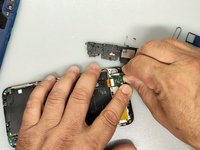
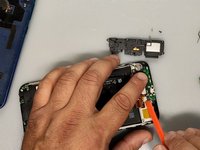
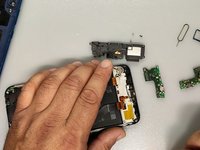
      • Gently disconnect the main flex and the coaxial antenna cable.

      • Use Plastic tool to remove the charging board.

      • If you find it difficult to remove the plastic cover - use hot air to melt the adhesive.

      Ask FixBot

      Add Comment

    5. Huawei Y7 2019 Charging Board Replacement: step 5, image 1 of 3 Huawei Y7 2019 Charging Board Replacement: step 5, image 2 of 3 Huawei Y7 2019 Charging Board Replacement: step 5, image 3 of 3
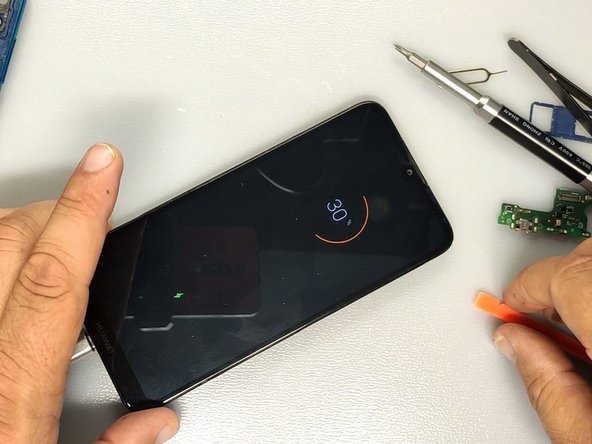
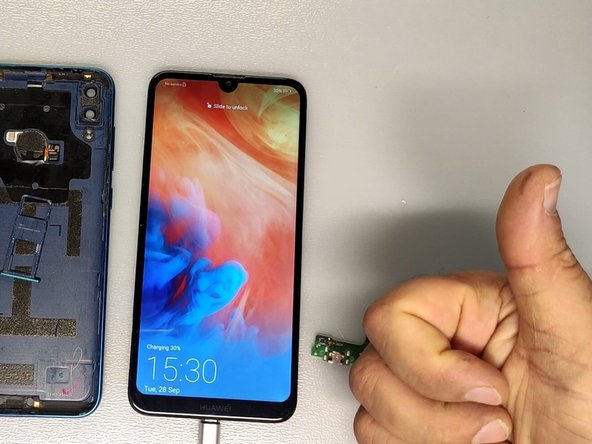
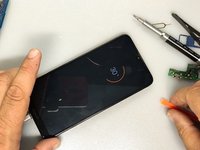
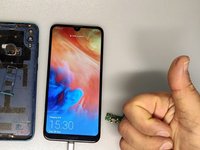
      • Test the charge before assembling the device.

      • Thank you :)

      Ask FixBot

      Add Comment

Conclusion

To reassemble your device, follow these instructions in reverse order.

Cancel: I did not complete this guide.

3 other people completed this guide.

ZFix

Member since: 12/09/13

197,561 Reputation

330 Guides authored

Team

Master Techs Member of Master Techs

Community

334 Members

8,250 Guides authored

0 Guide Comments

Add Comment

View Statistics:

Past 24 Hours: 4

Past 7 Days: 19

Past 30 Days: 85

All Time: 5,880