Free Shipping on Domestic Orders $75+

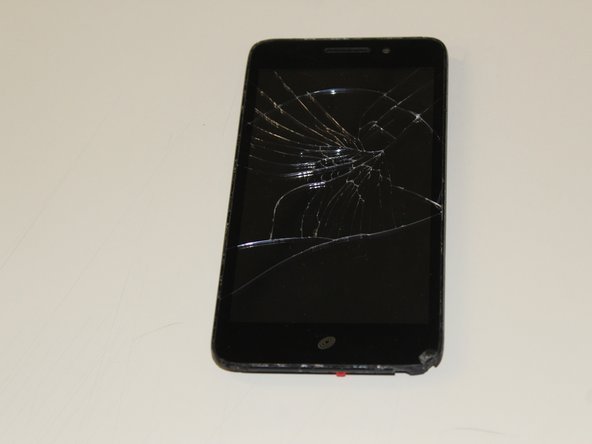
Huawei Pronto LTE Display Screen Assembly Replacement

What you need

  1. Huawei Pronto LTE Display Screen Assembly Replacement, Battery: step 1, image 1 of 2 Huawei Pronto LTE Display Screen Assembly Replacement, Battery: step 1, image 2 of 2
    • Remove the back cover of your Huawei Pronto LTE using an opening tool.

    • Lift the back cover off of the device after the four corners are unlatched.

    Ask FixBot

    Add Comment

  2. Huawei Pronto LTE Display Screen Assembly Replacement: step 2, image 1 of 3 Huawei Pronto LTE Display Screen Assembly Replacement: step 2, image 2 of 3 Huawei Pronto LTE Display Screen Assembly Replacement: step 2, image 3 of 3
    • Remove the 15 screws on the back of the device using a Phillips #000 screwdriver.

    • Hold the device in place while you are doing this step.

    • Lift the inner cover gently by using a spudger.

    Ask FixBot

    Add Comment

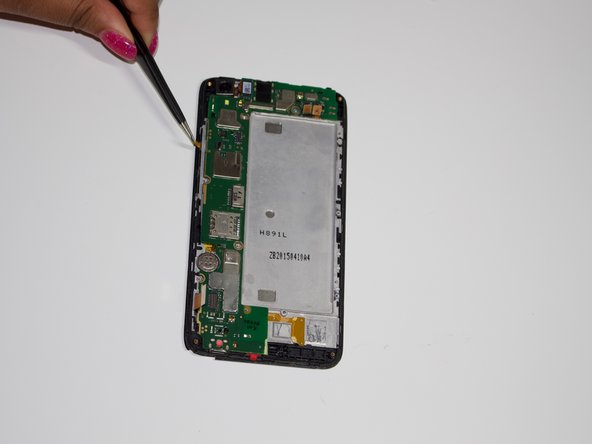
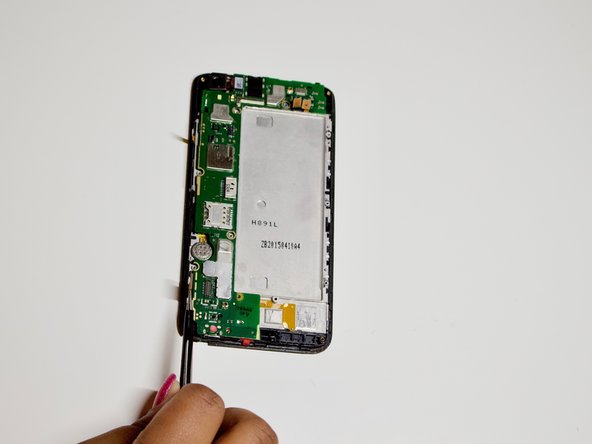
  3. Huawei Pronto LTE Display Screen Assembly Replacement: step 3, image 1 of 3 Huawei Pronto LTE Display Screen Assembly Replacement: step 3, image 2 of 3 Huawei Pronto LTE Display Screen Assembly Replacement: step 3, image 3 of 3
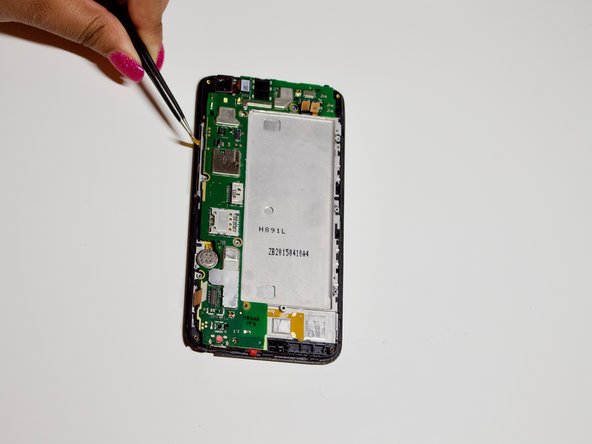
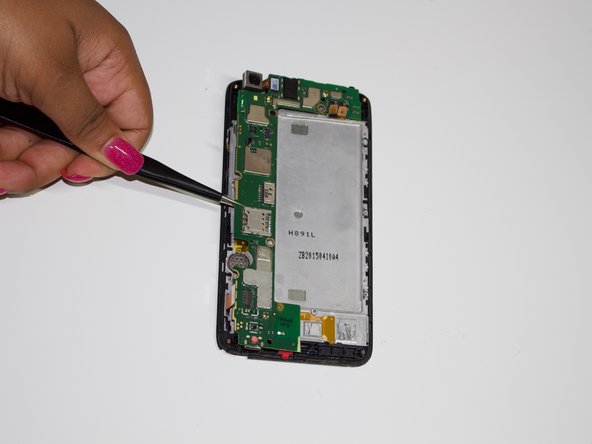
    • Detach the yellow latches along the sides to remove the motherboard.

    Ask FixBot

    Add Comment

  4. Huawei Pronto LTE Display Screen Assembly Replacement: step 4, image 1 of 3 Huawei Pronto LTE Display Screen Assembly Replacement: step 4, image 2 of 3 Huawei Pronto LTE Display Screen Assembly Replacement: step 4, image 3 of 3
    Tool used on this step:
    Tweezers
    $4.99
    Buy
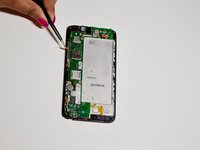
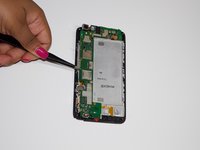
    • Ensure that all latches are detached and that there are no extra screws to avoid damaging the motherboard.

    • Use tweezers to gently remove the motherboard from the device.

    Ask FixBot

    Add Comment

  5. Huawei Pronto LTE Display Screen Assembly Replacement: step 5, image 1 of 3 Huawei Pronto LTE Display Screen Assembly Replacement: step 5, image 2 of 3 Huawei Pronto LTE Display Screen Assembly Replacement: step 5, image 3 of 3
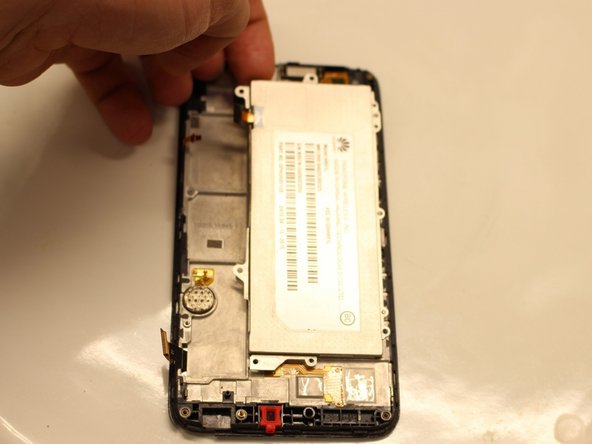
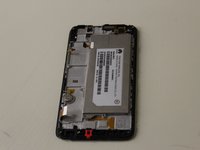
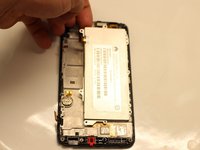
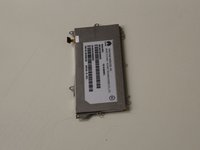
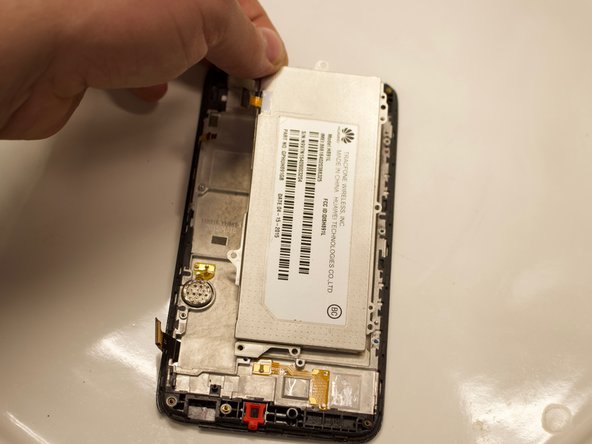
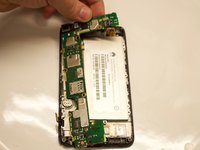
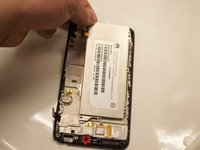
    • The battery should be revealed once the motherboard is removed.

    • Lift the battery from the top left corner.

    Ask FixBot

    Add Comment

  6. Huawei Pronto LTE Display Screen Assembly Replacement, Screen Assembly: step 6, image 1 of 2 Huawei Pronto LTE Display Screen Assembly Replacement, Screen Assembly: step 6, image 2 of 2
    • Remove the motherboard. Refer to the Motherboard Replacement Guide.

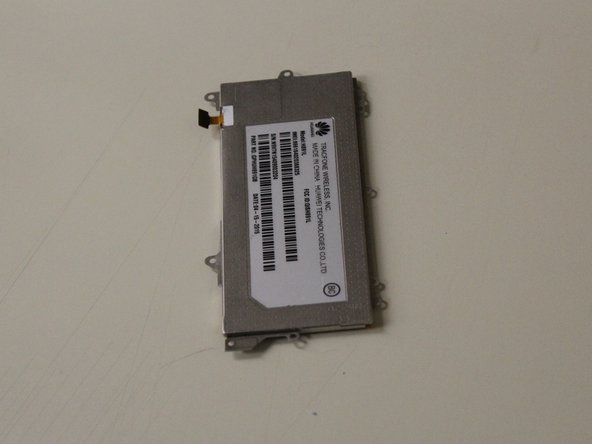
    • Remove the battery.

    Ask FixBot

    Add Comment

  7. Huawei Pronto LTE Display Screen Assembly Replacement: step 7, image 1 of 2 Huawei Pronto LTE Display Screen Assembly Replacement: step 7, image 2 of 2
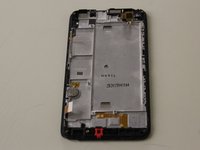
    • Once the battery is removed the screen will be visible.

    Ask FixBot

    Add Comment

Conclusion

To reassemble your device, follow these instructions in reverse order.

Cancel: I did not complete this guide.

Crystal Edwards

Member since: 09/21/18

450 Reputation

3 Guides authored

0 Guide Comments

Add Comment

View Statistics:

Past 24 Hours: 0

Past 7 Days: 7

Past 30 Days: 33

All Time: 364