Free Shipping on Domestic Orders $75+

Huawei Pronto LTE Battery Replacement

What you need

    1. Huawei Pronto LTE Battery Replacement, Battery: step 1, image 1 of 2 Huawei Pronto LTE Battery Replacement, Battery: step 1, image 2 of 2
      • Remove the back cover of your Huawei Pronto LTE using an opening tool.

      • Lift the back cover off of the device after the four corners are unlatched.

      Ask FixBot

      Add Comment

    2. Huawei Pronto LTE Battery Replacement: step 2, image 1 of 3 Huawei Pronto LTE Battery Replacement: step 2, image 2 of 3 Huawei Pronto LTE Battery Replacement: step 2, image 3 of 3
      • Remove the 15 screws on the back of the device using a Phillips #000 screwdriver.

      • Hold the device in place while you are doing this step.

      • Lift the inner cover gently by using a spudger.

      Ask FixBot

      Add Comment

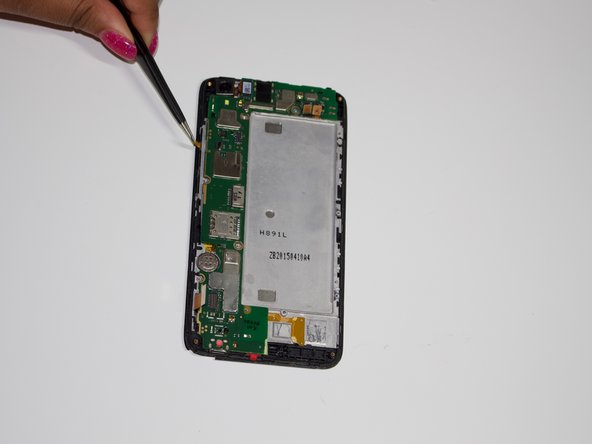
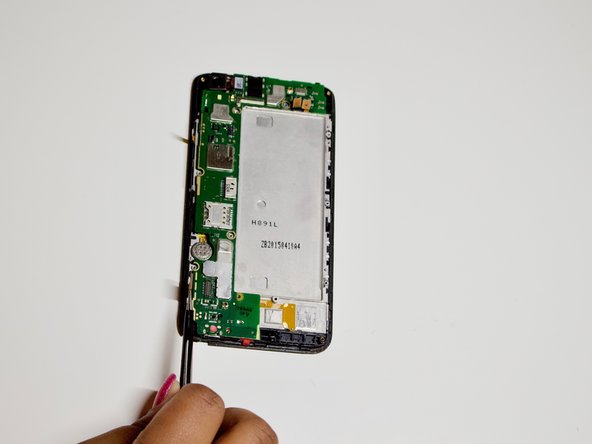
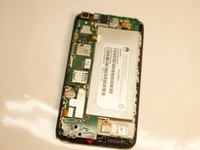
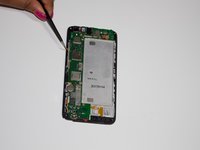
    3. Huawei Pronto LTE Battery Replacement: step 3, image 1 of 3 Huawei Pronto LTE Battery Replacement: step 3, image 2 of 3 Huawei Pronto LTE Battery Replacement: step 3, image 3 of 3
      • Detach the yellow latches along the sides to remove the motherboard.

      Ask FixBot

      Add Comment

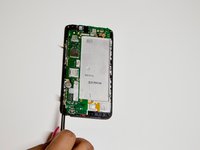
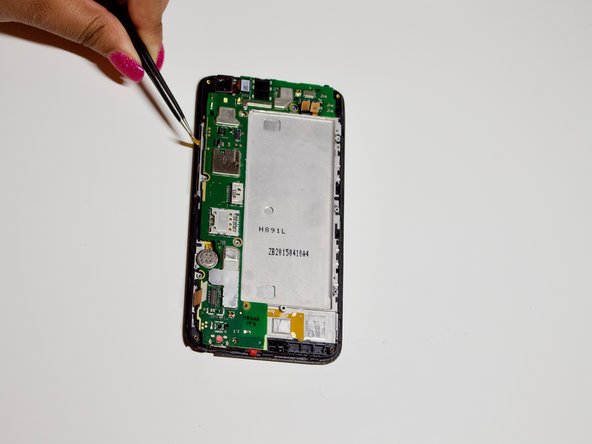
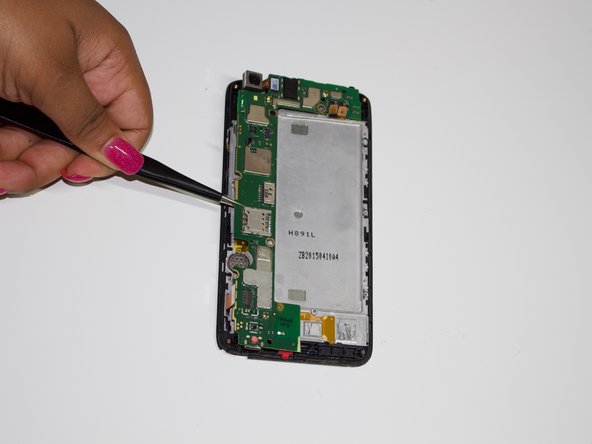
    4. Huawei Pronto LTE Battery Replacement: step 4, image 1 of 3 Huawei Pronto LTE Battery Replacement: step 4, image 2 of 3 Huawei Pronto LTE Battery Replacement: step 4, image 3 of 3
      Tool used on this step:
      Tweezers
      $4.99
      Buy
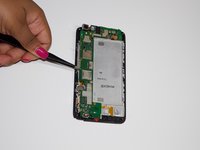
      • Ensure that all latches are detached and that there are no extra screws to avoid damaging the motherboard.

      • Use tweezers to gently remove the motherboard from the device.

      Ask FixBot

      Add Comment

    5. Huawei Pronto LTE Battery Replacement: step 5, image 1 of 3 Huawei Pronto LTE Battery Replacement: step 5, image 2 of 3 Huawei Pronto LTE Battery Replacement: step 5, image 3 of 3
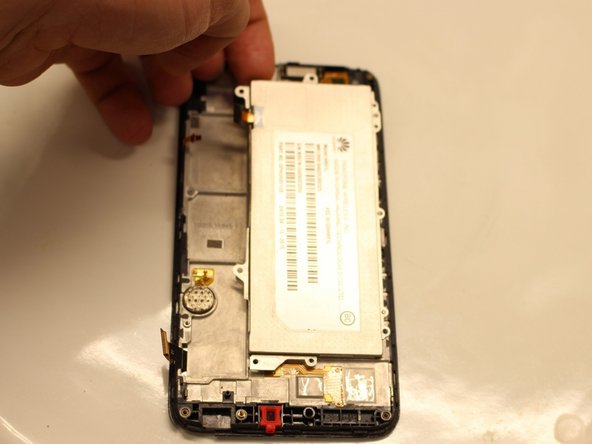
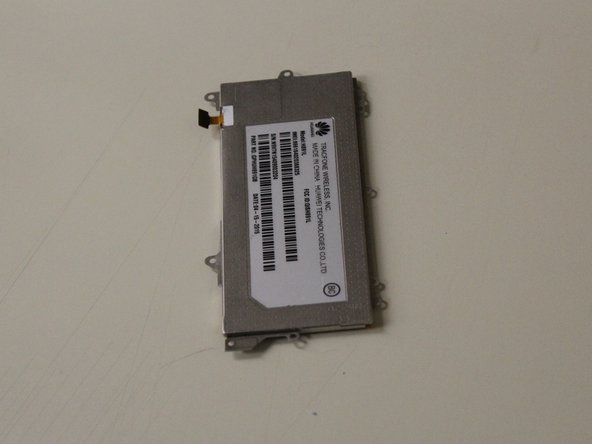
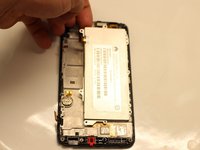
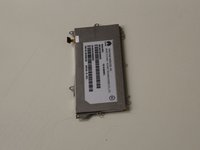
      • The battery should be revealed once the motherboard is removed.

      • Lift the battery from the top left corner.

      Ask FixBot

      Add Comment

Conclusion

To reassemble your device, follow these instructions in reverse order.

Cancel: I did not complete this guide.

Crystal Edwards

Member since: 09/21/18

450 Reputation

3 Guides authored

0 Guide Comments

Add Comment

View Statistics:

Past 24 Hours: 0

Past 7 Days: 3

Past 30 Days: 35

All Time: 1,312