Free Shipping on Domestic Orders $75+

Huawei Ascend W1 Front Facing Camera Replacement

What you need

  1. Huawei Ascend W1 Front Facing Camera Replacement, The phone's orientation.: step 1, image 1 of 1
    • Flip the device over so that the back of the phone is facing you and the screen is against your palm.

    Ask FixBot

    Add Comment

  2. Huawei Ascend W1 Front Facing Camera Replacement, Removing the back cover.: step 2, image 1 of 1
    • Locate the slit at the bottom of the back cover.

    • Using your fingernail, lift up on the back cover to expose the battery.

    Ask FixBot

    Add Comment

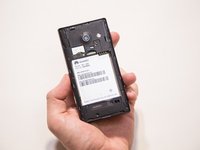
  3. Huawei Ascend W1 Front Facing Camera Replacement: step 3, image 1 of 1
    • Lift the back cover off the phone.

    • The back cover is snapped onto the phone so you will feel it unsnapping as you remove it.

    Ask FixBot

    Add Comment

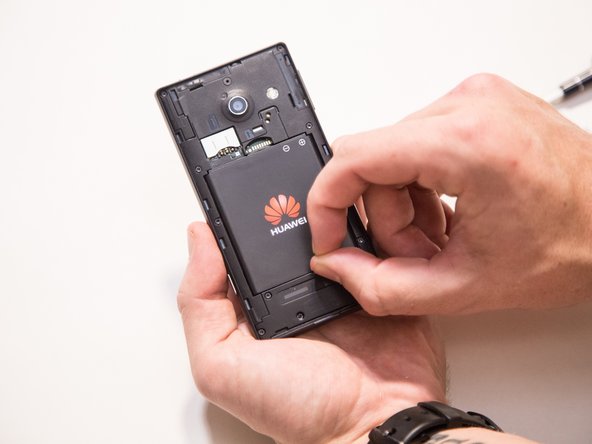
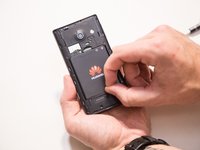
  4. Huawei Ascend W1 Front Facing Camera Replacement, Removing the battery.: step 4, image 1 of 3 Huawei Ascend W1 Front Facing Camera Replacement, Removing the battery.: step 4, image 2 of 3 Huawei Ascend W1 Front Facing Camera Replacement, Removing the battery.: step 4, image 3 of 3
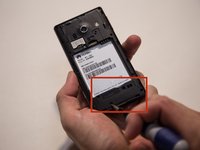
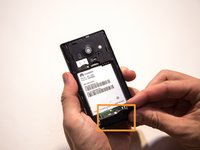
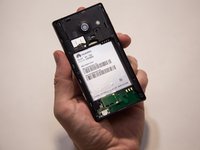
    • Find the indented notch at the base of the battery.

    • Lift the battery out of the phone with your fingers by pressing forward and lifting upward.

    Ask FixBot

    Add Comment

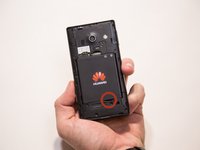
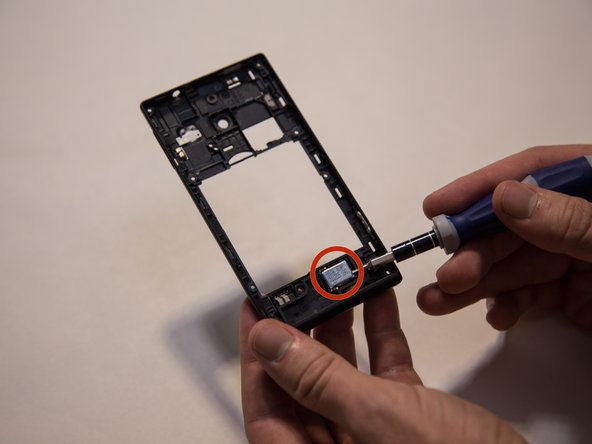
  5. Huawei Ascend W1 Front Facing Camera Replacement, Remove all the screws.: step 5, image 1 of 2 Huawei Ascend W1 Front Facing Camera Replacement, Remove all the screws.: step 5, image 2 of 2
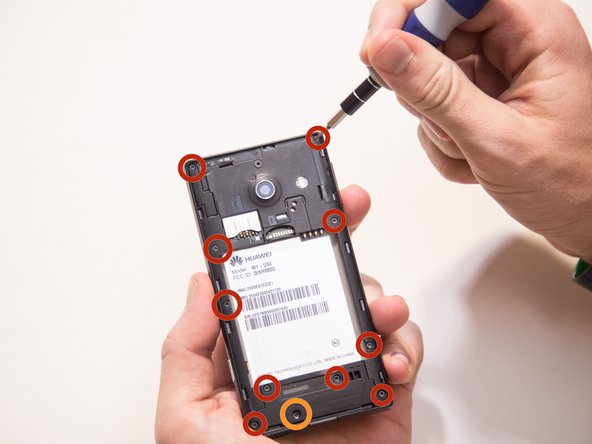
    • After removing the battery, remove the screws using a T6 screwdriver.

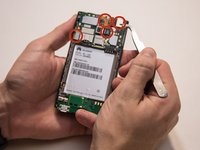
    • There are eleven screws that hold the middle cover to the rest of the phone.

    • The screw that is marked by the orange circle is covered by a white dot.

    Ask FixBot

    Add Comment

  6. Huawei Ascend W1 Front Facing Camera Replacement, Removing lower section of the middle cover.: step 6, image 1 of 3 Huawei Ascend W1 Front Facing Camera Replacement, Removing lower section of the middle cover.: step 6, image 2 of 3 Huawei Ascend W1 Front Facing Camera Replacement, Removing lower section of the middle cover.: step 6, image 3 of 3
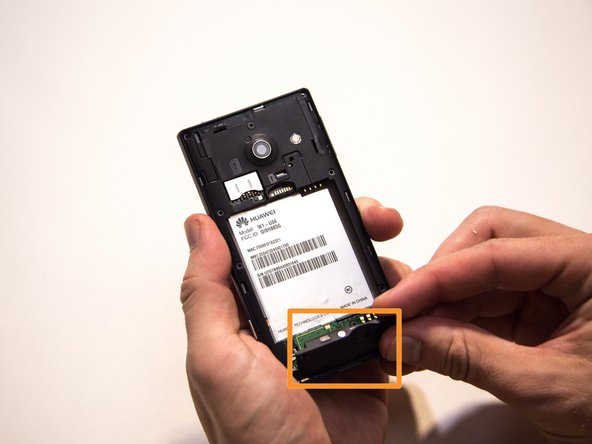
    • After all the screws are removed, use your fingers to remove the lower section of the middle cover.

    • Pull the lower section of the middle cover outward towards you, exposing the circuit board underneath.

    Ask FixBot

    Add Comment

  7. Huawei Ascend W1 Front Facing Camera Replacement, Removing the rest of the middle cover.: step 7, image 1 of 3 Huawei Ascend W1 Front Facing Camera Replacement, Removing the rest of the middle cover.: step 7, image 2 of 3 Huawei Ascend W1 Front Facing Camera Replacement, Removing the rest of the middle cover.: step 7, image 3 of 3
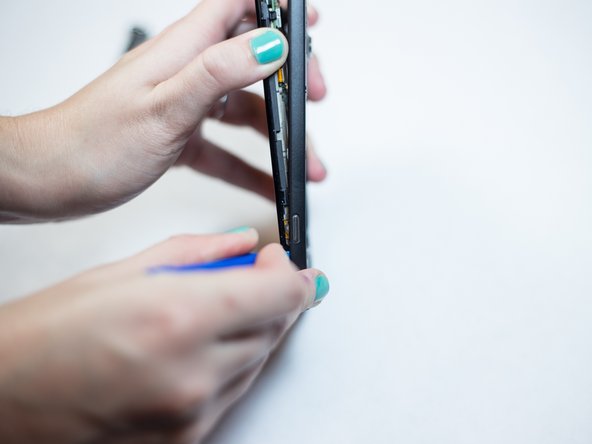
    • Begin working your way around the sides of the cover plate, unsnapping it gently.

    • The middle cover is a thin piece of plastic with the external speaker inside of it.

    • Be gentle as you remove circuit cover. The parts might break if you are too forceful.

    Ask FixBot

    Add Comment

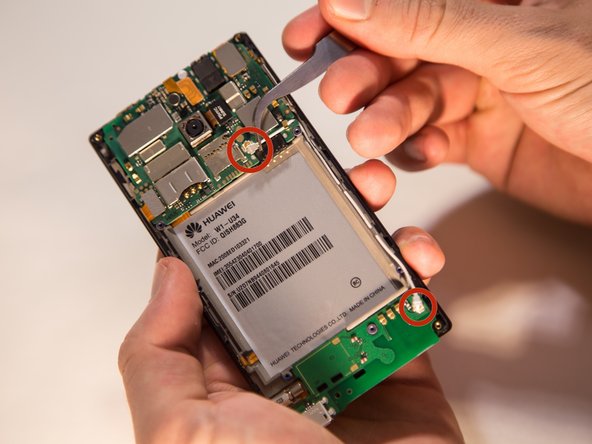
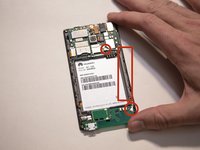
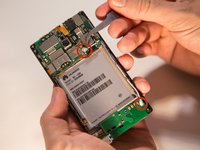
  8. Huawei Ascend W1 Front Facing Camera Replacement, Locating the antenna.: step 8, image 1 of 2 Huawei Ascend W1 Front Facing Camera Replacement, Locating the antenna.: step 8, image 2 of 2
    • The middle covers are removed.

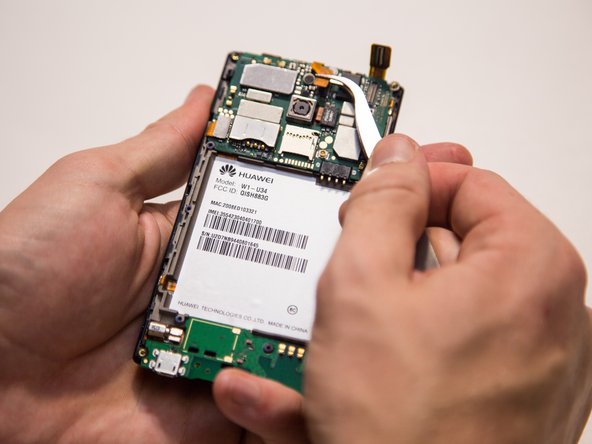
    • The antenna is a thin white wire that connects to the circuit board in two locations.

    Ask FixBot

    Add Comment

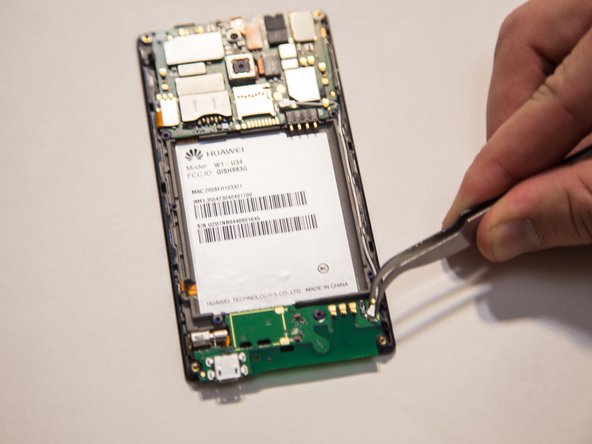
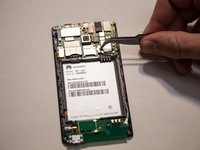
  9. Huawei Ascend W1 Front Facing Camera Replacement, Removing the antenna: step 9, image 1 of 2 Huawei Ascend W1 Front Facing Camera Replacement, Removing the antenna: step 9, image 2 of 2
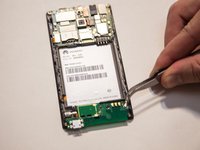
    • Lift gently at each connector of the white wire to disconnect the antenna from the port.

    Ask FixBot

    Add Comment

  10. Huawei Ascend W1 Front Facing Camera Replacement, Motherboard: step 10, image 1 of 3 Huawei Ascend W1 Front Facing Camera Replacement, Motherboard: step 10, image 2 of 3 Huawei Ascend W1 Front Facing Camera Replacement, Motherboard: step 10, image 3 of 3
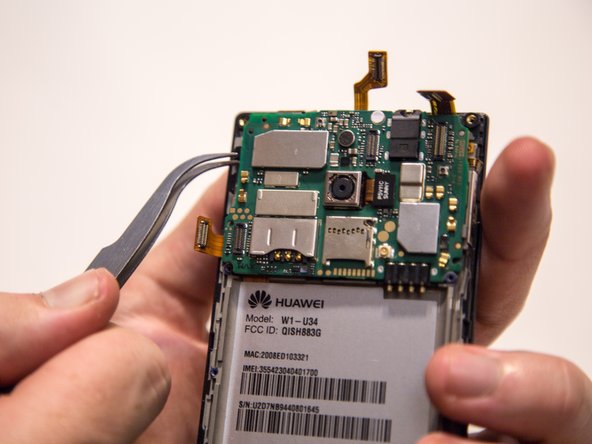
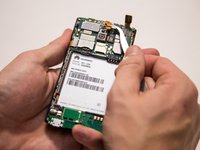
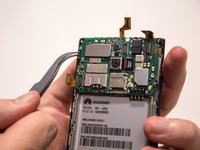
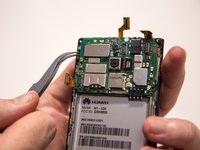
    • Use a plastic spudger or your fingers to gently pry up the four flex cables from the main board.

    Ask FixBot

    Add Comment

  11. Huawei Ascend W1 Front Facing Camera Replacement: step 11, image 1 of 2 Huawei Ascend W1 Front Facing Camera Replacement: step 11, image 2 of 2
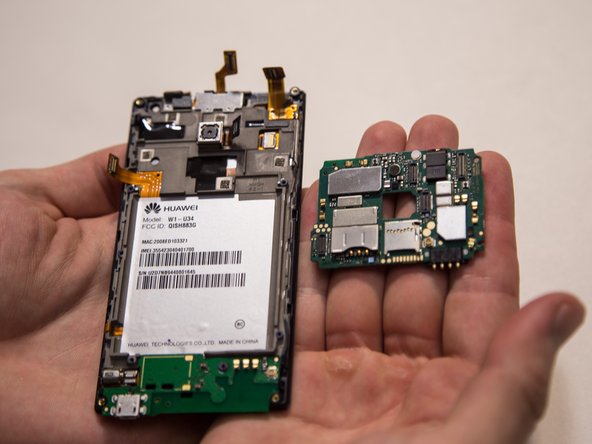
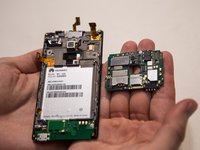
    • With the back of the phone facing you, there will be a small black clip on the left side holding the main board in place.

    • Gently pry up near the small black clip with your fingers or a plastic spudger to detach the main board.

    Ask FixBot

    Add Comment

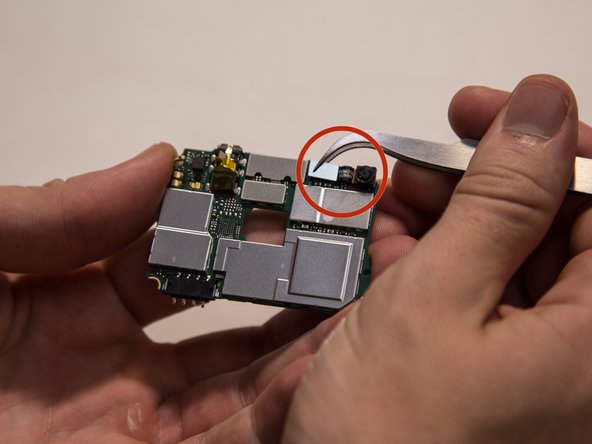
  12. Huawei Ascend W1 Front Facing Camera Replacement, Locate the front camera: step 12, image 1 of 2 Huawei Ascend W1 Front Facing Camera Replacement, Locate the front camera: step 12, image 2 of 2
    • With the main board facing away from you, the front camera is on the top right corner.

    • There is a silver connector and a black flex cable attached to the front camera.

    Ask FixBot

    Add Comment

  13. Huawei Ascend W1 Front Facing Camera Replacement, Remove the front camera: step 13, image 1 of 1
    • Using the small pliers, disconnect the front camera's flex cable from the main board.

    Ask FixBot

    Add Comment

  14. Huawei Ascend W1 Front Facing Camera Replacement, Removing the front camera.: step 14, image 1 of 1
    • Once the flex cable is disconnected, completely remove the front camera off the main board.

    Ask FixBot

    Add Comment

Conclusion

To reassemble your device, follow these instructions in reverse order.

Cancel: I did not complete this guide.

2 other people completed this guide.

Jaie Hillery

Member since: 10/07/14

1,774 Reputation

10 Guides authored

0 Guide Comments

Add Comment

View Statistics:

Past 24 Hours: 2

Past 7 Days: 16

Past 30 Days: 53

All Time: 908