
Hp 15-f305dx Keyboard Replacement

Brandon and 5 other contributors
Last updated on Jun 14, 2021
Views: 1.1K
View statistics:
- Past 24 Hours:
- 0
- Past 7 Days:
- 20
- Past 30 Days:
- 65
- All Time:
- 1,078
Comments: 4
4 comments on steps.
Completed: 0 1
No one has marked this guide "completed." Will you be the first?
1 person has marked this guide "completed." It's you — great job!
Favorites: 0 1
No one has favorited (and subscribed to) this guide. Will you be the first?
1 person has favorited (and subscribed to) this guide — and that's you!
Step Trimmer
This guide has unnecessary steps. Trim them to be more concise!
Missing Details
Some of this guide's details are missing. Help users by adding tools, difficulty, or time.
Introduction
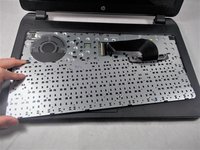
Go to step 1 ↓If you need to replace the keyboard on your HP 15-f305dx laptop, use this guide.
The keyboard is the main way you interface with your computer. It is a crucial component in order effectively use a computer. There are several reasons why a keyboard may fail or stop working, including liquid, dust/debris, dropping the laptop, or bad hardware. All of these have the potential to cause a keyboard to fail resulting in the need for replacement.
Before using this guide, ensure your laptop’s battery has been removed so there is no chance of electric shock or further damage to your laptop.
What you need
Tools

-
-
-
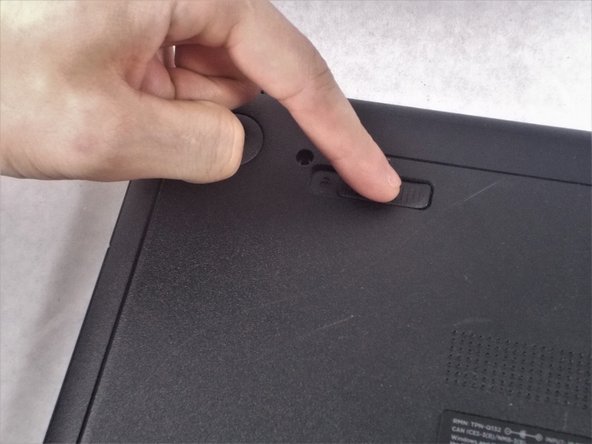
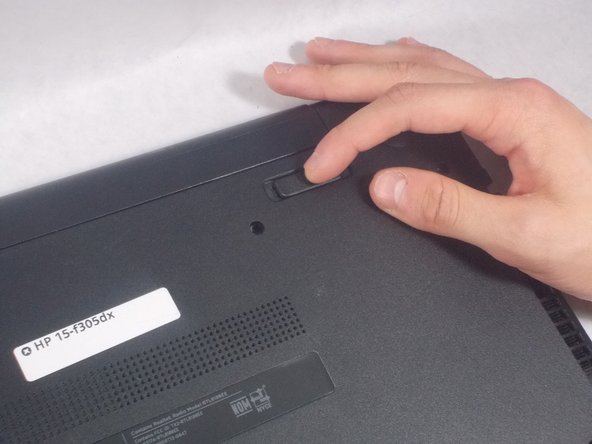
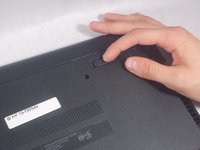
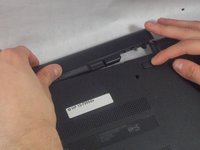
Firmly slide the release latch to unlock the battery and slide the battery release latch to release the battery.
-
-
-
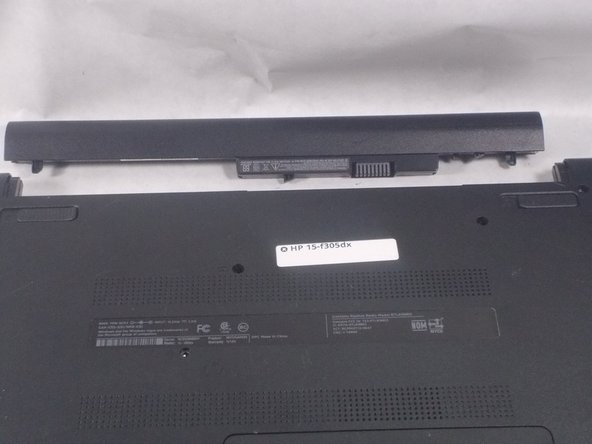
Lift the battery from the middle and then pivot it outward to remove it from the computer.
-
-
-
-
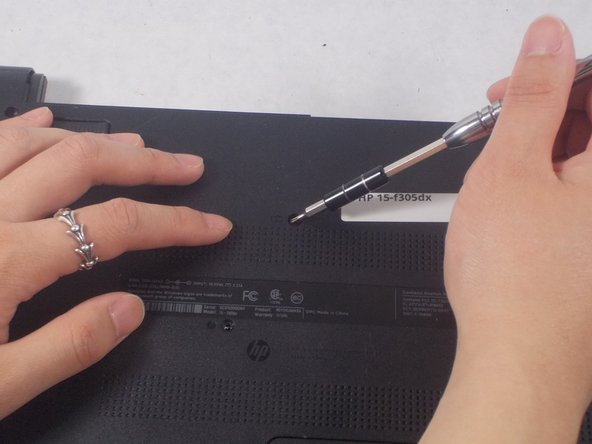
Remove the single 7 mm screw from the top middle of the laptop using a Phillips #0 screwdriver.
-
-

 Ask FixBot








To reassemble your device, follow these instructions in reverse order.

Team

UMass Dartmouth, Team S2-G3, Bernier Spring 2018 Member of UMass Dartmouth, Team S2-G3, Bernier Spring 2018
UMASSD-BERNIER-S18S2G3
3 Members
48 Guides authored
