
How to open Logitech Z130 speakers

Benoit74 and one other contributor
Last updated on Jun 26, 2024
Views: 4.5K
View statistics:
- Past 24 Hours:
- 5
- Past 7 Days:
- 22
- Past 30 Days:
- 105
- All Time:
- 4,511
Comments: 4
1 comment on steps, 3 guide comments.
Go to guide commentsCompleted: 4 5
4 people have marked this guide "completed." Will you be next?
5 people have marked this guide "completed." Including you — great job!
Favorites: 0 1
No one has favorited (and subscribed to) this guide. Will you be the first?
1 person has favorited (and subscribed to) this guide — and that's you!
Grammar Police
Embrace your inner English teacher and help improve this guide's grammar!
Bullets!
Better coordination with markups and the color/type of bullets will help make this guide more clear!
Community-Contributed Guide
An awesome member of our community made this guide. It was not created by iFixit staff.
Introduction
Go to step 1 ↓If you’re having trouble with your Logitech Z130 speakers, this guide will show you how to open them in order to access the internal components.
This guide isn’t intended for a specific repair, only to allow you to open the speakers to diagnose a problem.
What you need


-
-
-
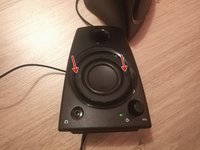
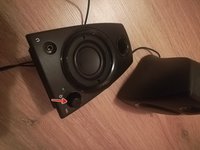
Two front screws are hidden by the speaker grid
-
Remove the two screws which are now apparent
-
-
-
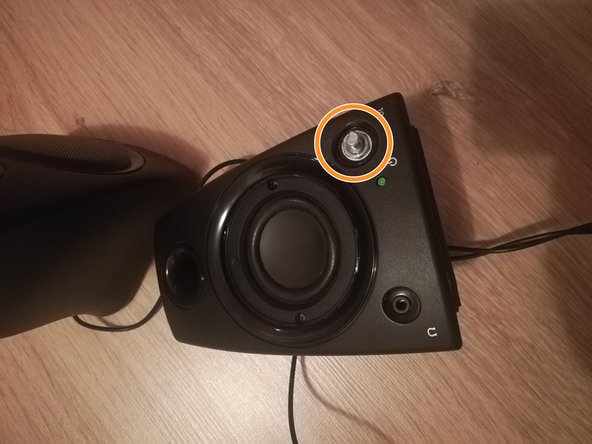
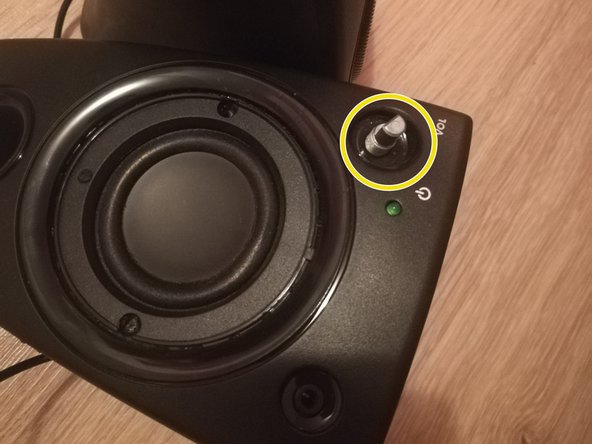
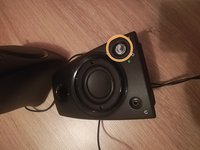
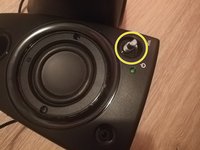
Remove the volume button by pulling it
-
Unscrew the nut which is now exposed
-
Remove the nut and the spacer
-
-
-
-
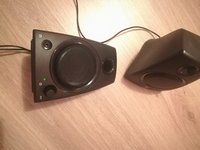
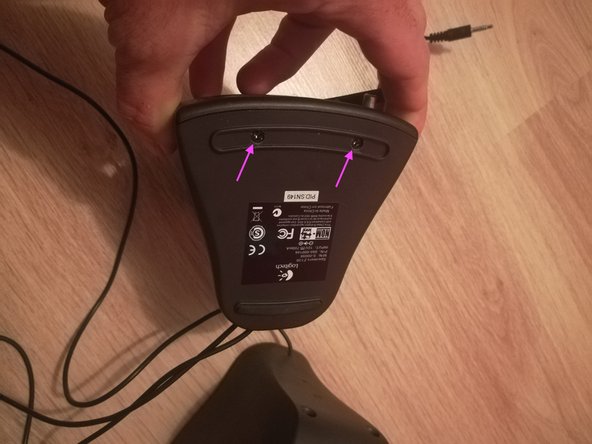
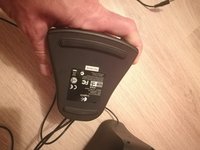
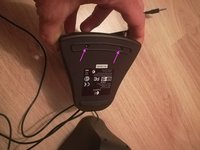
Two front screws are hidden by a pad below the speaker.
-
Remove the pad
-
Remove the two bottom screws.
-
-
-
Job's done, you are now able to open the speaker by gently pulling the front part of it.
-

 Ask FixBot





To reassemble your device, follow these instructions in reverse order.
Cancel: I did not complete this guide.
4 other people completed this guide.

3 Guide Comments
Thanks for this - I needed to open up my Z130 to spray contact cleaner in the volume potentiometer. No more breakup when turning the volume knob!
Whew! I was ruining the speaker plastic trying to pry this thing apart. Now I see I need to take out the two screws under the speaker grill!
Getting the speaker grill off was difficult - I had to insert a screwdriver and lever it upwards, bending the edge of the grill which later had to be straightened when I reassembled it.
