
How to change hp 620's keyboard

Luigi Morresi and one other contributor
Last updated on Oct 6, 2025
Views: 406
View statistics:
- Past 24 Hours:
- 1
- Past 7 Days:
- 17
- Past 30 Days:
- 68
- All Time:
- 406
Comments: 0
No one has left comments on this guide. Will you be first?
Go to guide commentsCompleted: 0 1
No one has marked this guide "completed." Will you be the first?
1 person has marked this guide "completed." It's you — great job!
Favorites: 0 1
No one has favorited (and subscribed to) this guide. Will you be the first?
1 person has favorited (and subscribed to) this guide — and that's you!
Community-Contributed Guide
An awesome member of our community made this guide. It was not created by iFixit staff.
-
-
-
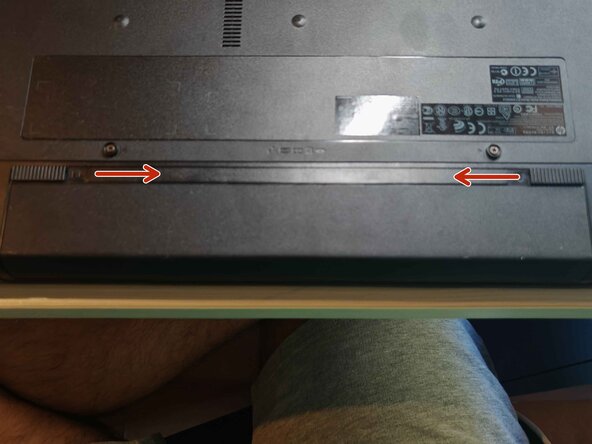
push the switches that holdes the battery
-
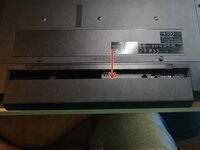
Push the battery out
 Ask FixBot
-
-
-
-
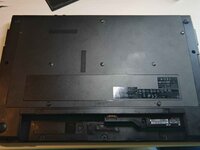
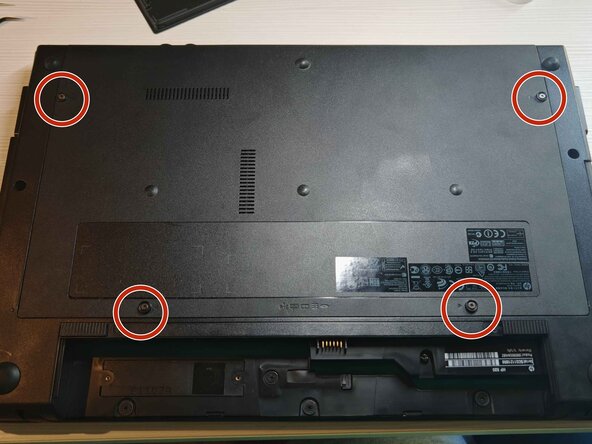
unscrew the 4 screws, don't worry if they don't come out, they don't have to
-
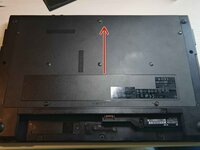
Then push the plate and it will come out
-
-
-
Unscrew this single screw
-
Now push the dvd player to the side until it comes off
-
-





Per rimontare il dispositivo, segui queste istruzioni in ordine inverso.

