Introduction
When it comes to attaching a Screen Protector to your mobile device, for this instance the iPhone 12, the style of the Screen Protector such as clear, privacy glass or blueray colored screen won't be any different during the process of the screen install. In this guide, we will go over how to install a brand new screen protector for the iPhone 12. We will go over the materials needed during this process as well as the step by step process on how to properly install the new screen protector.
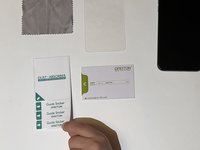
What you need
-
-
-
If any small pieces of the screen protector are still attached to the phone, genlty peel the pieces off until no more pieces remain.
-
When the screen protector and the pieces are removed, you can dispose of it immediately or set it aside for disposal.
 Ask FixBot
-
-
-
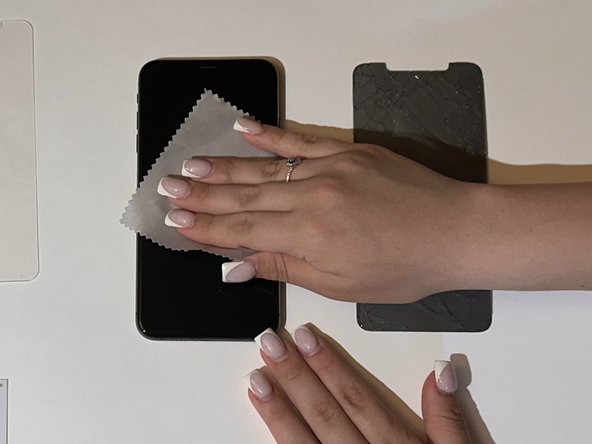
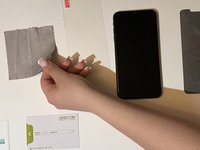
Grab the wet cloth from the pack and wipe the screen of the iPhone in order to remove any stain or mark left behind.
-
-
-
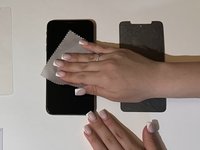
With the LCD cloth, wipe and dry the screen of the phone to remove any small debris or dust.
-
-
-
-
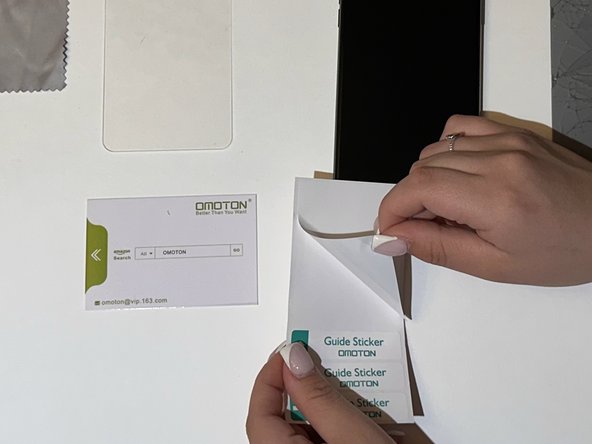
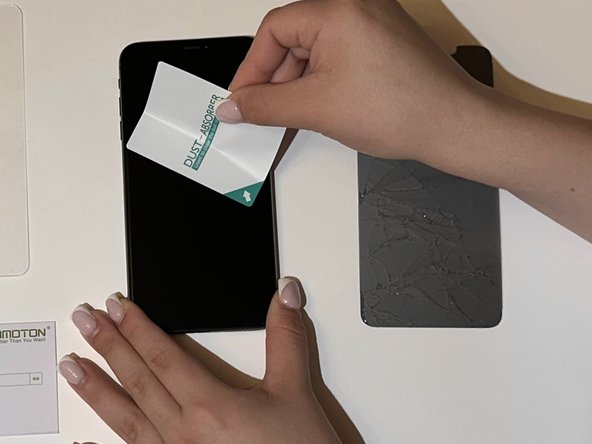
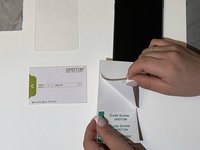
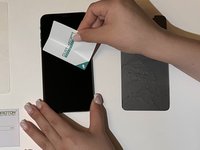
Grab the dust sticker and apply it all around on the screen multiple times, until you covered all areas of the iPhone display.
-
-
-
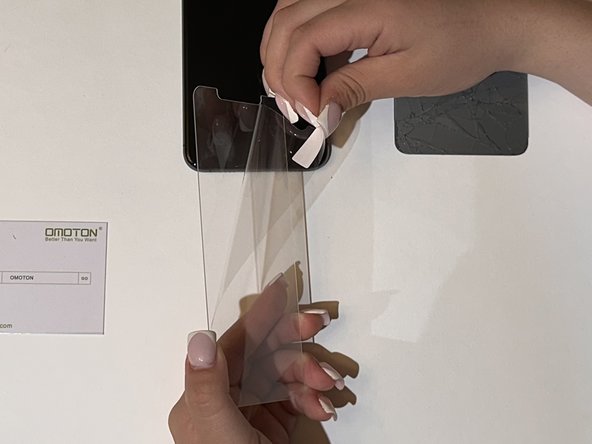
Grab the screen protector and remove the plastic that's attached to the sticky part of the screen protector.
-
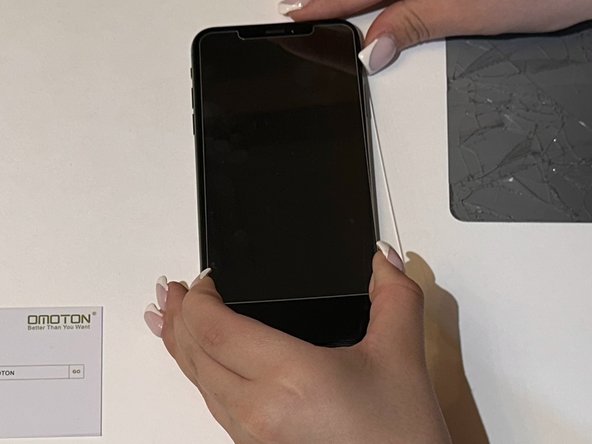
Align the new screen protector to the iPhone without touching the sticky part.
-
Press down on the screen protector from the top of the iPhone until you reach the bottom.
-
-
-
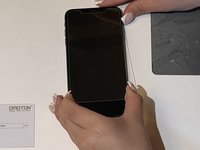
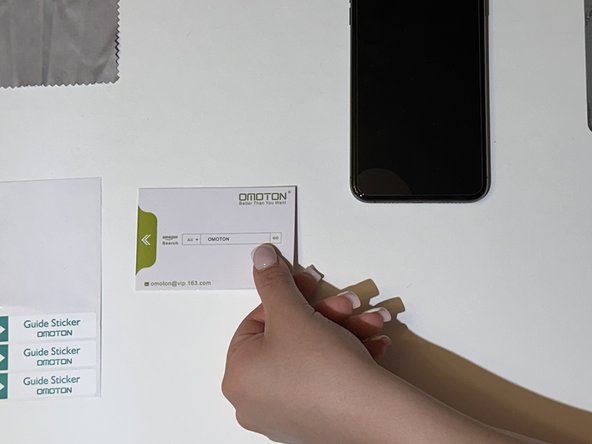
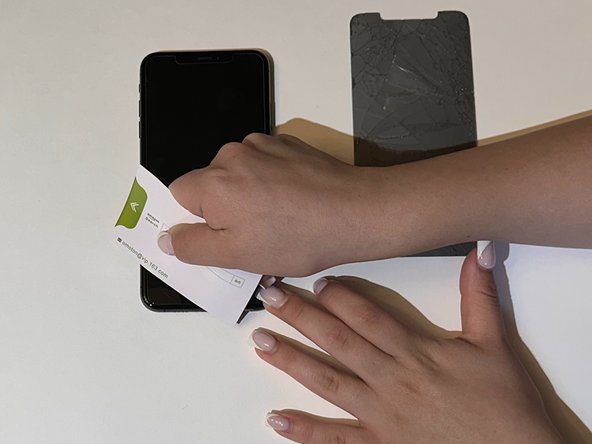
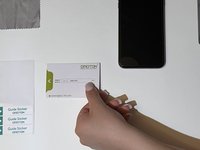
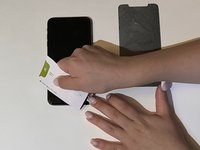
With the new screen protector on the phone, use the anti-bubble card to prevent bubbles from staying in between the iPhone and the screen protector.
-
Push the bubbles towards the edge of the iPhone until you see no more on the screen.
-
-
-
With the bubbles removed from the screen, the new screen protector for the iPhone 12 is now installed.
-
Dispose of any waste left after the installation.
-
-






To reassemble your device, follow these instructions in reverse order.
Cancel: I did not complete this guide.
3 other people completed this guide.

Team

CSU Los Angeles, Team 8-3, Ribeiro Fall 2023 Member of CSU Los Angeles, Team 8-3, Ribeiro Fall 2023
CSULA-RIBEIRO-F23S8G3
3 Members
12 Guides authored
