
How to Repair an Apple Lightning Cable

Redacted and 4 other contributors
Last updated on Sep 24, 2024
Views: 2.3K
View statistics:
- Past 24 Hours:
- 11
- Past 7 Days:
- 73
- Past 30 Days:
- 302
- All Time:
- 2,292
Comments: 0
No one has left comments on this guide. Will you be first?
Go to guide commentsCompleted: 1 2
1 person has marked this guide "completed." Will you be next?
2 people have marked this guide "completed." Including you — great job!
Favorites: 0 1
No one has favorited (and subscribed to) this guide. Will you be the first?
1 person has favorited (and subscribed to) this guide — and that's you!
Introduction
Go to step 1 ↓In this guide, you will learn how to repair a frayed or damaged lightning cable by stripping the wire near the damaged area and using a soldering iron to ensure a solid connection.
What you need
Tools


-
-
-
Locate the damaged area of your lightning cable.
-
Use the 1.6 mm gauge on the wire strippers to strip a small portion of the outer jacket.
-
Peel the outer jacket from both sides of the damaged area, exposing the underlying metal jacket.
 Ask FixBot
-
-
-
Carefully strip the metal jacket away from the underlying wires using the 1.0 mm gauge.
-
Use the scissors to cut the metal jacket off the cable.
-
-
-
Separate and examine the three main wires for any damage. Red (Power), White (Data), and Green (Data).
-
Separate the damaged wire from the other wires.
-
-
-
Strip the wire around the damaged area using the 0.6 mm gauge and expose the copper wires underneath.
-
-
-
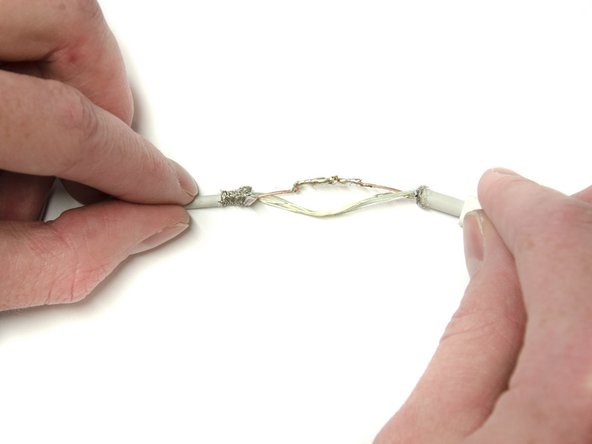
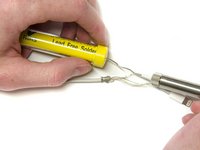
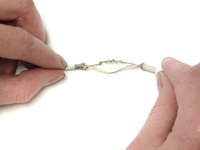
Solder the exposed wires together, ensuring contact throughout the damaged area using the soldering iron.
-
Repeat for any other damaged wires.
-
-
-
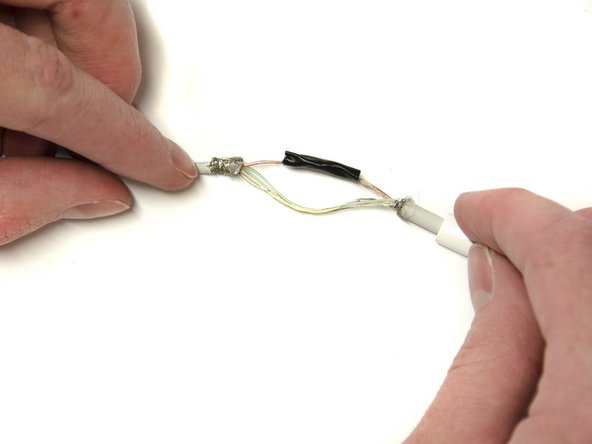
Wrap the soldered part of the wire in a thin layer of electrical tape to insulate it from the other wires.
-
Repeat for all soldered wires.
-
-
-
-
Slide the shrink tubing over the exposed wires to cover the bare wires on both ends.
-
-


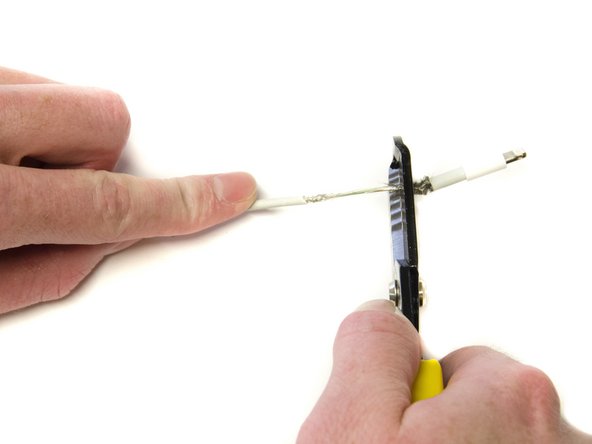
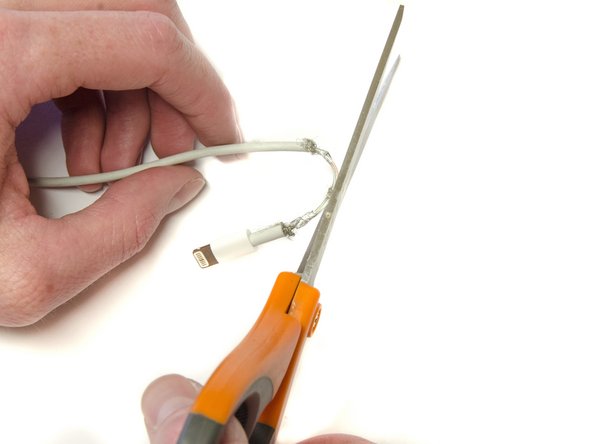


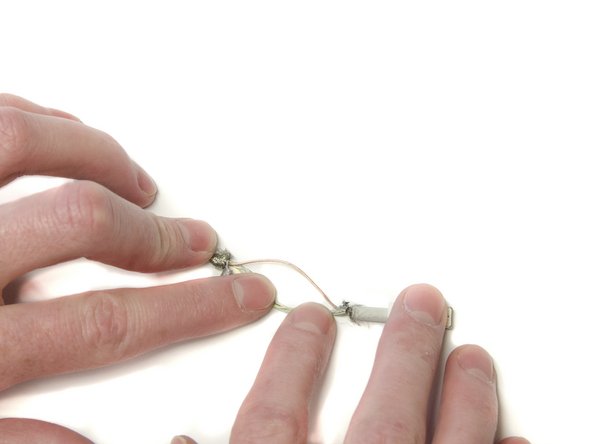
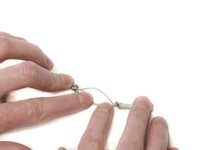

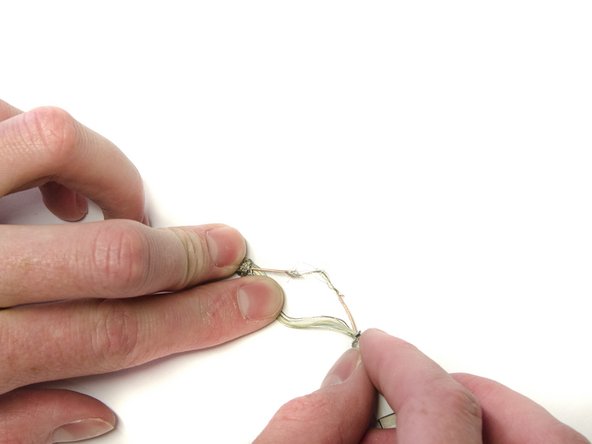
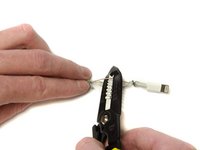


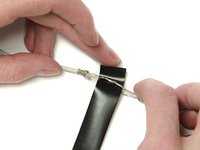
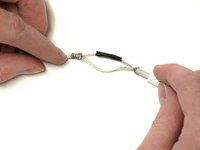

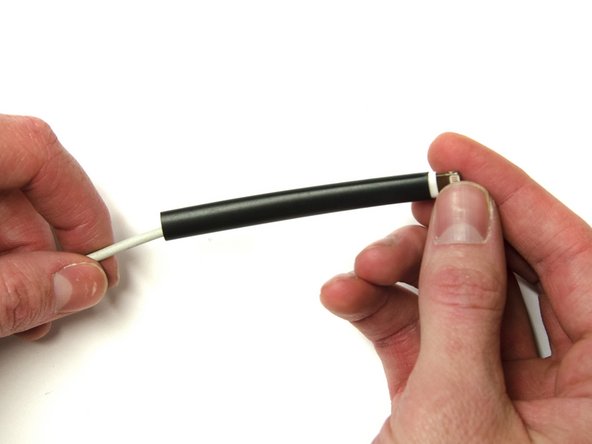
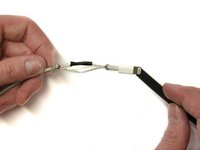
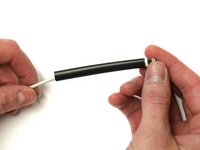

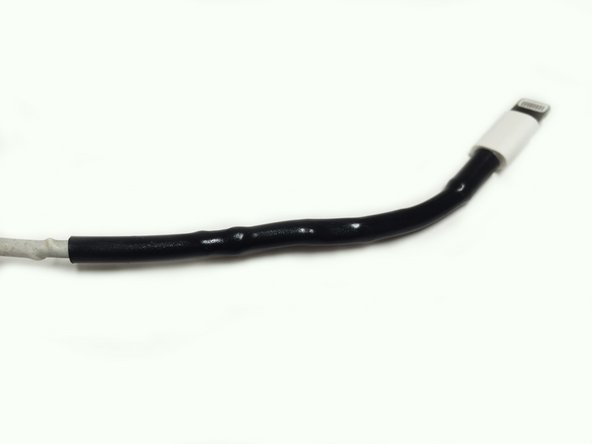
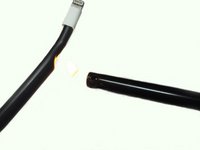
Repeat for any other damaged areas on lightning cable.
Cancel: I did not complete this guide.
One other person completed this guide.

