Introduction
This technique works by using a rubbing compound that contains a grit to wear down deeper scratches on the CD. It also utilizes car wax to fill any remaining scratches, protect the CD, and keep the CD clean. Please note that this method will only work for CDs and DVDs, but will not work for Blu-Ray discs, as they are made of a harder material. Therefore, trying to wear down scratches with a rubbing compound would prove unsuccessful on a Blu-Ray disc.
What you need
-
-
-
Rinse the disc with water and wipe clean to remove any dust or dirt.
 Ask FixBot
-
-
-
-
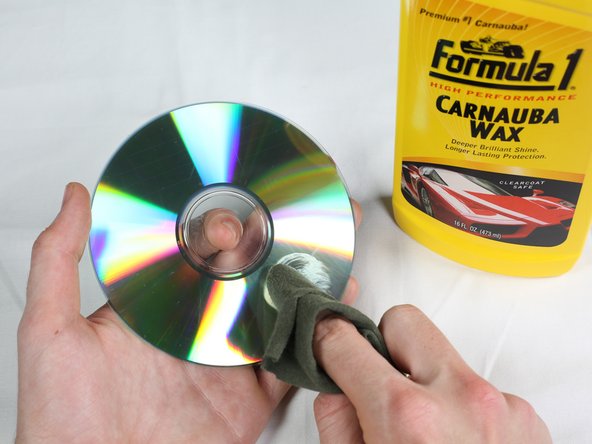
Apply a thin coat of car wax directly to the CD, using a circular application method.
-
-




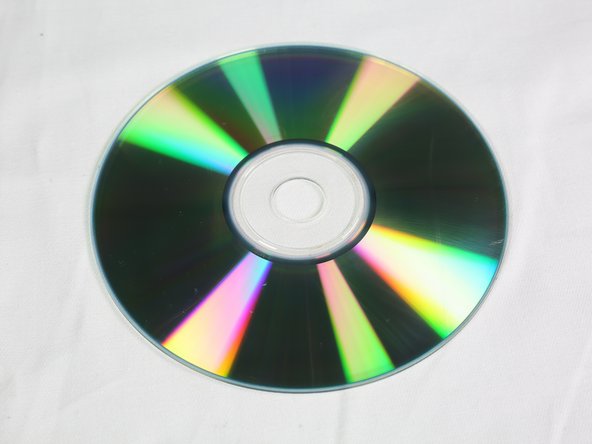


Congratulations! You have successfully repaired the scratched CD!
Cancel: I did not complete this guide.
8 other people completed this guide.

Team

University of Minnesota, Team 1-3, Breuch Fall 2016 Member of University of Minnesota, Team 1-3, Breuch Fall 2016
UMN-BREUCH-F16S1G3
2 Members
12 Guides authored
