What you need
-
-
Reinsert the screen into the case that contains the buttons.
 Ask FixBot
-
-
-
Put the Motherboard back into casing from right to left.
-
Make sure the black clips are securing the motherboard into the casing.
-
-
-
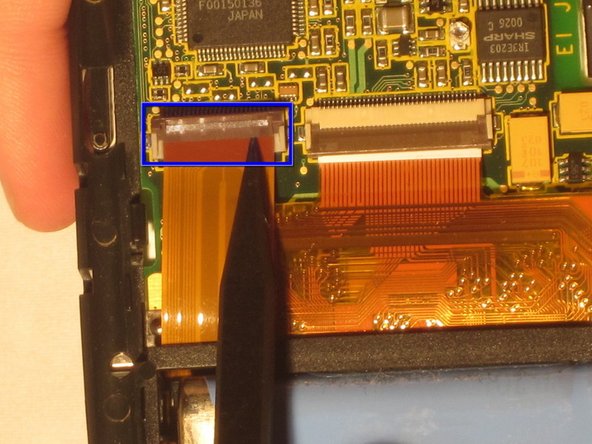
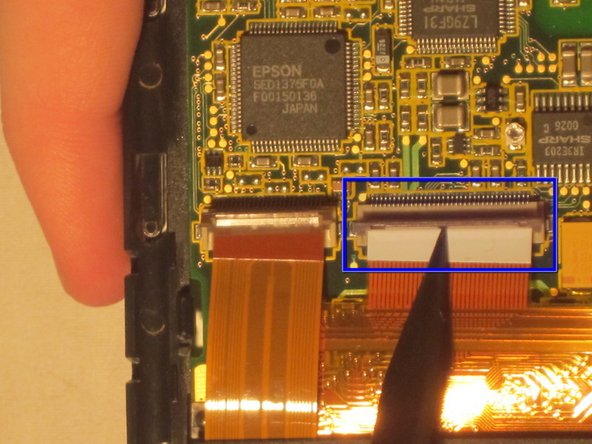
Secure the bottom two ZIF connectors into their slots by opening the flap and inserting the ZIF connectors.
-
Gently press down on the flap to secure the ZIF connector. This secures the screen and buttons to the motherboard.
-
-
-
-
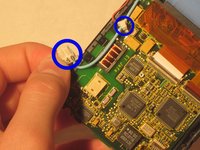
Connect the blue and red screen cables to the beige box they were removed from.
-
-
-
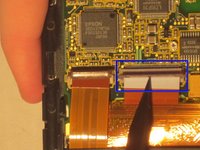
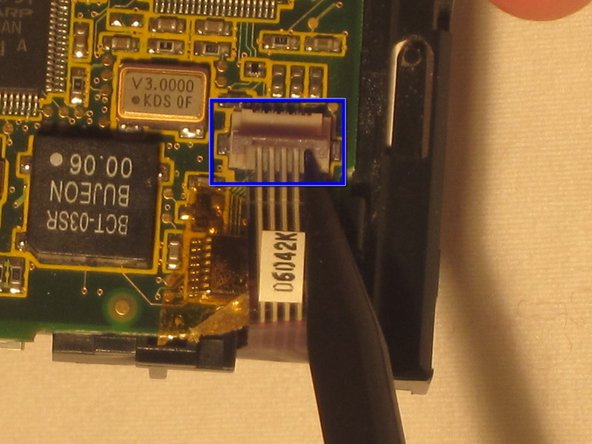
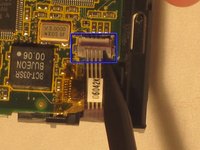
Open the ZIF connector box at the top of the motherboard by gently pulling up on the flap.
-
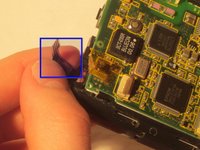
Insert the ZIF tab into the connector box.
-
Gently press down on the flap to secure the ZIF tab in place.
-
-
-
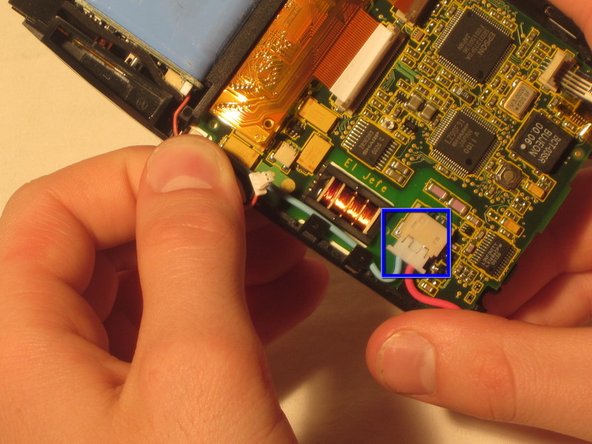
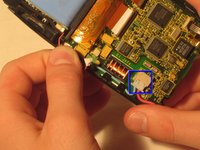
Attach the white box on the end of the red cable connected to the battery into the connector box on the motherboard.
-
-
-
Place the front and back covers around the casing containing the motherboard and screen.
-
Before securing the covers, place the sensor in between the front and back cover at the top of the device.
-
After the sensor is in place between the two covers, firmly secure the front and back covers.
-
-
-
Replace the long screws at the top of the back case with the Philips head screwdriver.
-
Replace the short screws to the bottom of the back case using the Philips head screwdriver.
-
After the screws are in place, insert the stylus.
-
-
-
Gently snap the flip cover back into place where it connects at the top of the Palm IIIc
-






Cancel: I did not complete this guide.
One other person completed this guide.

Team

Ohio State, Team 1-5, Buehl Winter 2012 Member of Ohio State, Team 1-5, Buehl Winter 2012
OSU-BUEHL-W12S1G5
5 Members
1 Guide authored
