Free Shipping on Domestic Orders $75+

How to Open the Left Handle of the Backbone One

What you need

  1. How to Open the Left Handle of the Backbone One, Unfasten the screws: step 1, image 1 of 1
    • Use a Phillips screwdriver to remove the four 5.9 mm-long screws.

    Ask FixBot

    Add Comment

  2. How to Open the Left Handle of the Backbone One, Rotate the upper cover: step 2, image 1 of 3 How to Open the Left Handle of the Backbone One, Rotate the upper cover: step 2, image 2 of 3 How to Open the Left Handle of the Backbone One, Rotate the upper cover: step 2, image 3 of 3
    • Lift up the upper part of the controller.

    • Swing over the upper cover and place it on the controller case.

    • Take care that the interconnecting cable has no tension.

    Ask FixBot

    Add Comment

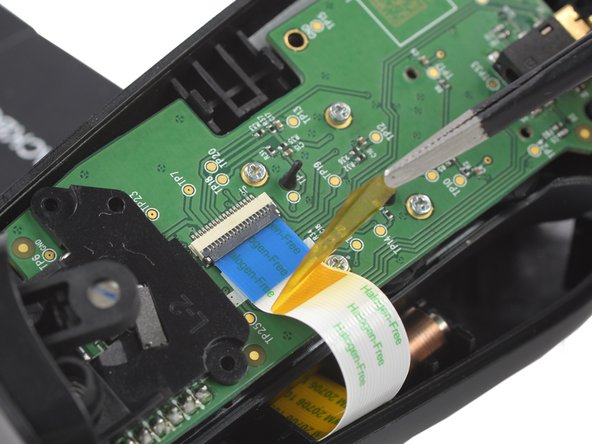
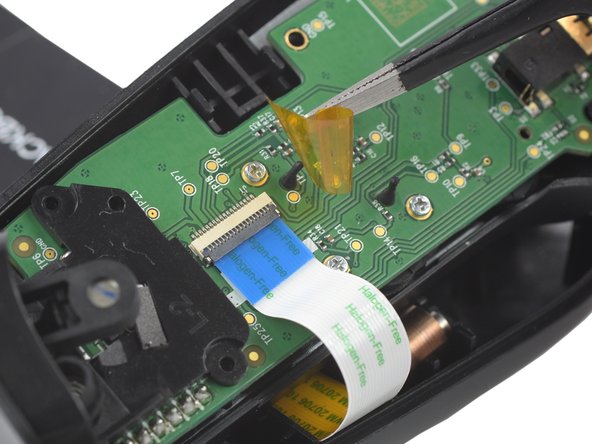
  3. How to Open the Left Handle of the Backbone One, Remove the protective tape: step 3, image 1 of 3 How to Open the Left Handle of the Backbone One, Remove the protective tape: step 3, image 2 of 3 How to Open the Left Handle of the Backbone One, Remove the protective tape: step 3, image 3 of 3
    Tool used on this step:
    Tweezers
    $4.99
    Buy
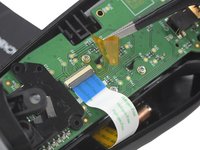
    • Use a pair of tweezers to remove the yellow protective tape which is placed over the interconnect cable connector.

    Ask FixBot

    Add Comment

  4. How to Open the Left Handle of the Backbone One, Open the ZIF connector: step 4, image 1 of 2 How to Open the Left Handle of the Backbone One, Open the ZIF connector: step 4, image 2 of 2
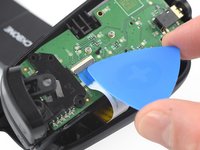
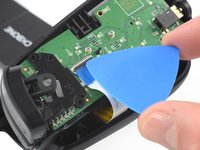
    • Use the tip of an opening pick to open the gray flap of the ZIF connector by pushing it upwards.

    Ask FixBot

    Add Comment

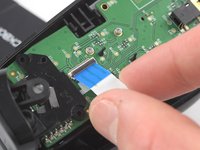
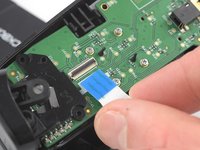
  5. How to Open the Left Handle of the Backbone One, Disconnect the interconnect cable: step 5, image 1 of 2 How to Open the Left Handle of the Backbone One, Disconnect the interconnect cable: step 5, image 2 of 2
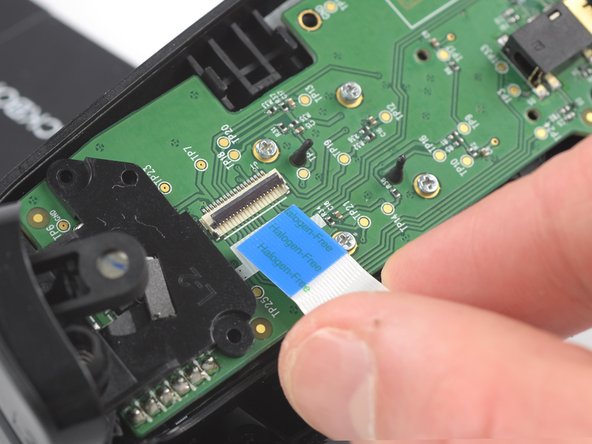
    • Use your fingers to disconnect the interconnect cable from its connector.

    Ask FixBot

    Add Comment

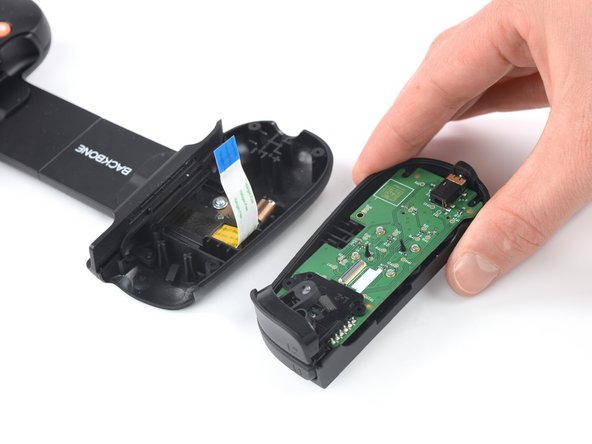
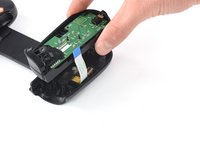
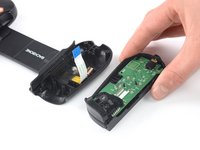
  6. How to Open the Left Handle of the Backbone One: step 6, image 1 of 2 How to Open the Left Handle of the Backbone One: step 6, image 2 of 2
    • Remove the upper half of the left controller assembly.

    Ask FixBot

    Add Comment

Conclusion

To reassemble your device, follow these instructions in reverse order.

Opening didn’t go as planned? Answers community for help.

Cancel: I did not complete this guide.

Adriana Zwink

Member since: 12/18/19

67,642 Reputation

167 Guides authored

Team

iFixit Member of iFixit

Staff

123 Members

27,624 Guides authored

2 Guide Comments

Did this work for you?

Shawn Gallant - Reply Share

Did this work for you?

Shawn Gallant - Reply Share

Add Comment

View Statistics:

Past 24 Hours: 0

Past 7 Days: 14

Past 30 Days: 72

All Time: 2,114