
How to Install the Handle for your Framework Desktop

Last updated on Sep 30, 2025
Views: 539
View statistics:
- Past 24 Hours:
- 5
- Past 7 Days:
- 12
- Past 30 Days:
- 48
- All Time:
- 539
Comments: 0
No one has left comments on this guide. Will you be first?
Go to guide commentsCompleted: 1 2
1 person has marked this guide "completed." Will you be next?
2 people have marked this guide "completed." Including you — great job!
Favorites: 0 1
No one has favorited (and subscribed to) this guide. Will you be the first?
1 person has favorited (and subscribed to) this guide — and that's you!
OEM Guide
iFixit collaborated with the manufacturer to make this guide.
Introduction
Go to step 1 ↓This guide shows how to install the Handle for your Framework Desktop.
What you need

-
-
-
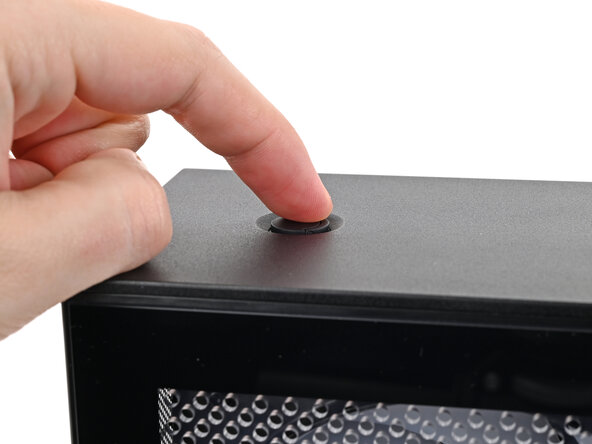
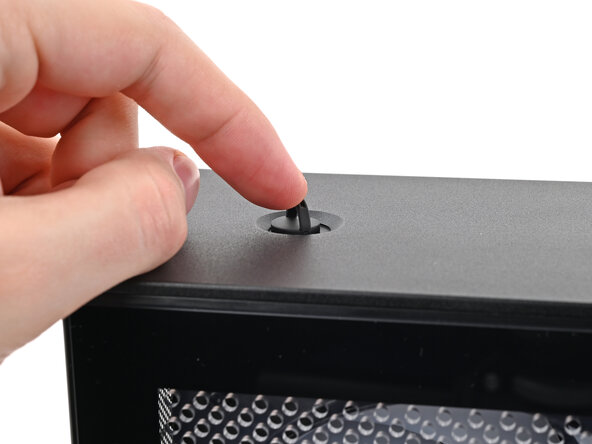
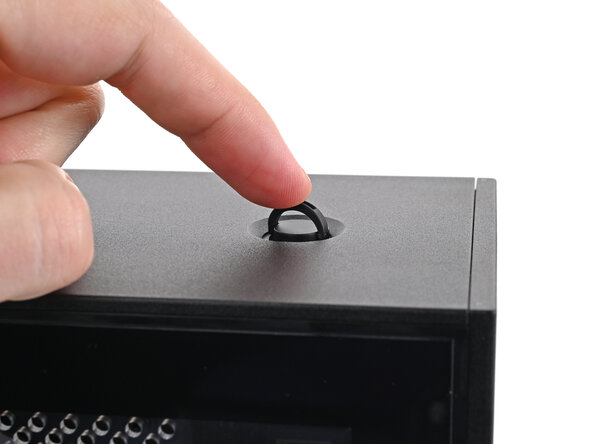
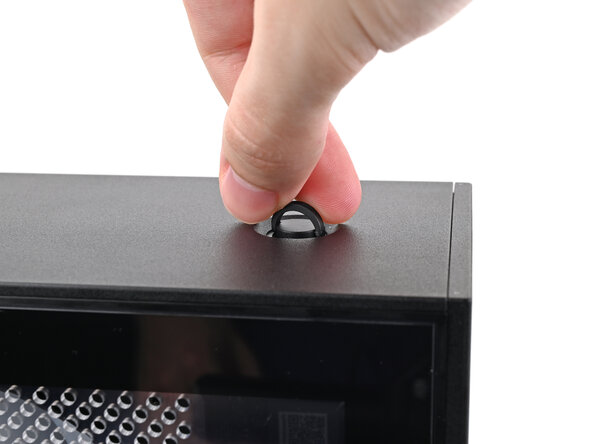
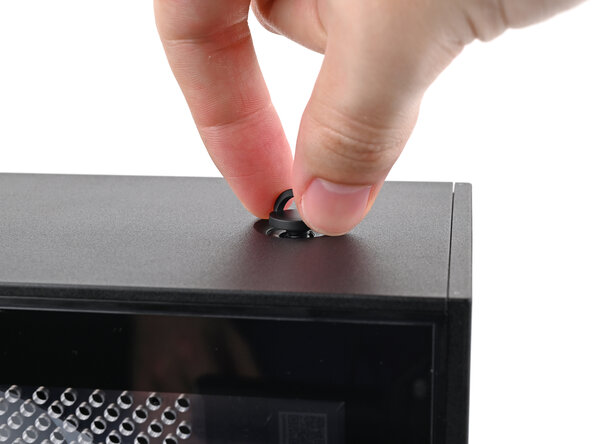
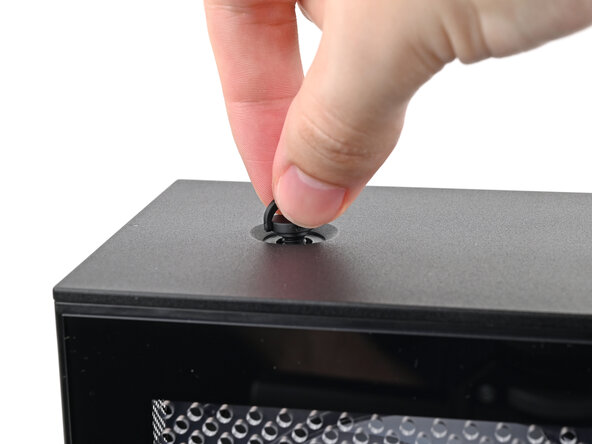
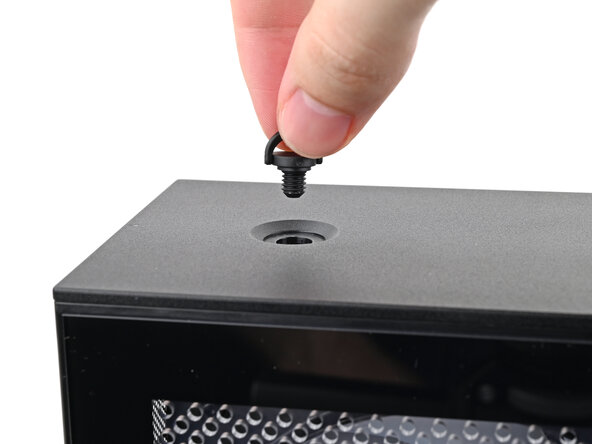
Use your finger to lift up the two D-rings on the Top Panel screws.
 Ask FixBot
-
-
-
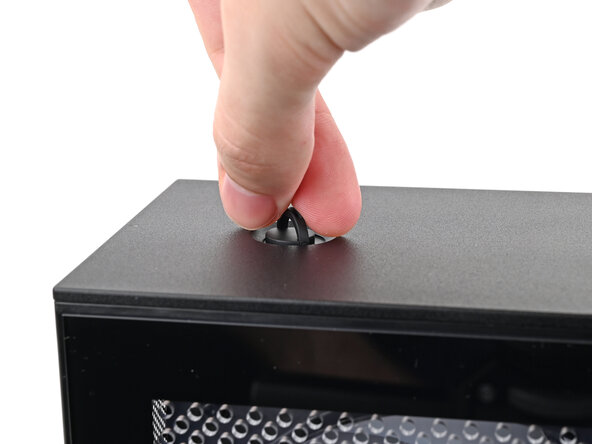
Use your fingers to twist the screw counter-clockwise and loosen it.
-
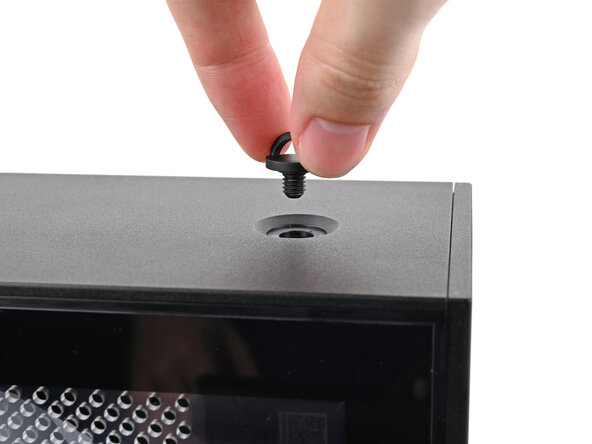
Remove the Top Panel screw.
-
-
-
-
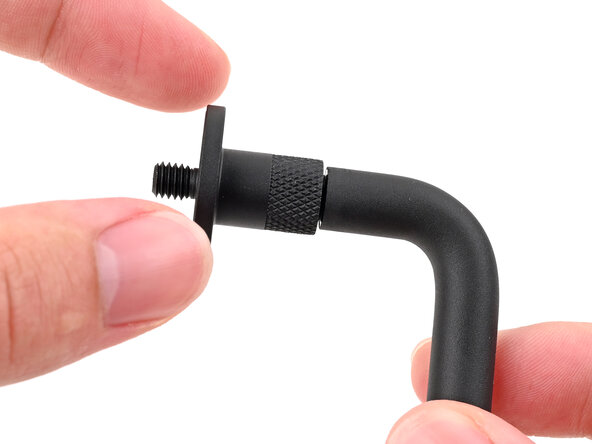
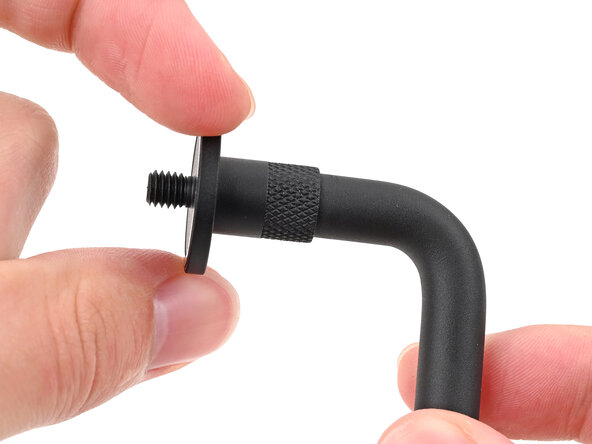
Rotate the screw threads on both sides counterclockwise to ensure they're as high up as they go. Otherwise, they might not install correctly.
-
-
-
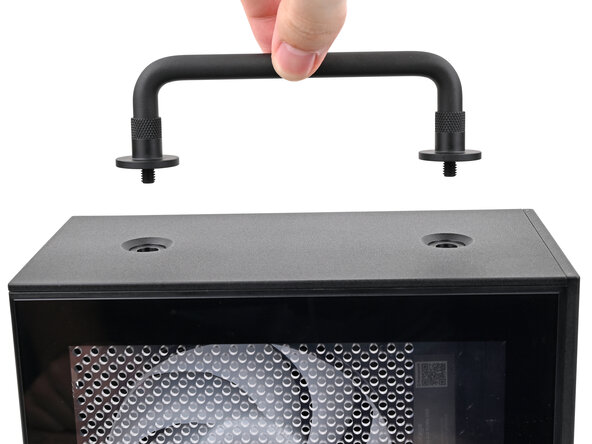
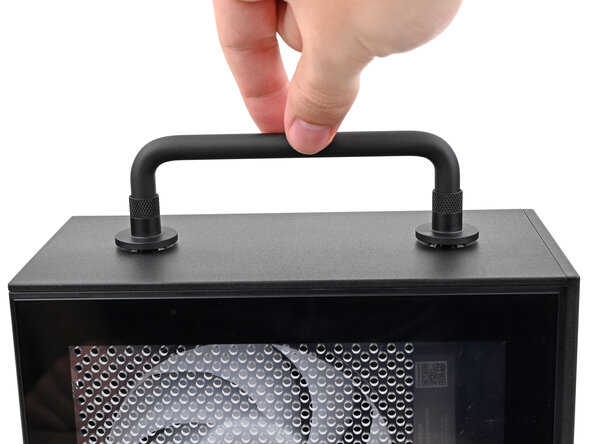
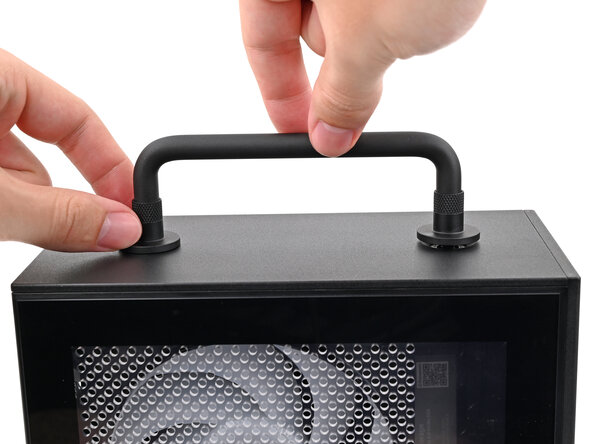
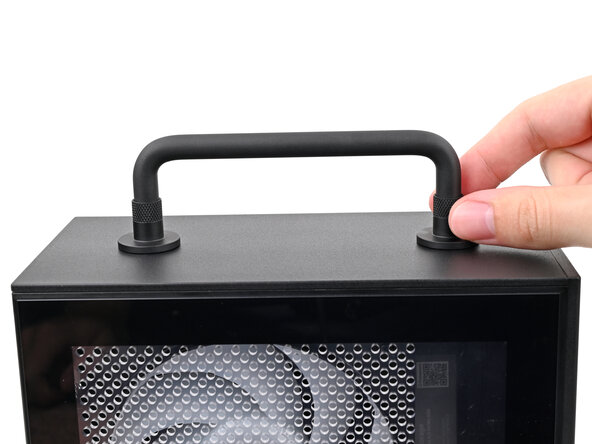
While holding the Handle in place, twist the screw threads on both sides clockwise until they're snug on the Top Panel.
-
-












If you need help, contact Framework support.
Cancel: I did not complete this guide.
One other person completed this guide.

