
How to Fix an OXO Container's Jammed Button

Allen Wong and 4 other contributors
Last updated on Oct 18, 2023
Views: 8.5K
View statistics:
- Past 24 Hours:
- 11
- Past 7 Days:
- 69
- Past 30 Days:
- 272
- All Time:
- 8,530
Comments: 0
No one has left comments on this guide. Will you be first?
Go to guide commentsCompleted: 0 1
No one has marked this guide "completed." Will you be the first?
1 person has marked this guide "completed." It's you — great job!
Favorites: 0 1
No one has favorited (and subscribed to) this guide. Will you be the first?
1 person has favorited (and subscribed to) this guide — and that's you!
Introduction
Go to step 1 ↓Follow this guide to fix a jammed OXO POP container's button. (Skip to step 4 if the button is not jammed and stays protruded.) The OXO POP container is a one-handed airtight storage most commonly used in the kitchen for storing foods. Additionally, it is handy for tidying up and organizing outside the kitchen. This specific container we worked on was bought from Costco, though it can also be found at most department stores or home improvement retailers, such as Target and Home Depot.
There are little metal prongs attached underneath the button that catch onto a mechanism in the lid. Sometimes, the prongs will bend after constant usage, causing the button to become stuck. Fear not! This can be easily fixed by taking the lid apart and bending the prongs back into the right shape. (Refer to steps 3 and 5 to see how the tools were used.)
What you need
Tools
-
Spudger4.9
-
-


-
-
-
Hold the lid with the button facing down.
-
Twist the flat part in the direction of the arrows or counter clockwise.
 Ask FixBot
-
-
-
Firmly pinch both the half-moon shaped openings.
-
Pull up the removed outer piece and set it aside.
-
-
-
-
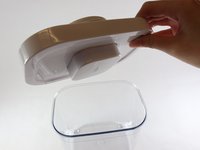
Place the lid perpendicular and onto the top of the container's opening.
-
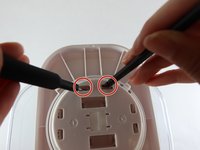
Locate the two holes.
-
-
-
With a tool in each hand, insert them into the openings of the buttons.
-
Firmly press downwards until the button pops out.
-
-
-
Flip the lid so the button faces up.
-
Pinch the two sides and gently pull up.
-
Remove the button.
-
-
-
Flip the button so the inside wire faces upwards.
-
Use pliers to bend the wire similar to its original shape.
-
-


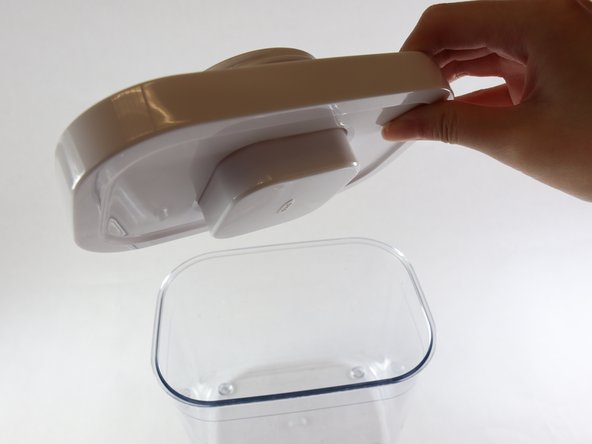


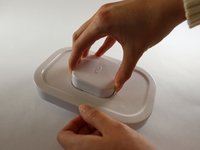
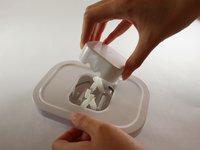

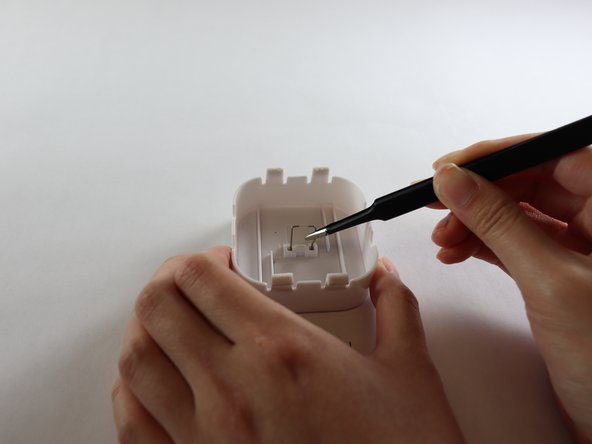
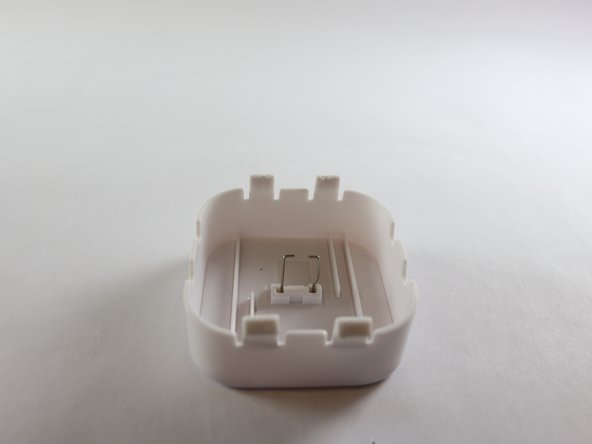
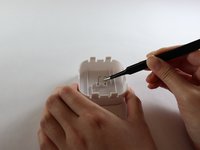
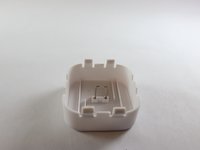
To reassemble your device, squeeze the button back onto the lid and follow these instructions in reverse order.
Team

UC Davis, Team 2-5, Andersen Winter 2023 Member of UC Davis, Team 2-5, Andersen Winter 2023
UCD-ANDERSEN-W23S2G5
3 Members
12 Guides authored
