
How to Fix a BIC Wite-Out Mini

Lauren Miller and 3 other contributors
Last updated on May 15, 2024
Views: 4.2K
View statistics:
- Past 24 Hours:
- 13
- Past 7 Days:
- 107
- Past 30 Days:
- 397
- All Time:
- 4,167
Comments: 0
No one has left comments on this guide. Will you be first?
Go to guide commentsCompleted: 0 1
No one has marked this guide "completed." Will you be the first?
1 person has marked this guide "completed." It's you — great job!
Favorites: 0 1
No one has favorited (and subscribed to) this guide. Will you be the first?
1 person has favorited (and subscribed to) this guide — and that's you!
Introduction
Go to step 1 ↓If your BIC Wite-Out Mini is jammed or dismantled, little to no white-out strips will come out. Use this guide to fix the BIC Wite-Out Mini back to working order.
The white-out strip within the correction device transmits white-out strips onto paper to cover up mistakes or marks. A tangled or jammed white-out strip will not run smoothly through the gears onto paper.
This may cause headaches and inconsistencies when covering up mistakes. Fortunately, fixing a white-out strip often takes little time, and helps prevent unnecessary waste from ending up in landfills. You’ll need tweezers and a set of steady hands and you’ll be back to covering up mistakes in no time.
This guide will cover the fixing and assembly of a BIC Wite-Out Mini.
What you need
-
-
-
Place the dispenser component with the logo facing down, with other components laid out on a clean, flat surface.
 Ask FixBot
-
-
-
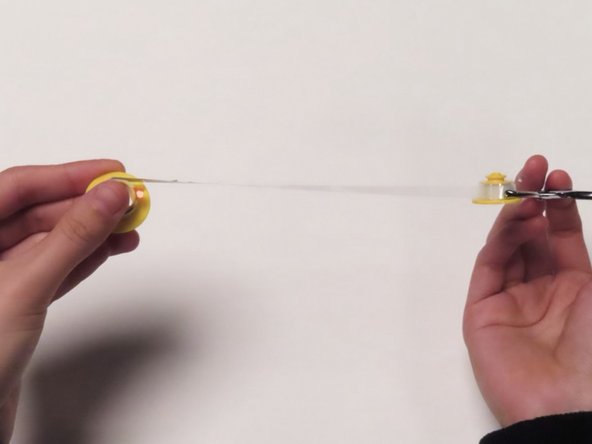
Untangle the plastic strip by rotating the large gear in a circular motion, going in the opposite direction of the spiral.
-
Stop once the plastic strip connecting the gears is straight.
-
-
-
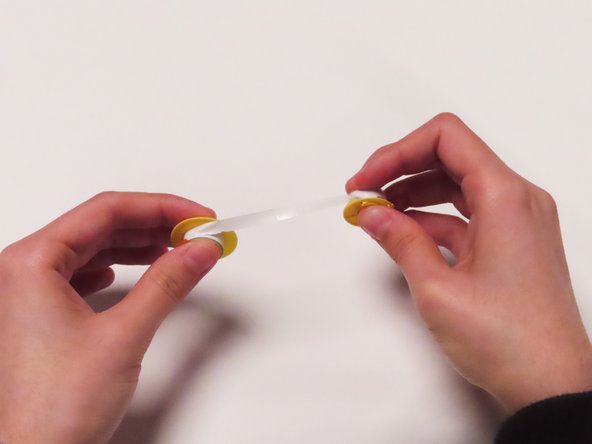
Feed the plastic strip into the small gear until the white-out strip is visible.
-
Turn the big gear toward the small gear until they are close to each other.
-
-
-
Place gears back into dispenser component with the logo.
-
Place the small gear onto the module closer to the dispensing slot.
-
Place the large gear onto module farthest from the dispensing slot.
-
-
-
Hold the white-out strip with tweezers and pull to wrap the strip around the dispensing slot.
-
Make sure to stabilize the gears.
-
-
-
-
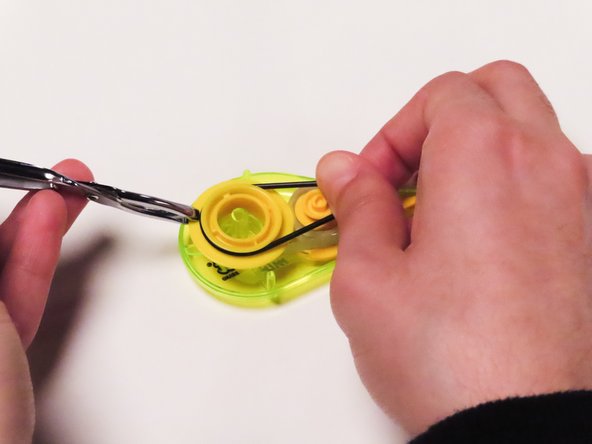
Wrap the black band around both gears.
-
Wrap the band starting from large gear to small gear.
-
-










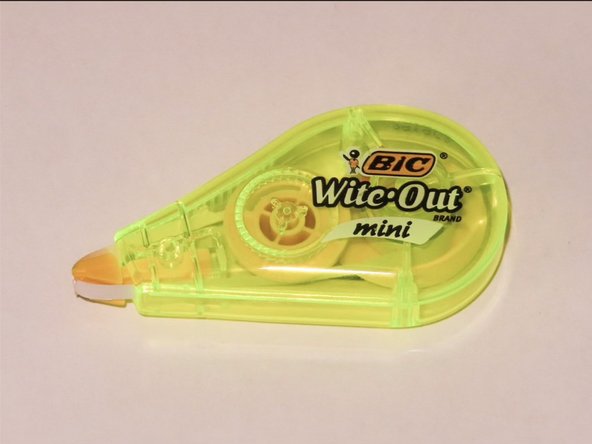

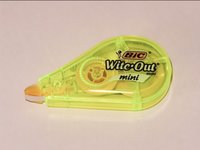
Congrats! You have just successfully repaired your BIC Wite-Out Mini!
Test your BIC Wite-Out Mini to make sure that it works correctly. If it does not work, repeat steps 1-8 and try again!
Team

UC Davis, Team 3-1, Andersen Winter 2024 Member of UC Davis, Team 3-1, Andersen Winter 2024
UCD-ANDERSEN-W24S3G1
3 Members
12 Guides authored
