Introduction
I'm proud of you for giving this repair a try. It takes courage to open up something that isn't working and believe you can make it right. Whether this is your first repair or your hundredth, you're building skills that no one can take away from you. Take your time, enjoy the process, and remember, you absolutely can do this.
What you need
-
-
-
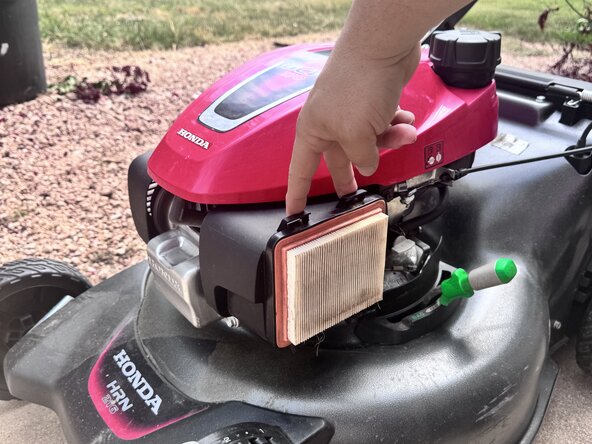
Press down on the two retaining clips located at the top of the air filter housing.
-
While holding the clips down, pull them outward to release the cover.
-
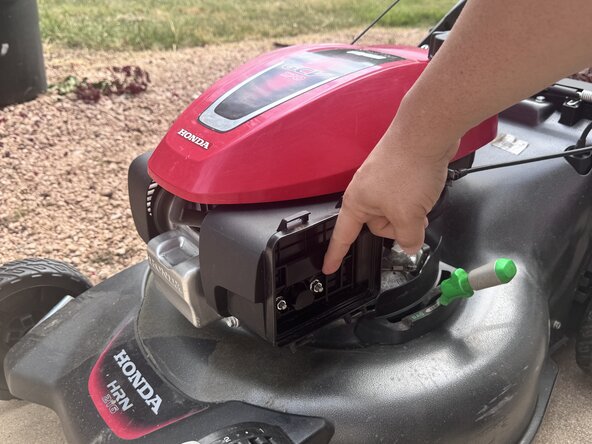
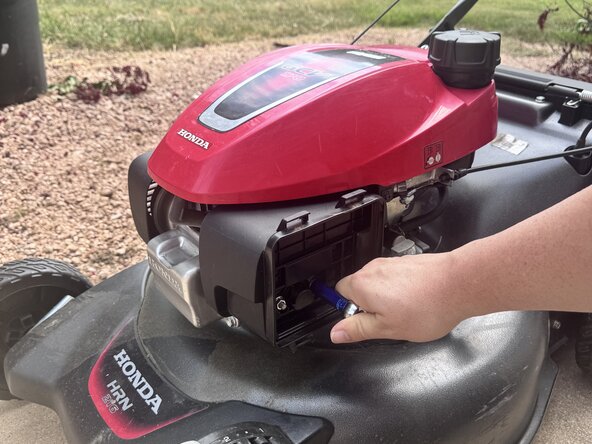
Allow the air filter cover to swing downward.
-
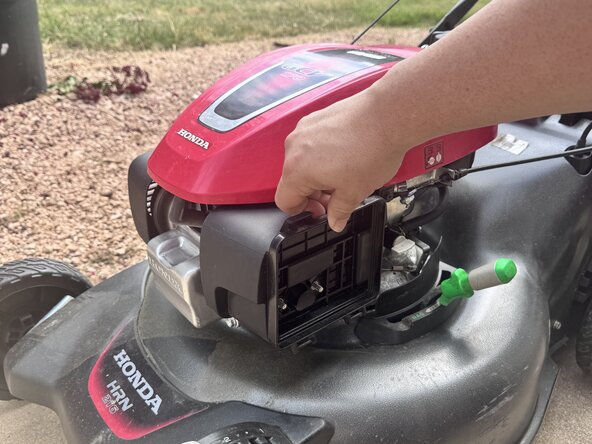
Lift the cover off the lower pivot tabs to remove it.
-
Remove the filter from the housing.
 Ask FixBot
-
-
-
Remove the two 10mm nuts securing the air filter housing to the side of the mower.
-
Slide the housing off the studs, taking note of the location of the small hose attached to the air filter housing going underneath the red cover.
-
-
-
Turn off the fuel supply by rotating the grey fuel shutoff valve lever from the horizontal position to the vertical position.
-
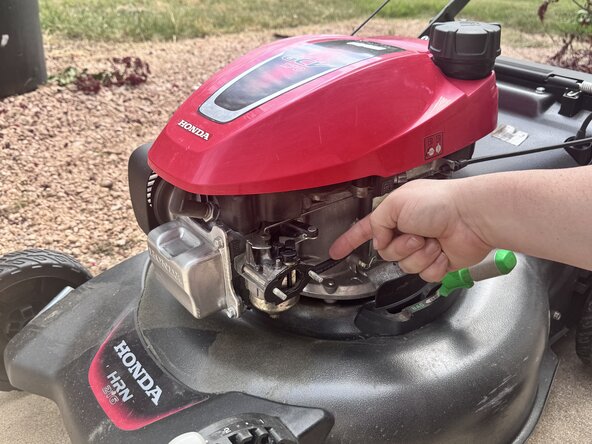
Remove the fuel line connected to the carburetor.
-
Have a paper towel or rag ready, as fuel will remain inside the fuel line and carburetor and may spill during removal.
-
Use needle-nose pliers to move the fuel line clamp. The clamp can be difficult to remove by hand, and pliers provide better control while reducing the chance of damaging the fuel line.
-
-
-
-
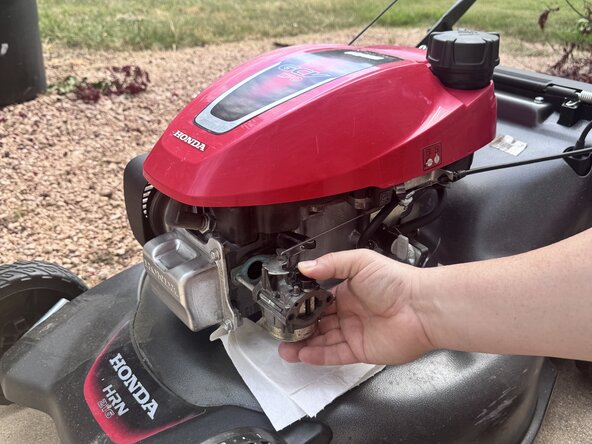
Slide the carburetor straight off the mounting posts.
-
Once the carburetor is free from the posts, carefully rotate it 45 degrees clockwise to gain access to the throttle linkage.
-
Remove the throttle rod and spring from the carburetor.
-
-
-
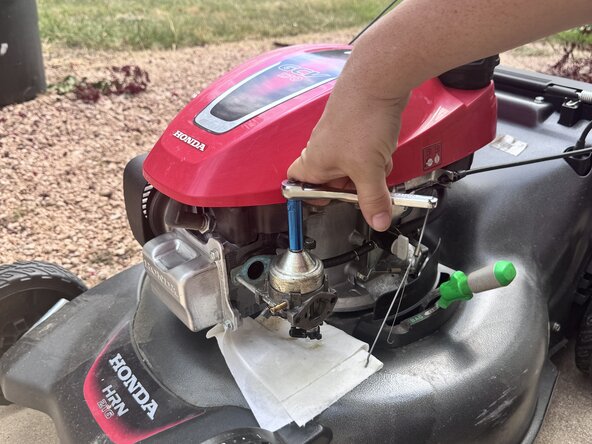
Locate the 10mm bolt on the bottom of the carburetor and remove it using a 10mm socket or wrench.
-
To make removing the bolt easier, flip the carburetor upside down and carefully slide it back onto the mounting shafts where it was originally installed. This provides additional stability and leverage, making it easier to loosen the 10mm bolt without putting stress on the carburetor.
-
Once the bolt is removed, the float bowl can be separated from the bottom of the carburetor. Be careful, as there may still be a small amount of fuel inside the bowl. Have a paper towel or rag nearby to catch any remaining fuel and keep your work area clean.
-
-
-
With the 10mm bolt removed, carefully remove the float bowl from the bottom of the carburetor. The bowl should lift straight up and off with minimal effort.
-
-
-
Reassembly is completed by following the removal steps in reverse order. Reinstall the float bowl onto the bottom of the carburetor and secure it using the 10mm bolt.
-
Flip the carburetor back into position and reconnect the throttle rod and spring.
-
Slide the carburetor back onto the mounting posts, reconnect the fuel line, and reinstall the fuel line clip. Once the fuel line is secure, turn the fuel shutoff valve back on by rotating the grey lever back to the horizontal position.
-
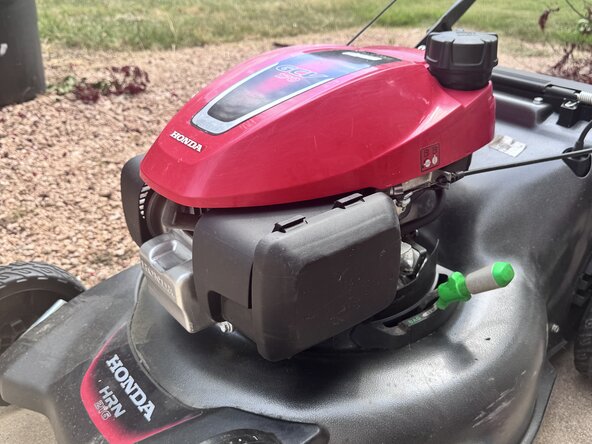
Reinstall the air filter housing onto the mower and secure it using the two 10mm nuts. Make sure the hose underneath the red cover is properly positioned.
-
Finally, reinstall the air filter and snap the air filter cover back into place.
-
Before starting the mower, double-check that all bolts, clips, hoses, and covers are properly installed.
-
-












Team

Austin Community College, Team 14-15, Cox Summer 2026 Member of Austin Community College, Team 14-15, Cox Summer 2026
AUSTINCC-COX-SU26S14G15
1 Member
6 Guides authored
