Introduction
Use this guide to remove dust on the SteelSeries Apex Pro gaming keyboard. These gaming keyboards often start to collect dust over time, and the dust can damage the keyboard and not allow the keyboard to function as it used to. Before attempting to clean the gaming keyboard, make sure to disconnect it from the monitor.
What you need
-
-
-
Place the keyboard down on a flat surface and disconnect from any power source.
 Ask FixBot
-
-
-
Pour some isopropyl alcohol into a paper towel.
-
Use the same paper towel to clean the keyboard and the keyboard rest pad.
-
-
-
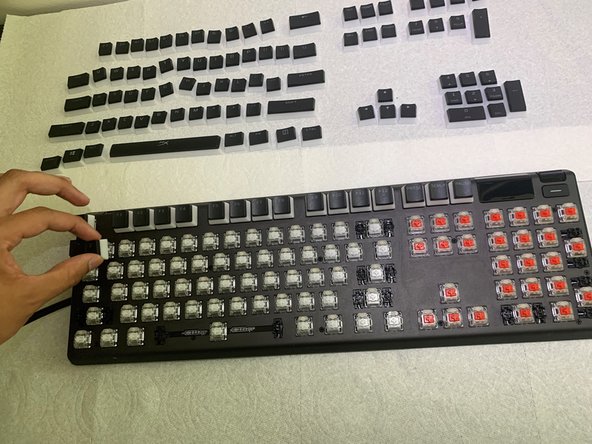
Use your index finger and thumb to remove each key cap starting from left to right.
-
Remove the smaller key caps first so the surrounding larger key caps can be removed easier.
-
Place each key cap that was removed from the keyboard on a flat surface in order from left to right.
-
-
-
-
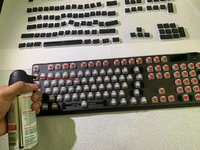
Dip a cotton swab into the isopropyl alcohol bottle.
-
Use the cotton swab to clean tight spots on the keyboard.
-
-
-
Dip another cotton swab in the isopropyl alcohol.
-
Use the cotton swab to clean the inside and outside of every key switch.
-
-
-
Use your index finger and thumb to place the keycaps on the keyboard, starting from the top to the bottom.
-
-
-
Pour some isopropyl alcohol into a paper towel.
-
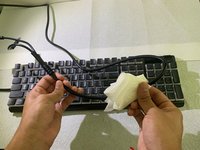
Use the paper towel to clean the keyboard, keyboard rest bar, and the keyboard's cable.
-
-
-
Make sure all keycaps are placed in the right place and functioning properly.
-
-








Congratulations, your SteelSeries Apex Pro keyboard is clean! Repeat these steps every once in a while as needed to keep your keyboard clean and extend the life of your keyboard.

Team

CSU Los Angeles, Team 8-1, Briggs Spring 2022 Member of CSU Los Angeles, Team 8-1, Briggs Spring 2022
CSULA-BRIGGS-S22S8G1
2 Members
12 Guides authored
