Introduction
If you open your device and see white, crusty crystals on your battery terminals (aka battery contacts), they’ve most likely corroded. Common replaceable batteries like AAs and AAAs degrade and start to break down over time, and a chemical reaction causes corrosion. Corrosion can stop the flow of electricity and damage your device’s metal contacts. Use this guide to remove corrosion and clean the battery terminals in your small electronic devices.
Note: This guide is specifically for small electronic devices such as video game controllers, TV remotes, or portable speakers. This guide is not suited for car batteries and other large lead-acid batteries.
What you need
-
-
-
If your device still works, power it down completely before starting.
 Ask FixBot
-
-
-
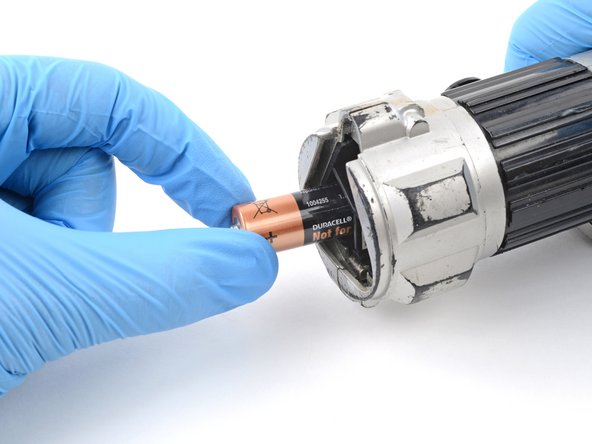
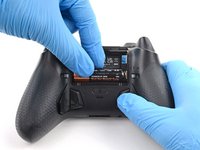
Remove the batteries from your device.
-
If any batteries are stuck, follow the next step as normal to clean around them.
-
-
Tool used on this step:Anti-Static Brush$2.99
-
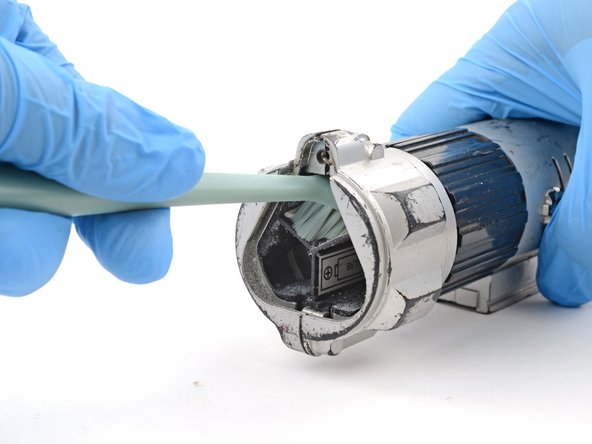
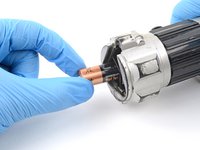
Use a toothbrush or anti‑static brush to gently remove any bigger chunks of corrosion from the battery terminals and battery recess.
-
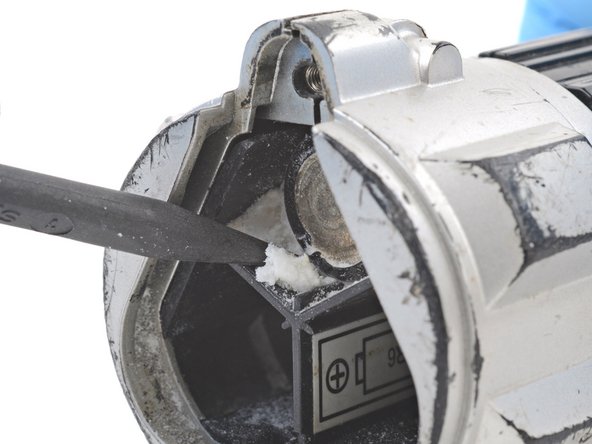
Use the point of a spudger to pick out any bits that are stuck.
-
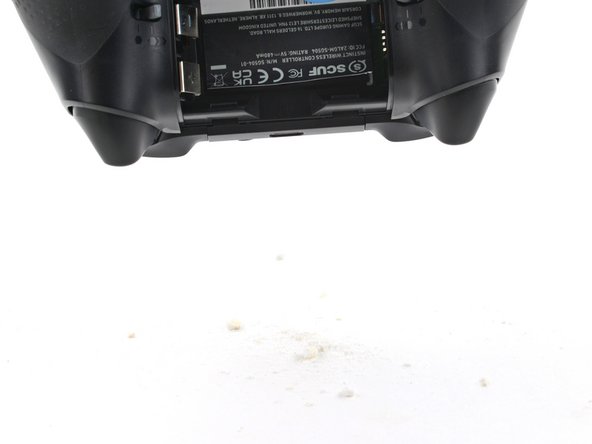
Flip your device over and gently shake out the loose corrosion and debris.
-
Dispose of the corrosion and debris in the trash.
-
-
-
-
You should now be able to remove any batteries that were previously stuck.
-
Clean out the battery recess with a toothbrush.
-
-
-
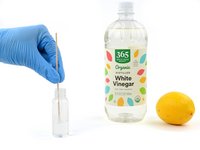
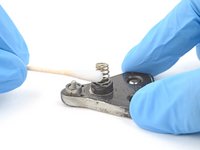
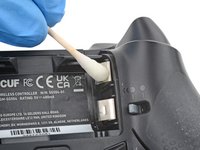
Lightly dip a cotton swab in white vinegar or lemon juice.
-
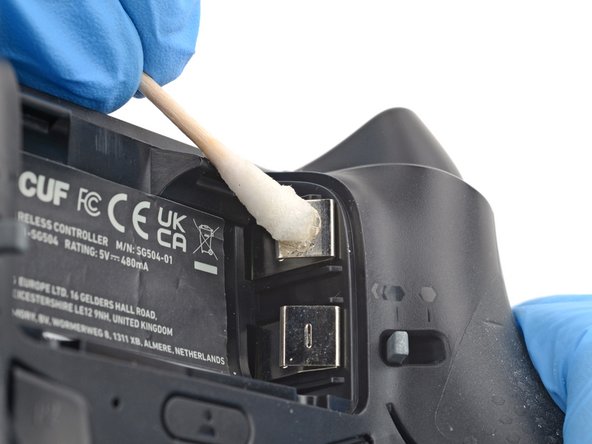
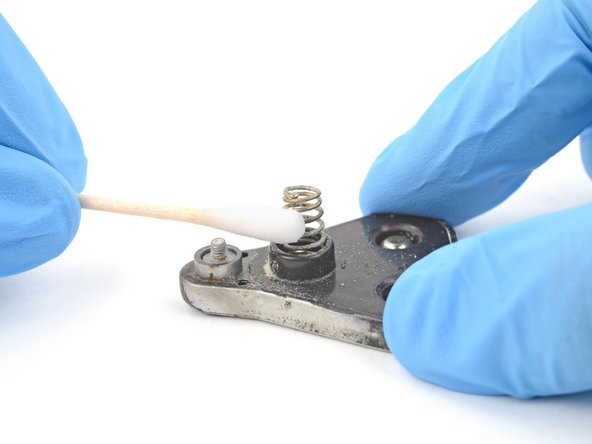
Gently rub the battery terminals with the cotton swab to dissolve and remove the corrosion.
-
Continue this process until there's no corrosion on the terminals.
-
-
Tool used on this step:Microfiber Cleaning Cloths$3.99
-
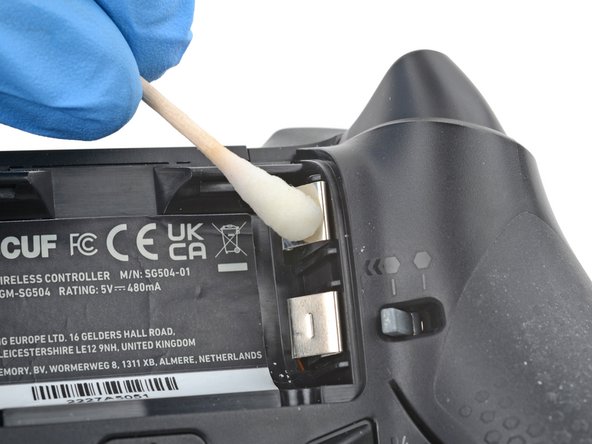
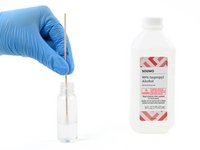
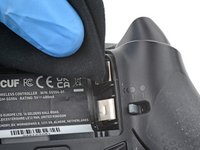
Lightly dip a cotton swab in highly-concentrated isopropyl alcohol (over 90%).
-
Gently rub the battery terminals with the cotton swap to remove any remaining residue from the previous step.
-
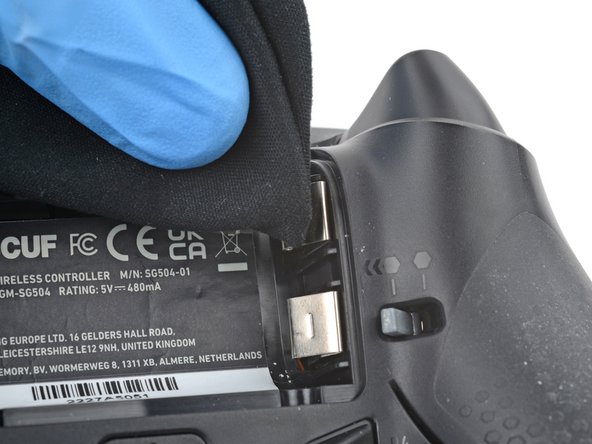
Wipe the residue away with a microfiber or lint-free cloth.
-
Repeat this process until the terminals are completely clean.
-
Wait two minutes to allow any residual alcohol to evaporate.
-
-
-
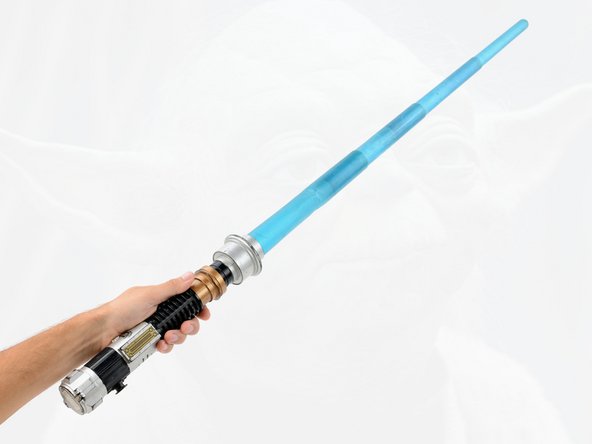
Install new batteries and test your device.
-
Take your corroded batteries or other e-waste to an R2 or e-Stewards certified recycler.
-
-








Cleaning didn’t go as planned? Ask our Answers community for help.
For other electronics skills, click here.
Cancel: I did not complete this guide.
22 other people completed this guide.


