Free Shipping on Domestic Orders $75+

Hover-1 Titan Right Gyroscope Replacement

Views: 2K

View statistics:

Past 24 Hours:
1
Past 7 Days:
10
Past 30 Days:
76
All Time:
1,958
Comments: 2

1 comment on steps, 1 guide comment.

Go to guide comments
Completed: 2

2 people have marked this guide "completed." Will you be next?

Favorites: 0

No one has favorited (and subscribed to) this guide. Will you be the first?

Time Required: 10 - 20 minutes
Difficulty: Moderate
Hover-1 Titan Right Gyroscope Replacement

Introduction

Go to step 1 ↓

If your hoverboard will not turn on, retain a charge, move, or spin properly, use this guide to help replace your Hover-1 Titan gyroscope/motherboard.

What you need

Tools

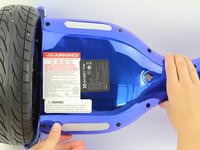
    1. Hover-1 Titan Right Gyroscope Replacement, Bottom Right Panel: step 1, image 1 of 2 Hover-1 Titan Right Gyroscope Replacement, Bottom Right Panel: step 1, image 2 of 2
      • Flip the hoverboard so the bottom is facing up.

      • The right side is the side that has the power button. There is also an "R" on the metal plate underneath the battery.

      Ask FixBot

      Add Comment

    2. Hover-1 Titan Right Gyroscope Replacement: step 2, image 1 of 2 Hover-1 Titan Right Gyroscope Replacement: step 2, image 2 of 2
      • Using a Phillips #1 screwdriver, remove the two 14 mm screws closest to the center of the hoverboard.

      • Using a Phillips #1 screwdriver, remove the four 12 mm screws located in the middle of the panel.

      • Using a Phillips #1 screwdriver, remove the two 15 mm screws located closest to the wheel.

      Ask FixBot
      Add Comment

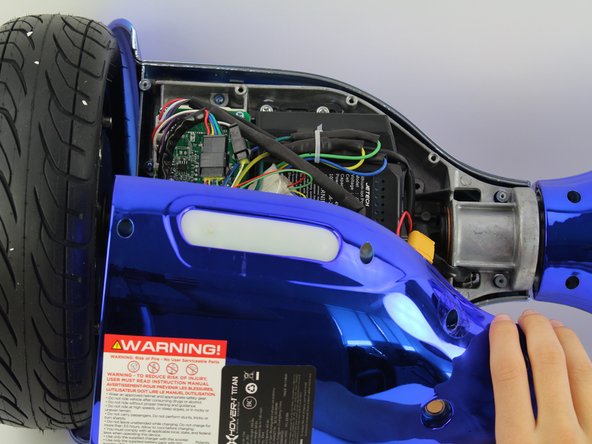
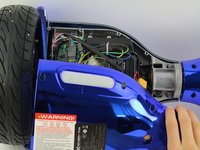
    3. Hover-1 Titan Right Gyroscope Replacement: step 3, image 1 of 3 Hover-1 Titan Right Gyroscope Replacement: step 3, image 2 of 3 Hover-1 Titan Right Gyroscope Replacement: step 3, image 3 of 3
      • Grip the bottom right panel and lift to remove it.

      Ask FixBot
      Add Comment

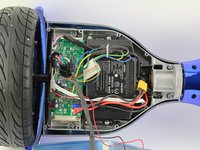
    1. Hover-1 Titan Right Gyroscope Replacement, Right Gyroscope and Motherboard: step 4, image 1 of 2 Hover-1 Titan Right Gyroscope Replacement, Right Gyroscope and Motherboard: step 4, image 2 of 2
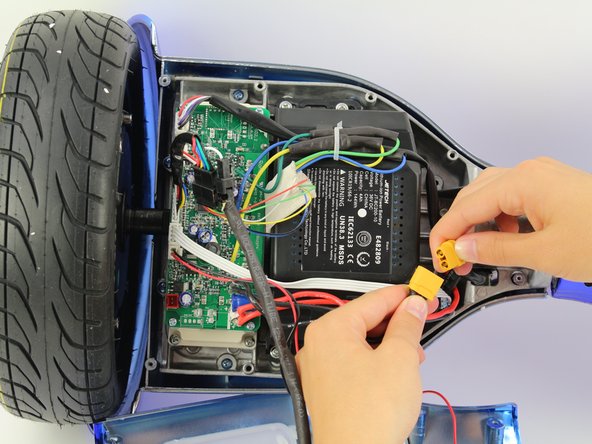
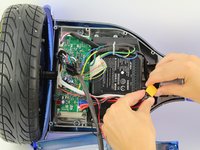
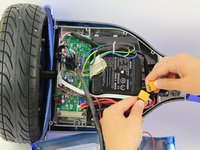
      • Unplug the battery from the gyroscope/motherboard by holding the yellow connector and pulling apart.

      Ask FixBot
      Add Comment

    2. Hover-1 Titan Right Gyroscope Replacement: step 5, image 1 of 3 Hover-1 Titan Right Gyroscope Replacement: step 5, image 2 of 3 Hover-1 Titan Right Gyroscope Replacement: step 5, image 3 of 3
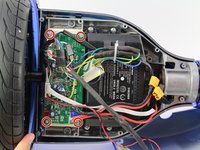
      • Remove four 12 mm Phillips #1 head screws from the corners of the green gyroscope/motherboard.

      Ask FixBot

      Add Comment

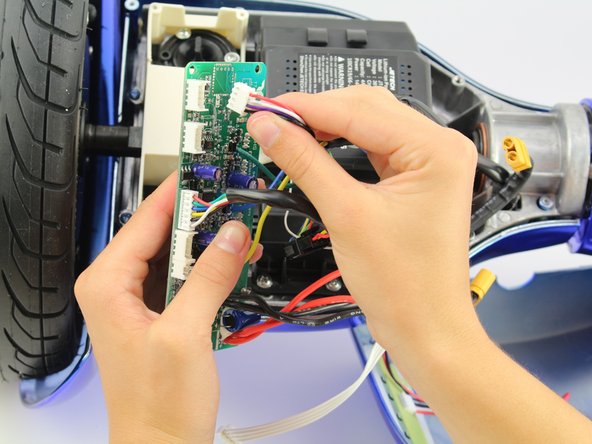
    3. Hover-1 Titan Right Gyroscope Replacement: step 6, image 1 of 2 Hover-1 Titan Right Gyroscope Replacement: step 6, image 2 of 2
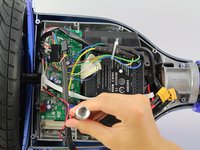
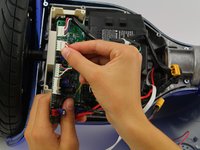
      • Unplug the bottom left connector by squeezing it and pulling it away from the board.

      Ask FixBot
      Add Comment

    4. Hover-1 Titan Right Gyroscope Replacement: step 7, image 1 of 2 Hover-1 Titan Right Gyroscope Replacement: step 7, image 2 of 2
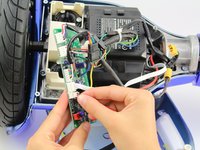
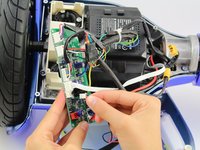
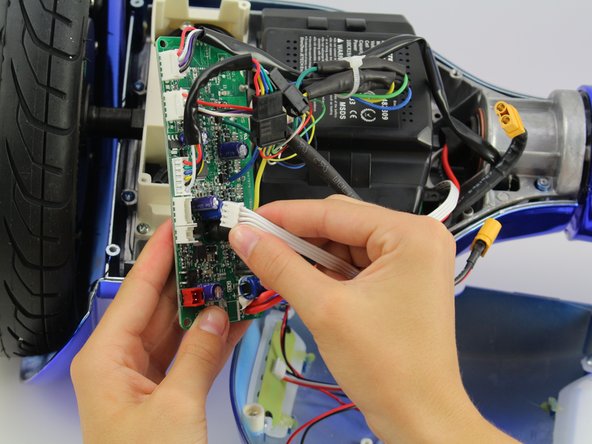
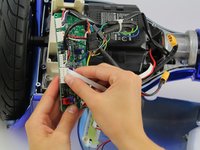
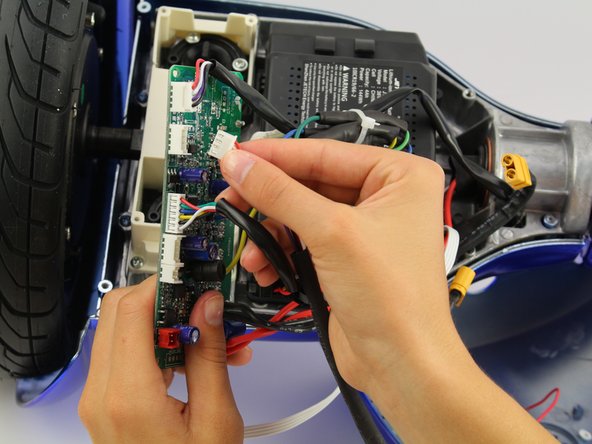
      • Unplug the white wires by squeezing the connector and pulling away from the board.

      Ask FixBot
      Add Comment

    5. Hover-1 Titan Right Gyroscope Replacement: step 8, image 1 of 2 Hover-1 Titan Right Gyroscope Replacement: step 8, image 2 of 2
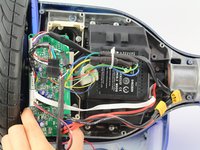
      • Unplug one set of the red, white, purple, and black wires by squeezing the connector and pulling away from the board.

      Ask FixBot
      Add Comment

    6. Hover-1 Titan Right Gyroscope Replacement: step 9, image 1 of 2 Hover-1 Titan Right Gyroscope Replacement: step 9, image 2 of 2
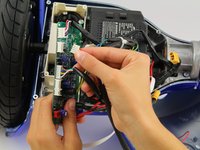
      • Unplug the other set of the red, white, purple, and black wires by squeezing the connector and pulling away from the board.

      Ask FixBot

      Add Comment

    7. Hover-1 Titan Right Gyroscope Replacement: step 10, image 1 of 1
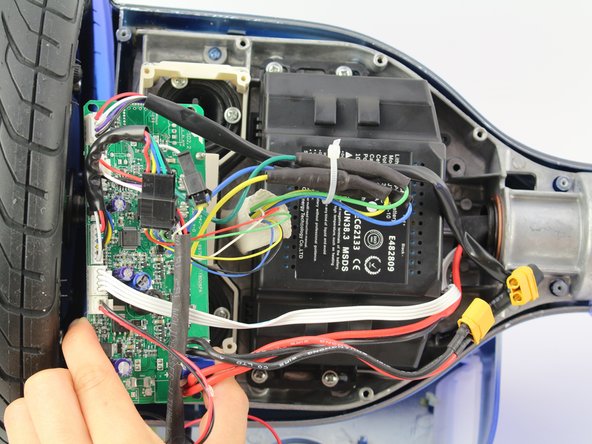
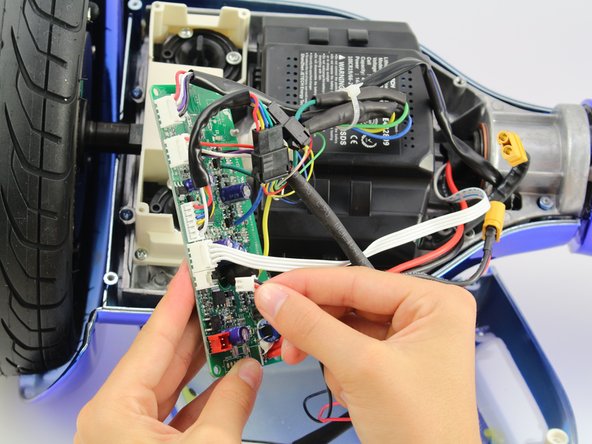
      • Cut the cable tie and unplug the remaining wires.

      Ask FixBot

      Add Comment

Conclusion

To reassemble your device, follow these instructions in reverse order.

Cancel: I did not complete this guide.

2 other people completed this guide.

Jessica Ouyang

Member since: 10/08/18

634 Reputation

4 Guides authored

Team

Cal Poly, Team S15-G4, White Fall 2018 Member of Cal Poly, Team S15-G4, White Fall 2018

CPSU-WHITE-F18S15G4

4 Members

96 Guides authored

1 Guide Comment

Where can I get the circuit boards for the left and right ?

jfsucher - Reply Share

Add Comment

View Statistics:

Past 24 Hours: 1

Past 7 Days: 10

Past 30 Days: 76

All Time: 1,958