
Hover-1 Superstar Battery Replacement

Keegan and 4 other contributors
Last updated on Jun 10, 2020
Views: 2.5K
View statistics:
- Past 24 Hours:
- 0
- Past 7 Days:
- 12
- Past 30 Days:
- 72
- All Time:
- 2,547
Comments: 1
1 guide comment.
Go to guide commentsCompleted: 0 1
No one has marked this guide "completed." Will you be the first?
1 person has marked this guide "completed." It's you — great job!
Favorites: 0 1
No one has favorited (and subscribed to) this guide. Will you be the first?
1 person has favorited (and subscribed to) this guide — and that's you!
Introduction
Go to step 1 ↓The battery for the Hover-1 Superstar can cause many different problems when it is faulty or not working. This guide will show you the steps that go along with replacing the battery.
What you need
Tools

-
-
-
Flip your Hover-1 Superstar device upside down.
-
Using a Phillips #1 screwdriver, remove all twenty of the 18mm screws holding the case onto the device.
-
Remove the bottom case. Be careful of the connector holding the case and the device together.
 Ask FixBot
-
-
-
Locate the cable connected to the front lights.
-
Pull apart the wires until the black clip separates.
-
-
-
-
-
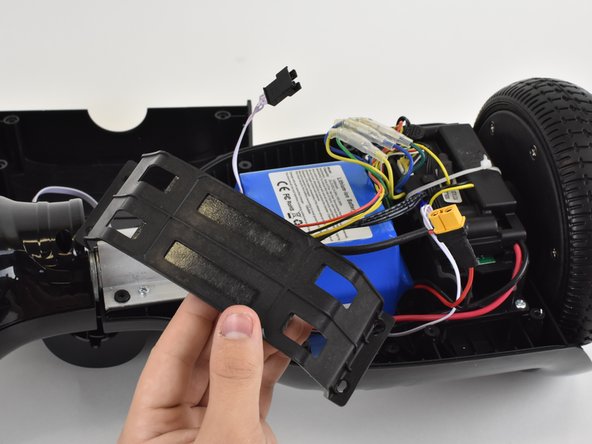
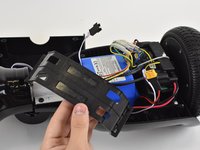
Locate the four 14mm screws securing the battery bracket.
-
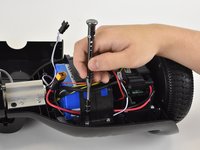
Remove the screws with a Phillips #1 screwdriver.
-
-
-
-
Pull on the battery until it separates from the hover board. You may need to use some force.
-
Pull the battery out of the hoverboard. Move wires away from the battery if necessary.
-
-




To reassemble your device, follow these instructions in reverse order.

Team

Linn Benton Community College, Team S1-G1, Karnes Fall 2018 Member of Linn Benton Community College, Team S1-G1, Karnes Fall 2018
LBCC-KARNES-F18S1G1
3 Members
60 Guides authored
