Introduction
The first step to replacing any internal component in the hoverboard is to remove the external plastic covers. You will need a Phillips #2 screwdriver with a long shaft for this guide.
What you need
-
-
-
Flip the hoverboard over so the labels are facing upwards.
-
Remove the twenty 18mm screws using a Phillips #2 screwdriver and twisting counterclockwise.
 Ask FixBot
-
-
-
-
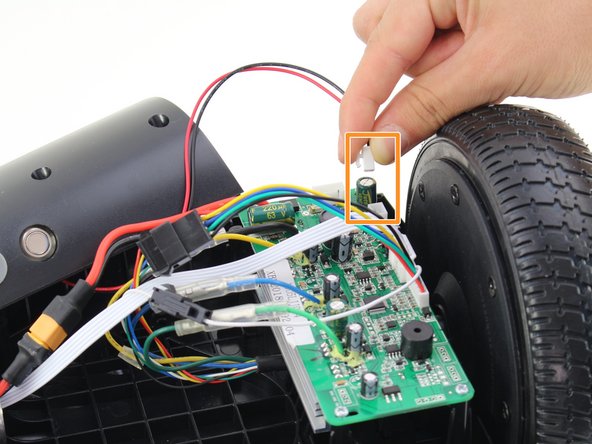
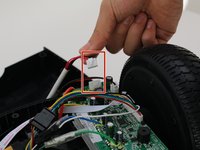
Remove one connector from the non-battery side circuit board.
-
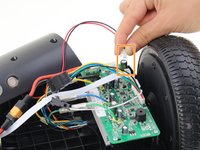
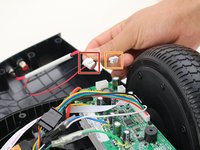
Remove the next connector from the non-battery side circuit board.
-
-



To reassemble your device, follow these instructions in reverse order.
Cancel: I did not complete this guide.
3 other people completed this guide.

Team

Cal Poly, Team S13-G2, White Fall 2018 Member of Cal Poly, Team S13-G2, White Fall 2018
CPSU-WHITE-F18S13G2
3 Members
48 Guides authored
2 Guide Comments
I'm gettin nothin at all.. Charger is green.. But absolutely nothing when press the on button.. All the cables are connected.. No lights or anythin.. Can anyone help.
I am getting the 5 red lights. I have followed all the instructions. Is there a site to buy the motherboards that are burned out? Is it financially worth buy both boards and replacing them?
-Christopher Fields, Network Engineer, PC Repair, Grantsville, UT
