Introduction
Replacing in the battery in your Hover-1 H1 hoverboard might help to solve charging problems.
What you need
-
-
-
Remove the ten 9mm machine screws by using a long Phillips #2 screwdriver to rotate the screws counterclockwise.
-
Remove the twelve 9mm sheet metal screws by using a long Phillips #2 screwdriver to rotate the screws counterclockwise.
 Ask FixBot
-
-
-
Puncture the two black stickers by using the tip of a screwdriver.
-
Remove the two 9mm machine screws by using a long Phillips #2 screwdriver to rotate the screws counterclockwise.
-
-
-
-
-
-
Remove the four 7mm screws by using a Phillips #2 screwdriver to rotate the screws counterclockwise.
-
-
-
Gently lift the battery harness and remove the battery by lifting the battery and moving it away from the hoverboard.
-
-


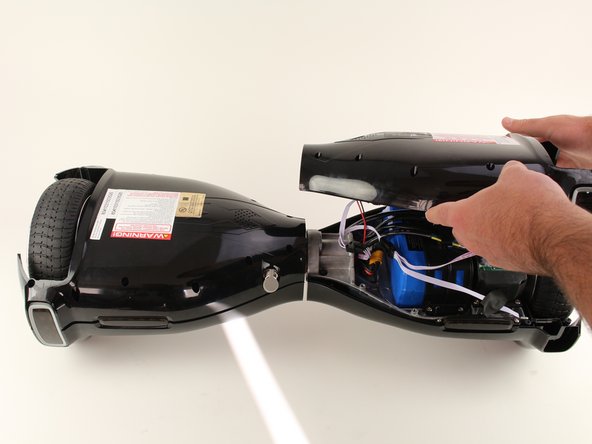
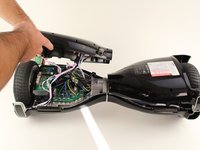
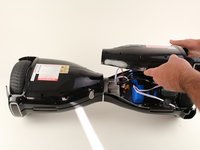


To reassemble your device, follow these instructions in reverse order.
Cancel: I did not complete this guide.
5 other people completed this guide.

Team

Cal Poly, Team S17-G6, White Fall 2018 Member of Cal Poly, Team S17-G6, White Fall 2018
CPSU-WHITE-F18S17G6
4 Members
84 Guides authored
15 Guide Comments
After removing the 4 screws that is holding the battery in place I still can't remove the battery. I tried gently to pry under the battery but it doesn't budge. Uni Sun model HY-A01B. How do I solve this problem?
