Free Shipping on Domestic Orders $75+

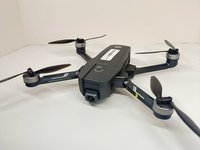
Holy Stone HS720E Camera Replacement

What you need

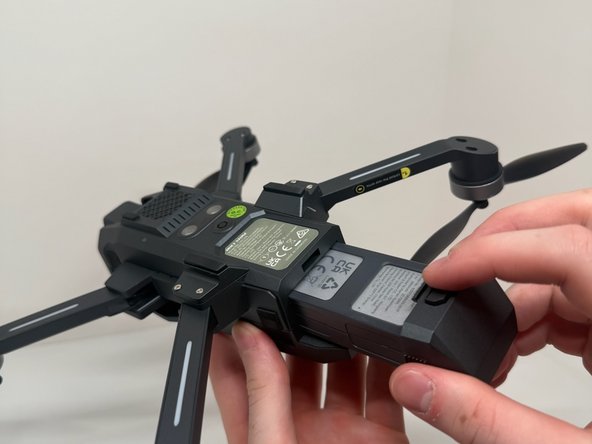
  1. Holy Stone HS720E Camera Replacement, Battery: step 1, image 1 of 2 Holy Stone HS720E Camera Replacement, Battery: step 1, image 2 of 2
    • Flip the drone upside down.

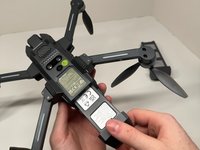
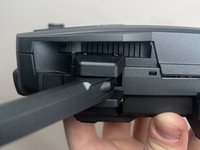
  2. Holy Stone HS720E Camera Replacement: step 2, image 1 of 2 Holy Stone HS720E Camera Replacement: step 2, image 2 of 2
    • Press and hold the button on top of the battery.

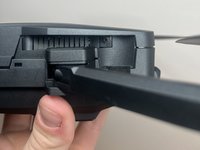
  3. Holy Stone HS720E Camera Replacement: step 3, image 1 of 2 Holy Stone HS720E Camera Replacement: step 3, image 2 of 2
    • While still holding the button down, slide the battery out towards yourself.

  4. Holy Stone HS720E Camera Replacement, Camera: step 4, image 1 of 2 Holy Stone HS720E Camera Replacement, Camera: step 4, image 2 of 2
    • Remove the screws from both the left and right side of the drone using a Phillips #1 screwdriver.

  5. Holy Stone HS720E Camera Replacement: step 5, image 1 of 1
    • Remove the two screws using a Phillips #1 screwdriver.

  6. Holy Stone HS720E Camera Replacement: step 6, image 1 of 1
    • Using your hand, gently remove the top of the drone.

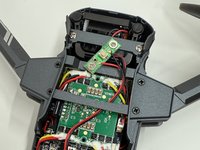
  7. Holy Stone HS720E Camera Replacement: step 7, image 1 of 2 Holy Stone HS720E Camera Replacement: step 7, image 2 of 2
    • Remove the screws from the lower body of the drone using a Phillips #1 screwdriver.

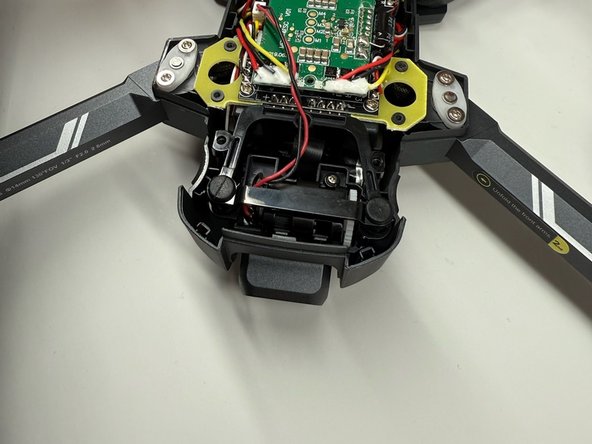
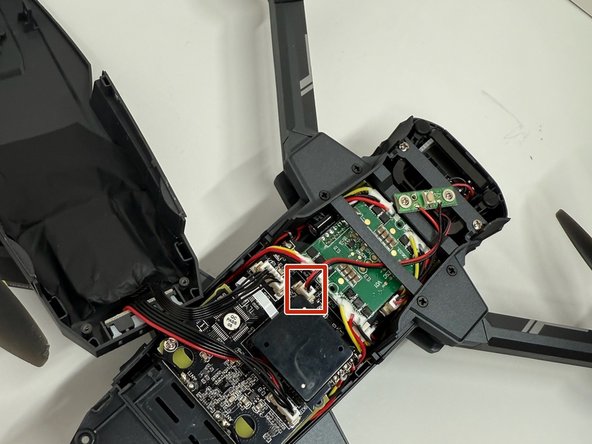
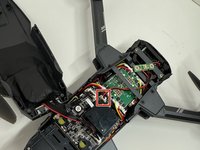
  8. Holy Stone HS720E Camera Replacement: step 8, image 1 of 2 Holy Stone HS720E Camera Replacement: step 8, image 2 of 2
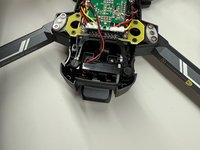
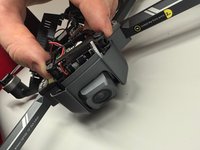
    • Unplug the wire connected to the motherboard and remove the camera.

Conclusion

To reassemble your device, follow these instructions in reverse order.

James Ducie

Member since: 10/18/24

121 Reputation

1 Guide authored

Team

UMass Dartmouth, Team 2-3, Konn Fall 2024 Member of UMass Dartmouth, Team 2-3, Konn Fall 2024

UMASSD-KONN-F24S2G3

4 Members

3 Guides authored

0 Guide Comments

Add Comment

View Statistics:

Past 24 Hours: 2

Past 7 Days: 7

Past 30 Days: 18

All Time: 366