Free Shipping on Domestic Orders $75+

Holmes HEH8031 Fan Replacement

What you need

    1. Holmes HEH8031 Fan Replacement, Housing: step 1, image 1 of 1
      • Ensure the device is unplugged from the wall outlet.

      Ask FixBot

      Add Comment

    2. Holmes HEH8031 Fan Replacement: step 2, image 1 of 1
      • Remove eight 12-mm Phillips #2 screws from the back cover.

      Ask FixBot

      Add Comment

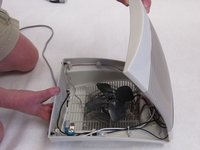
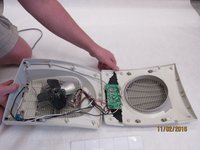
    3. Holmes HEH8031 Fan Replacement: step 3, image 1 of 2 Holmes HEH8031 Fan Replacement: step 3, image 2 of 2
      • Turn heater over so the controls are facing up.

      • Lift the front housing away from the back of the fan and slowly fold the front housing back down to the floor.

      • Internal wires are connected to both halves of the housing. Be careful when separating the housing.

      Ask FixBot

      Add Comment

    1. Holmes HEH8031 Fan Replacement, Circuit Board Removal: step 4, image 1 of 1
      • Remove four 12mm Phillips #2 screws from the circuit board.

      Ask FixBot

      Add Comment

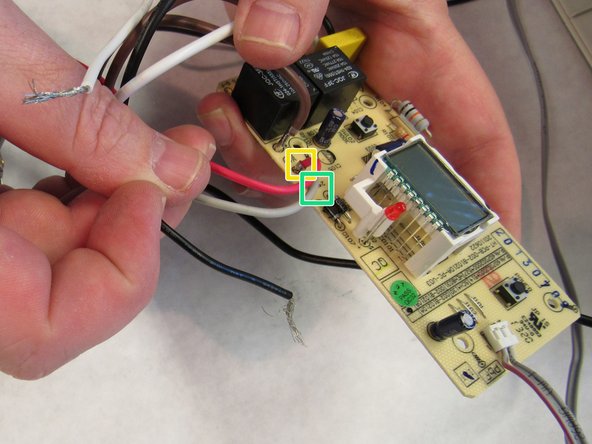
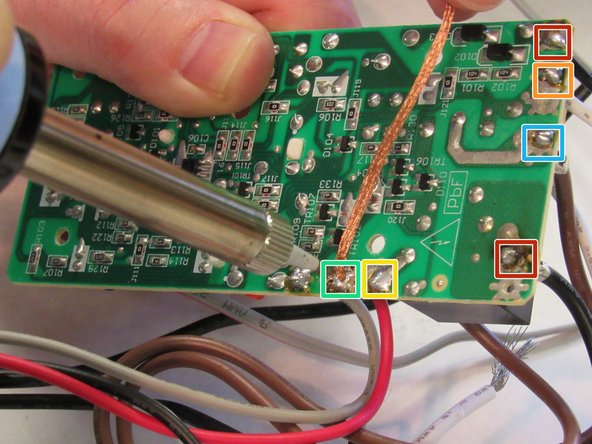
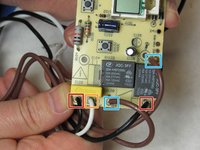
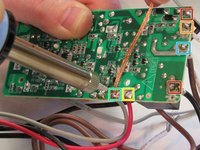
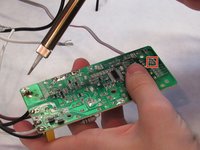
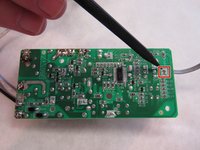
    1. Holmes HEH8031 Fan Replacement, Circuit Board: step 5, image 1 of 3 Holmes HEH8031 Fan Replacement, Circuit Board: step 5, image 2 of 3 Holmes HEH8031 Fan Replacement, Circuit Board: step 5, image 3 of 3
      • Desolder the BLACK wires from the "AC-L" point and "T/S" point.

      • Learn how to solder and desolder connections here!

      • Desolder the WHITE wire from the "AC-N" point.

      • Desolder the RED wire from the "FAN-RED".

      • Desolder the GREY wire from the "24V" point.

      • Desolder the BROWN wires from "HEAT1," and "HEAT2" points.

      • Be sure to use desoldering wick when you remove the wire connections.

      Ask FixBot

      Add Comment

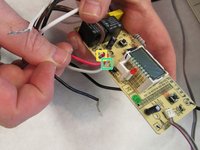
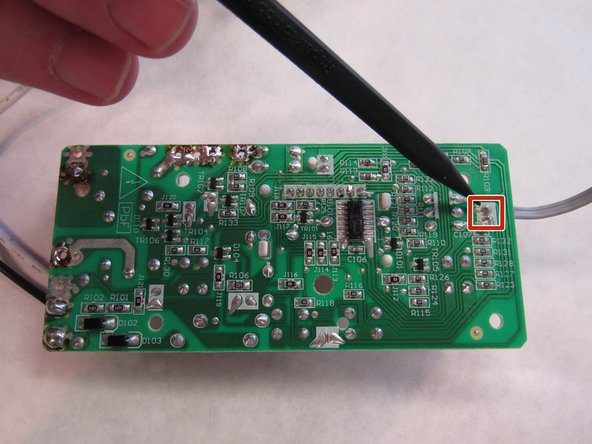
    2. Holmes HEH8031 Fan Replacement: step 6, image 1 of 2 Holmes HEH8031 Fan Replacement: step 6, image 2 of 2
      • Desolder the WHITE connector (attached to the GRAY wire coming of the thermostat) from the "NTC101" point.

      Ask FixBot

      Add Comment

    1. Holmes HEH8031 Fan Replacement, Fan: step 7, image 1 of 1
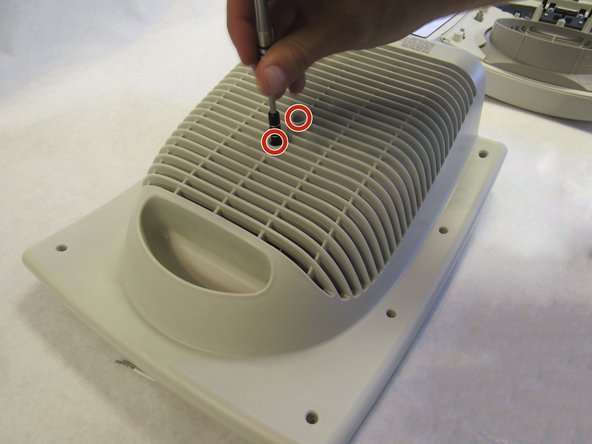
      • Remove two Phillips #2 12mm screws from housing

      Ask FixBot

      Add Comment

    2. Holmes HEH8031 Fan Replacement: step 8, image 1 of 1
      • Remove zip tie from wire with pliers

      Ask FixBot

      Add Comment

    3. Holmes HEH8031 Fan Replacement: step 9, image 1 of 1
      • Separate fan assembly from heating coil

      Ask FixBot

      Add Comment

Conclusion

To reassemble your device, follow these instructions in reverse order.

Cancel: I did not complete this guide.

One other person completed this guide.

Torben Eid

Member since: 10/13/16

1 Reputation

1 Guide authored

Team

IUPUI, Team 2-1, Baechle Fall 2016 Member of IUPUI, Team 2-1, Baechle Fall 2016

IUPUI-BAECHLE-F16S2G1

4 Members

96 Guides authored

0 Guide Comments

Add Comment

View Statistics:

Past 24 Hours: 0

Past 7 Days: 3

Past 30 Days: 34

All Time: 733