Introduction
A projector's bulb may need to be replaced if the image starts to deteriorate or darken after an extended amount of times.
What you need
-
-
-
Locate Bulb Slot at the back corner of the projector with one screw on the side of the cover.
 Ask FixBot
-
-
-
Using a Philips head screwdriver unscrew the cover that is over the Bulb itself then remove the cover using your hand.
-
-
-
-
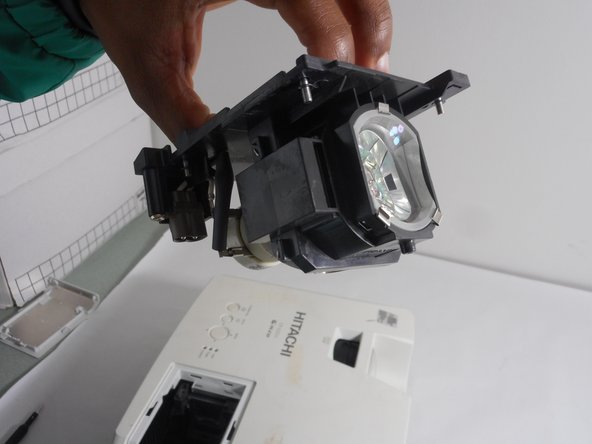
After removing the cover loosen the screws in the corners of the Projector Bulb.
-
-


Conclusion
To reassemble your device, follow these instructions in reverse order.

Team

University of New Orleans, Team 3-6, McDonald Fall 2023 Member of University of New Orleans, Team 3-6, McDonald Fall 2023
UNO-MCDONALD-F23S3G6
3 Members
48 Guides authored
