Introduction
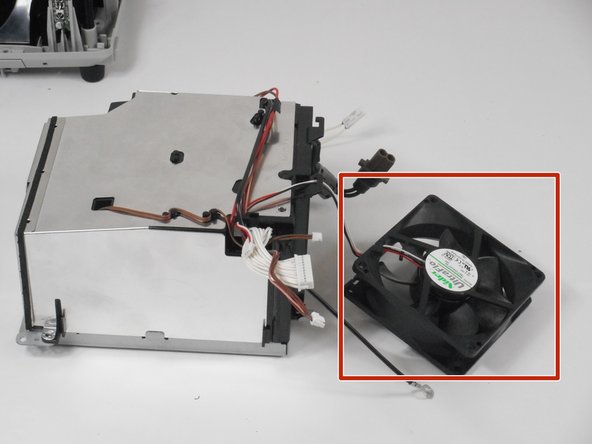
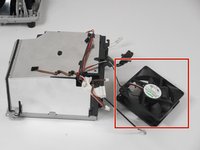
If your Hitachi CP-x2511 is overheating, you should check the fan. If the fan is not working before you start looking for a new one, make sure that the wires connected to the fan is plug in. If it's not the wires, then to get to the fan you must take out the battery since the fan is behind it.
-
-
-
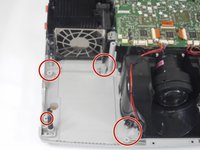
To get to the fan you must take out the screws that are holding in the power source.
 Ask FixBot
-
-
-


Conclusion
To reassemble your device, follow these instructions in reverse order.

Team

University of New Orleans, Team 3-6, McDonald Fall 2023 Member of University of New Orleans, Team 3-6, McDonald Fall 2023
UNO-MCDONALD-F23S3G6
3 Members
48 Guides authored
