Introduction
We are replacing the speakers on the Hitachi CP-X2011N because the original speakers can sometimes get damaged when the volume is set too high. Additionally, if the built-in speakers are producing poor sound quality—such as distorted audio, low volume, or a lack of bass—they may need to be replaced.
What you need
-
-
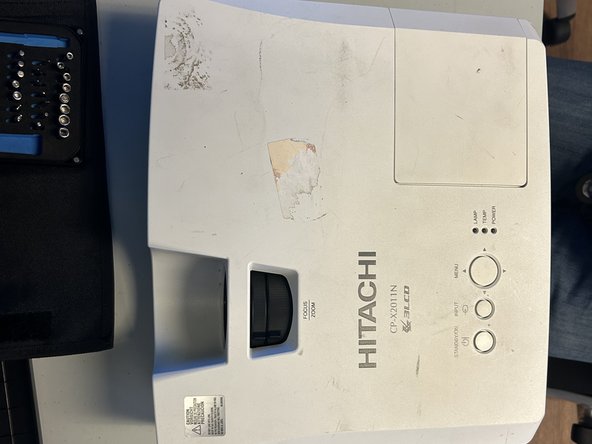
Orient the projector with the underside facing up and remove all nine 11.5 mm screws with a Phillips #00 screwdriver.
-
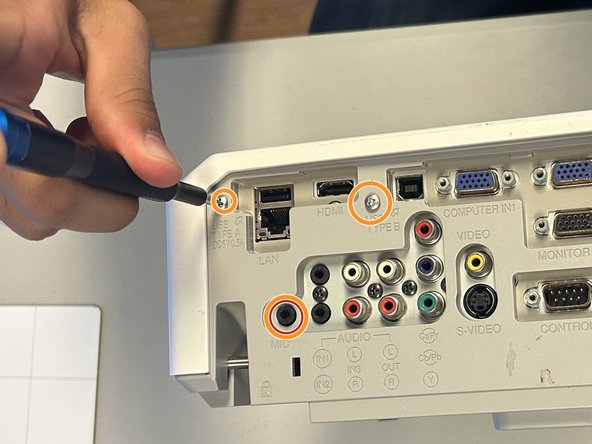
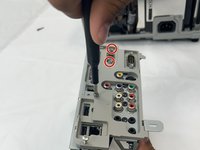
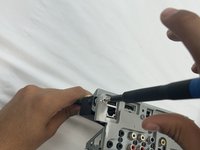
On the outlet area on the rear of the device, remove all three 11.5 mm screws with a Phillips #00 screwdriver.
-
Carefully remove the cover using your hands.
-
-



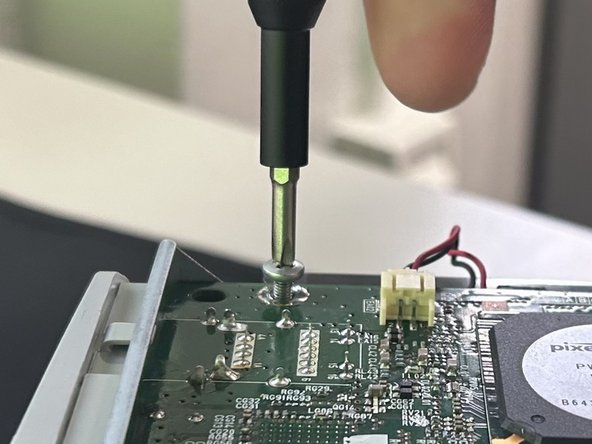
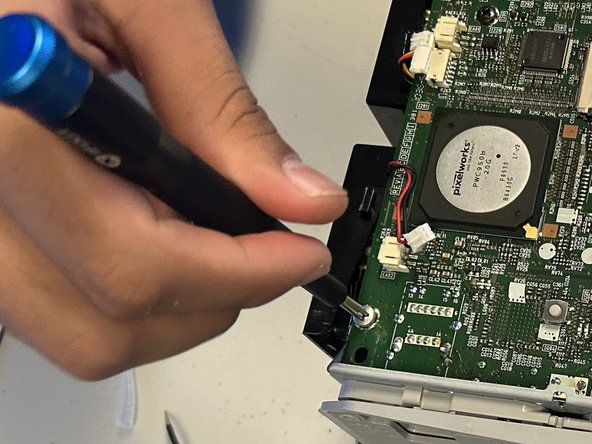


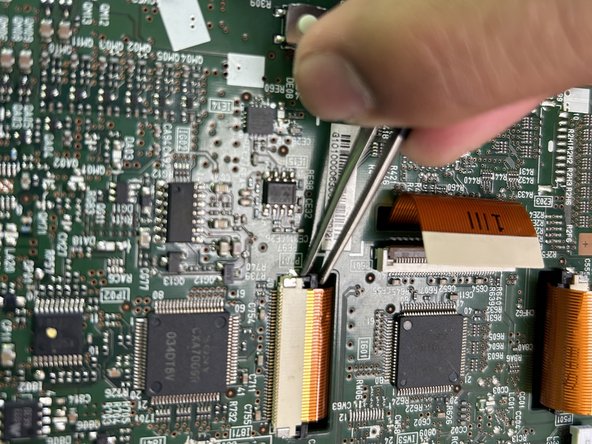
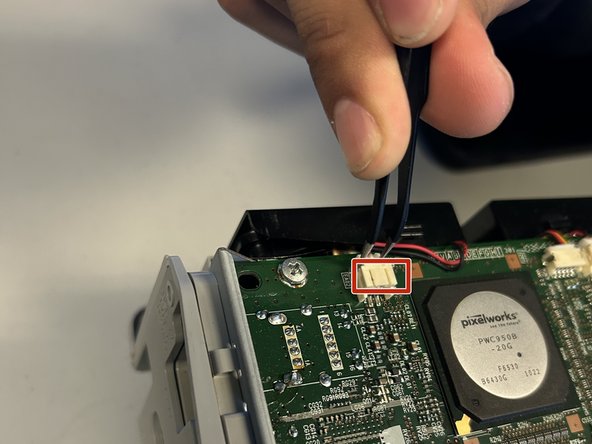
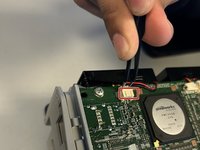


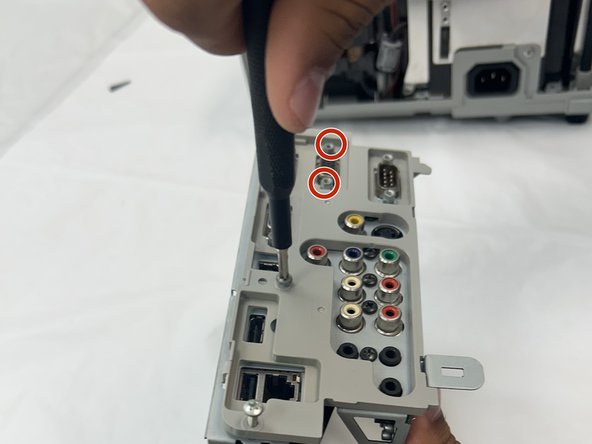
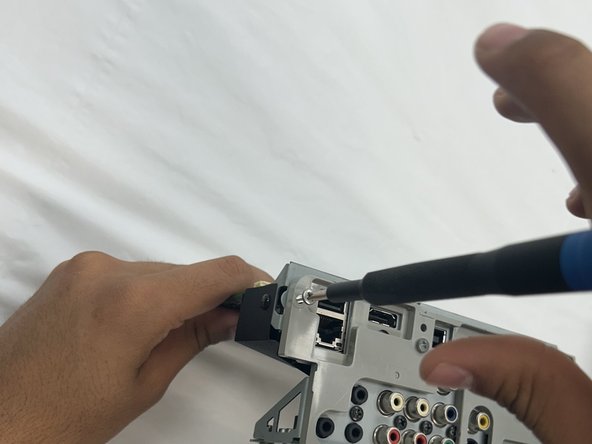
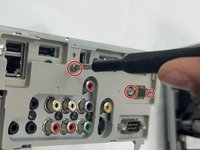


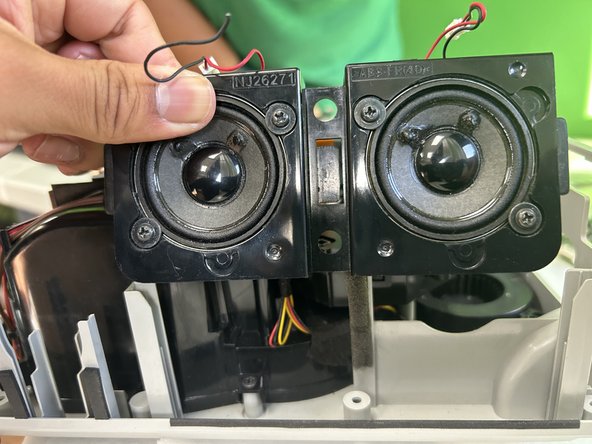
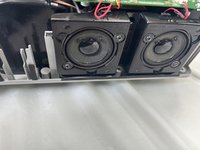
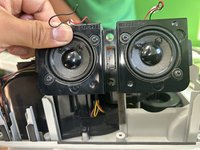
To reassemble your device, follow the above steps in reverse order.
Take your e-waste to an R2 or e-Stewards certified recycler.
Repair didn’t go as planned? Try some basic troubleshooting or ask our Answers community for help.

Team

University of North Texas, Team 2-4, Coppersmith Fall 2024 Member of University of North Texas, Team 2-4, Coppersmith Fall 2024
UNT-COPPERSMITH-F24S2G4
4 Members
4 Guides authored
