
Hitachi CP-X2010N Top Panel Replacement

Chance Kidd and 3 other contributors
Last updated on Dec 22, 2022
Views: 411
View statistics:
- Past 24 Hours:
- 3
- Past 7 Days:
- 11
- Past 30 Days:
- 49
- All Time:
- 411
Comments: 0
No one has left comments on this guide. Will you be first?
Go to guide commentsCompleted: 3 4
3 people have marked this guide "completed." Will you be next?
4 people have marked this guide "completed." Including you — great job!
Favorites: 0 1
No one has favorited (and subscribed to) this guide. Will you be the first?
1 person has favorited (and subscribed to) this guide — and that's you!
Introduction
Go to step 1 ↓The top panel houses and protects the projector's sensitive internal components. If there is any damage to the top case, it may need to be replaced. Removing the top panel is also necessary to replace most of the internal components for the Hitachi CP-X2010N.
Before removing the top panel, ensure the device is powered off and unplugged. Also make sure that the projector has cooled off if it has recently been used as it could become warm after prolonged use.
What you need
Tools

-
-
-
Flip the projector upside down to expose the screws on the underside.
 Ask FixBot
-
-
-
Use a Phillips #2 screwdriver to remove eight black 14 mm screws holding the top panel to the main projector body.
-
-
-
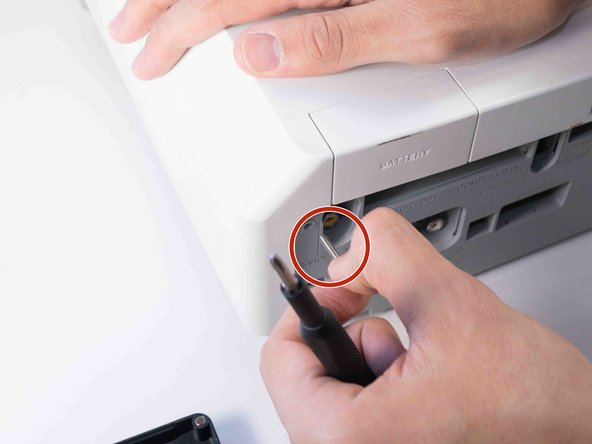
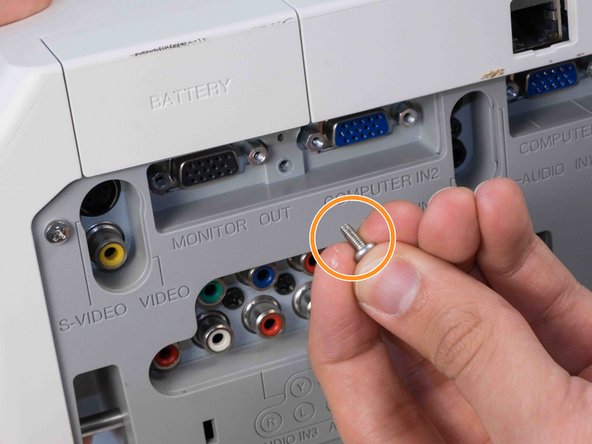
Use a Phillips #2 screwdriver to remove two silver 22 mm long screws.
-
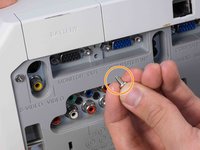
Use a Phillips #2 screwdriver to remove the short silver 10 mm screw.
-
-
-
-
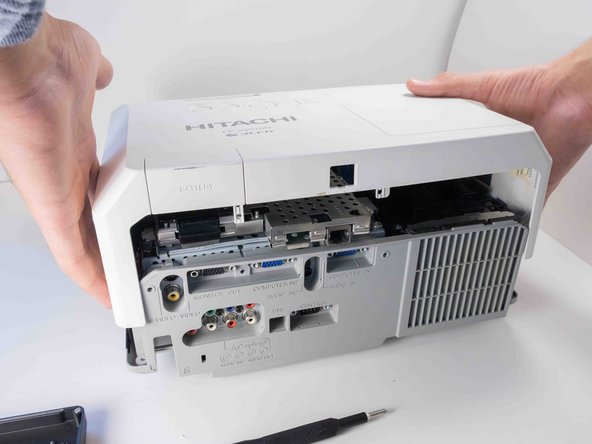
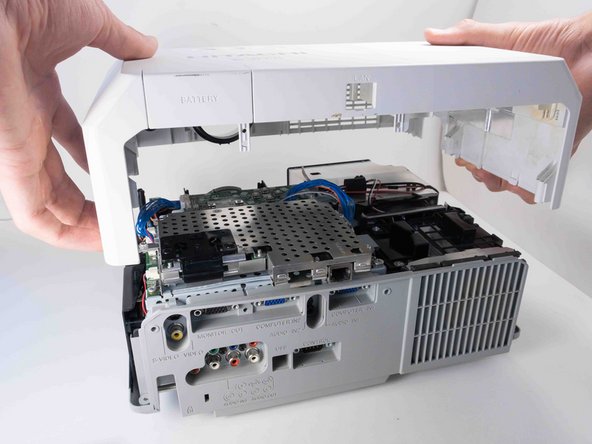
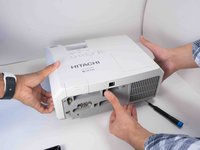
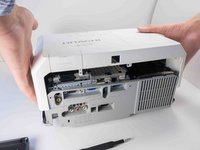
Carefully lift the top panel from the body of the projector, making sure it doesn't catch on anything.
-
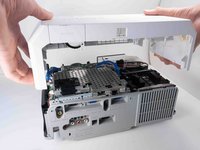
Remove the panel from the body of the projector.
-
-



To reassemble your device, follow these instructions in reverse order.
Cancel: I did not complete this guide.
3 other people completed this guide.

Team

Austin Community College, Team 9-2, Watkins Fall 2022 Member of Austin Community College, Team 9-2, Watkins Fall 2022
AUSTINCC-WATKINS-F22S9G2
4 Members
72 Guides authored
