
Head Cleaning V4/V5

Mousta Impressoras 3D and one other contributor
Last updated on May 24, 2022
Views: 936
View statistics:
- Past 24 Hours:
- 3
- Past 7 Days:
- 19
- Past 30 Days:
- 88
- All Time:
- 936
Comments: 0
No one has left comments on this guide. Will you be first?
Go to guide commentsCompleted: 1 2
1 person has marked this guide "completed." Will you be next?
2 people have marked this guide "completed." Including you — great job!
Favorites: 0 1
No one has favorited (and subscribed to) this guide. Will you be the first?
1 person has favorited (and subscribed to) this guide — and that's you!
Community-Contributed Guide
An awesome member of our community made this guide. It was not created by iFixit staff.
What you need
-
-
-
With the printer powered on, enter the menu screen and select the "Config. Rápida" (Quick Setup) option.
-
In the quick settings, select the "Retreat Table" option.
 Ask FixBot
-
-
-
When the table is in the position shown in the photo, press the Reset button on the left side of the machine, as shown.
-
Select the "Pré-aquecer PLA" (Preheat PLA) option from the quick settings menu.
-
-
-
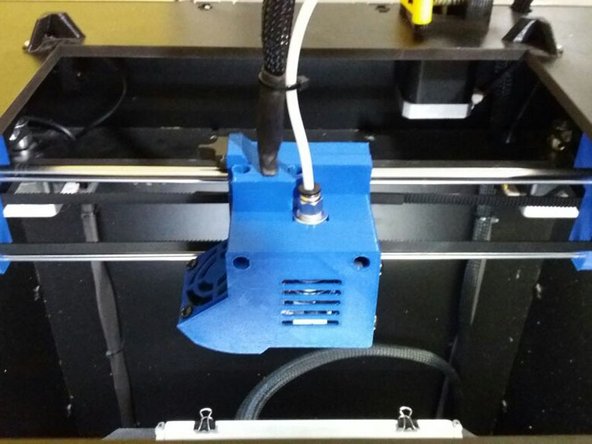
With the table in place, manually push the head to the center of the machine for easier handling.
-
-
-
Position the 20mm Fork Spanner, as shown in the figure, locking the inside of the head in order to prevent the nozzle from spinning.
-
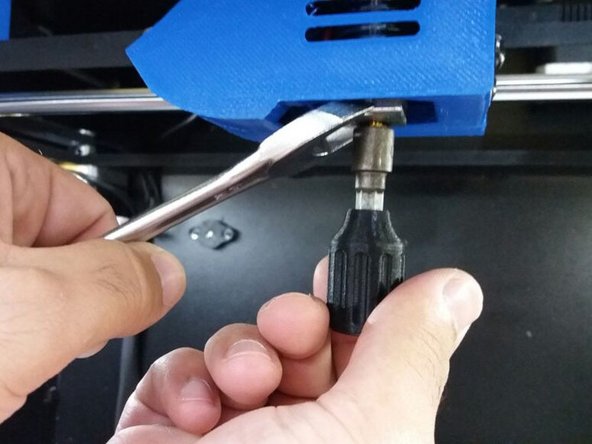
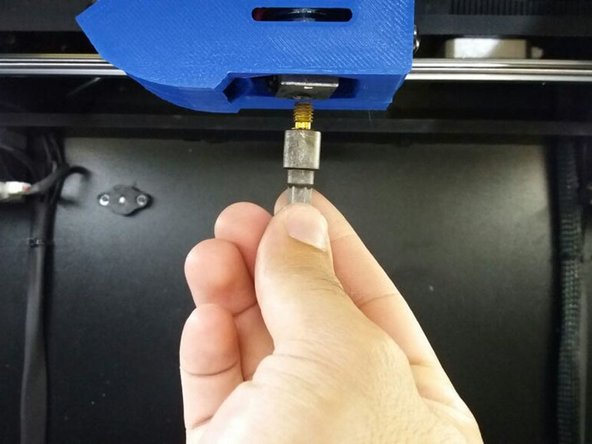
With the 7mm Fork Wrench, remove the nozzle from the head.
-
-
-
With your hands, pull the PTFE tube from the head, pressing the black part of the piece where the tube is fitted.
-
-
-
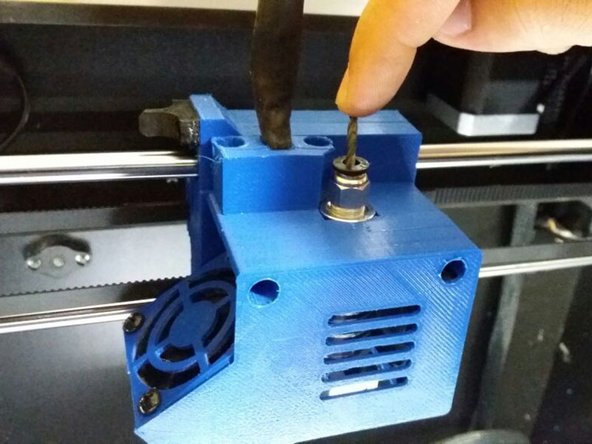
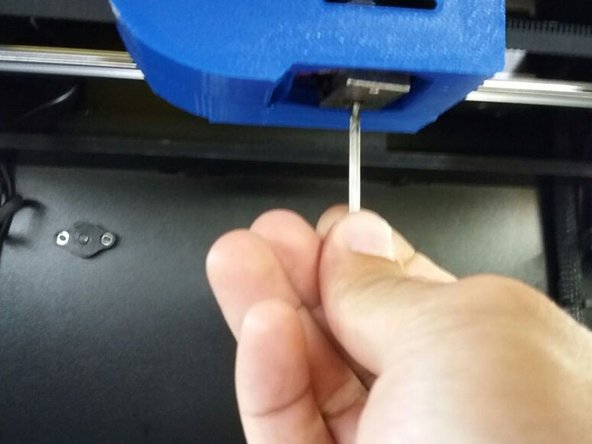
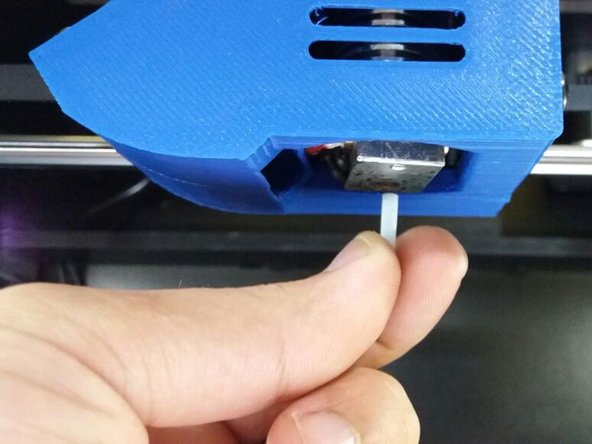
Positioning the bit in the indicated hole, push it down until the inner PTFE comes out from under the head (where the nozzle hole is).
-
-
-
-
Finish removing the internal PTFE and replace it with a new one or clean it.
-
With the drill, clean the nozzle hole as shown in the picture.
-
Put the new inner PTFE in place as shown.
-
-
-
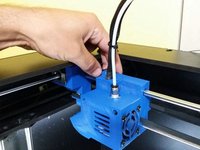
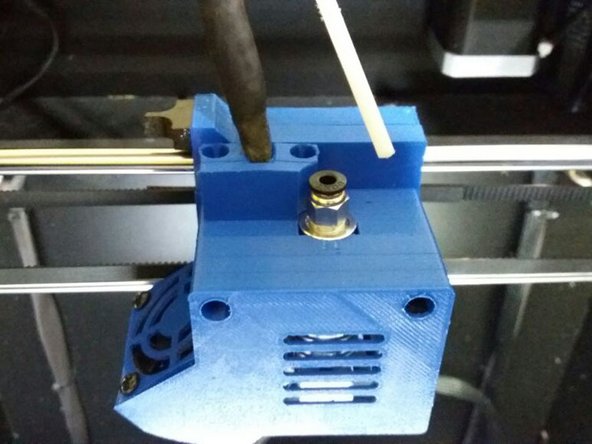
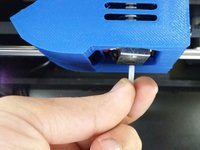
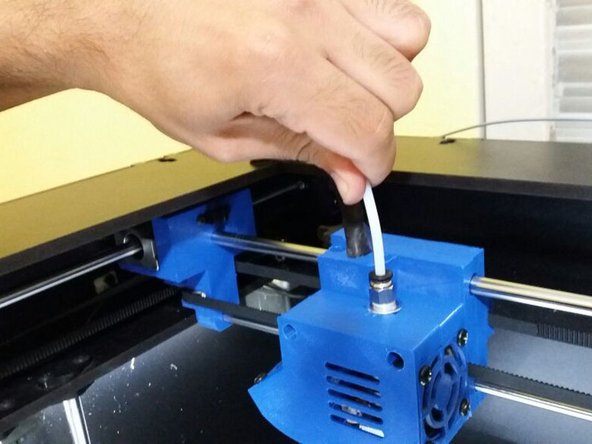
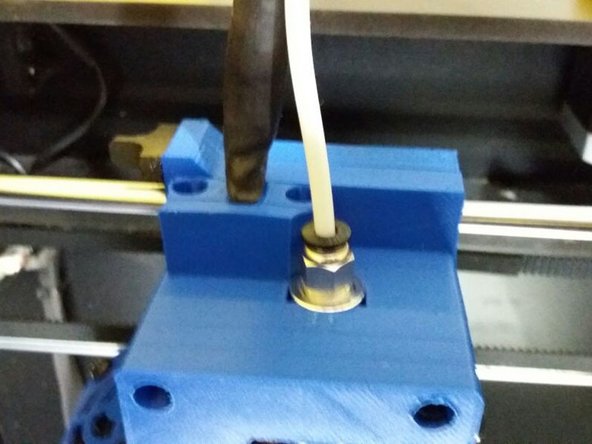
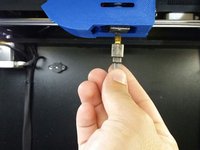
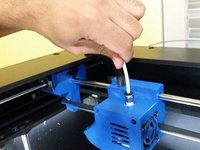
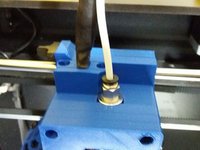
Replace the nozzle at the bottom of the head and the PTFE at the top, pushing it all the way down with your hands.
-
-
-
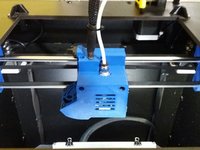
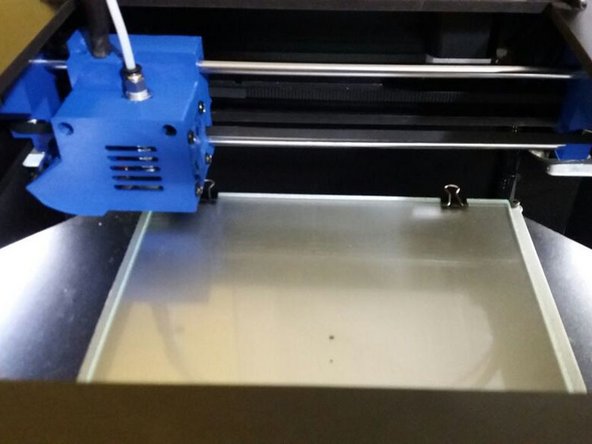
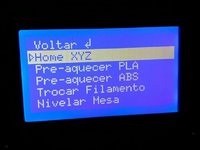
Reposition the table, in the option "Home XYZ" of the menu, in the section of quick setup and wait for it to be in the position indicated by the figure
-
-





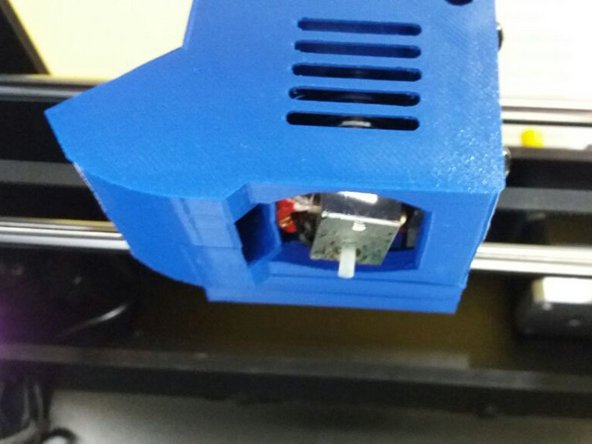
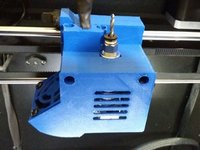
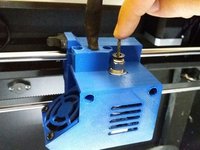
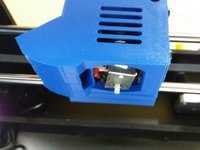



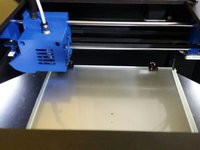
You are ready to continue your prints!
Cancel: I did not complete this guide.
One other person completed this guide.
Special thanks to these translators:
100%


These translators are helping us fix the world! Want to contribute?
Start translating ›

