Introduction
This repair guide will help you replace the on/off button for the microphone on your Harmon Kardon Invoke. By replacing the microphone on/off button, this may resolve Cortana not responding when spoken to and ensure that the microphone is enabled at the appropriate time. For this repair, make sure you have a steady hand to prevent harming the internal hardware. While replacing the base screws, be sure to not strip them, otherwise, any future repair will be difficult.
What you need
-
-
Use a Torx #10 screwdriver to remove the four 14.0 mm screws.
-
-
-
-
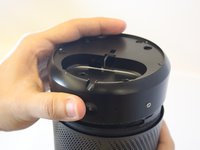
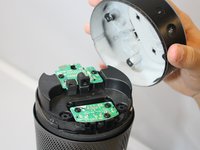
Firmly grip the bottom and wiggle it upwards to remove the base.
-
-
-
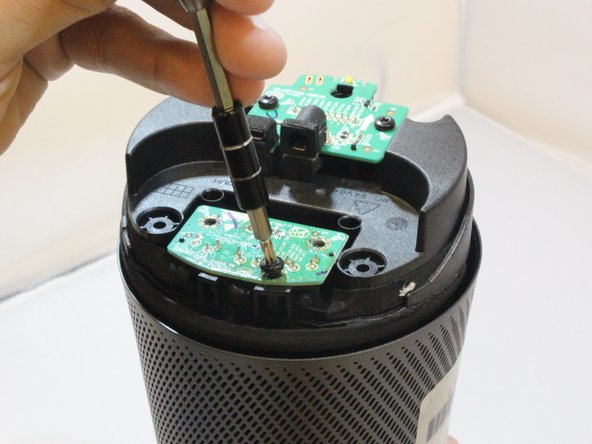
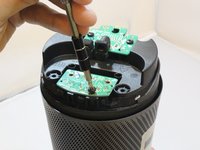
Use a Torx #10 screwdriver to remove three 10.0 mm screws from the highlighted board attached to microphone button.
-
-
-
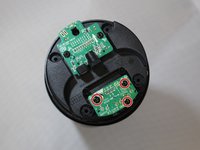
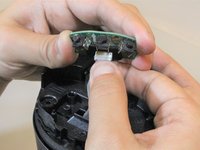
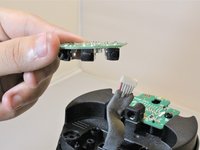
Pull the cable lightly to disconnect the button board from device.
-


 Ask FixBot





To reassemble your device, follow these instructions in reverse order.

Team

Eastern Washington University, Team S2-G2, Munoz Fall 2018 Member of Eastern Washington University, Team S2-G2, Munoz Fall 2018
EWU-MUNOZ-F18S2G2
3 Members
5 Guides authored
