
Happrun H1 Cooling Fan Replacement

Tulika and 3 other contributors
Last updated on Nov 21, 2025
Views: 4.5K
View statistics:
- Past 24 Hours:
- 13
- Past 7 Days:
- 37
- Past 30 Days:
- 131
- All Time:
- 4,480
Comments: 10
10 guide comments.
Go to guide commentsCompleted: 1 2
1 person has marked this guide "completed." Will you be next?
2 people have marked this guide "completed." Including you — great job!
Favorites: 0 1
No one has favorited (and subscribed to) this guide. Will you be the first?
1 person has favorited (and subscribed to) this guide — and that's you!
Action Shots
Be an action hero! This guide needs images that better demonstrate how to perform specific actions.
Confusing Text
Some of this guide's text is confusing, duplicated, or off-topic. Clarify it by editing!
Needs Better Images
Better photos will improve this guide. Help out by taking, editing, or uploading new ones!
Markup Mishap
This guide needs better markups. Help out by correcting or making some markup annotations.
Needs More Images
A few more images would make this guide's procedures crystal clear.
Introduction
Go to step 1 ↓Projectors are a valuable tool for presentations and home entertainment but they can encounter issues over time. A malfunction in the cooling fan caused by overheating and resulting in powering down at random times is a common problem. This guide will guide you step-by-step on how to safely and effectively replace the cooling fan of a projector.
Projector Model: Happrun H1
Note: The projector may be hot, so ensure it cools down before you start disassembling it to avoid burning yourself. Make sure the projector is fully turned off and not plugged in. Allow up to 20 minutes for the projector to cool down.
What you need
Tools


Video Overview
-
-
-
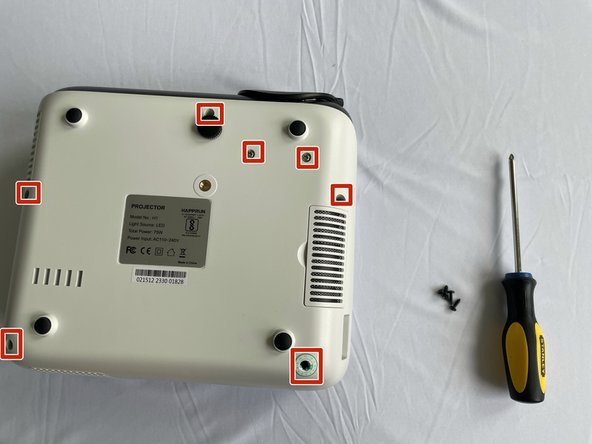
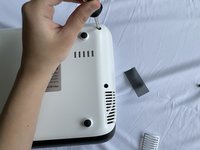
Flip the device upside down so that the projector's air filter is facing up.
-
Remove the filter by gently pulling it out until it pops out.
 Ask FixBot
-
-
-
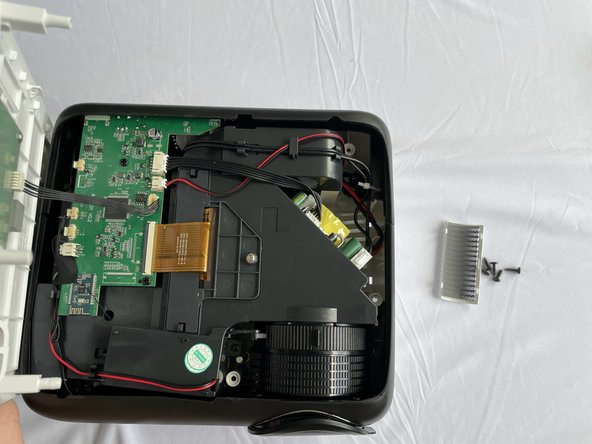
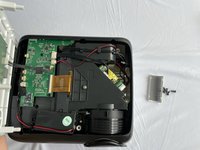
After all the screws are out, insert an opening tool in the small space between the front cover and the back cover and gently lift it up.
-
Remove the covers and set aside.
-
-
-
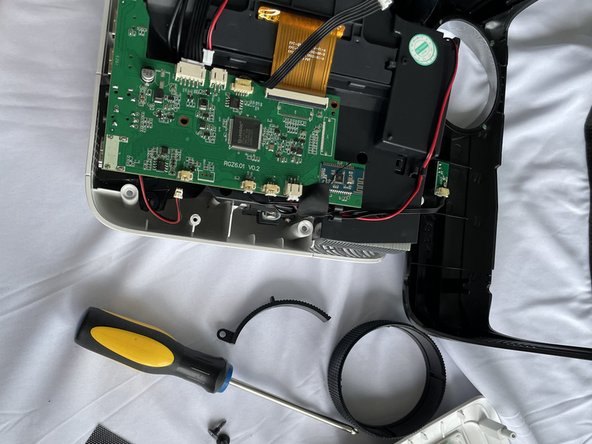
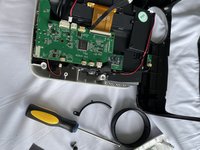
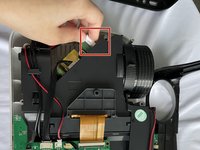
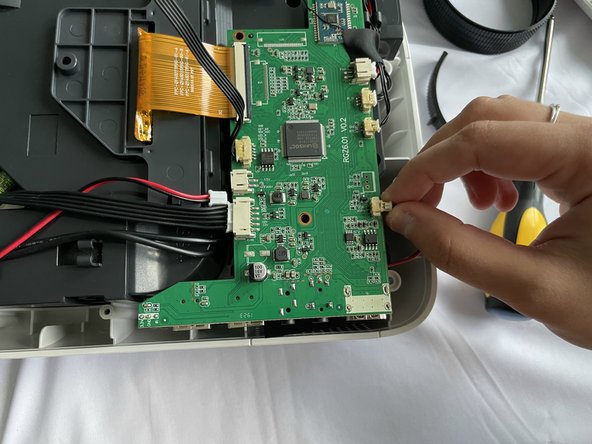
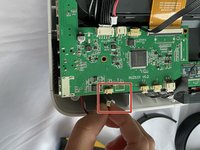
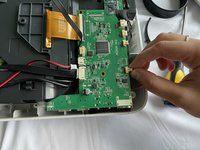
Use your hands or an opening tool to disconnect the cables from the source.
-
To disconnect the wires, use the opening tool to lift the lock on the connector and slide the cable out of the connector.
-
-
-
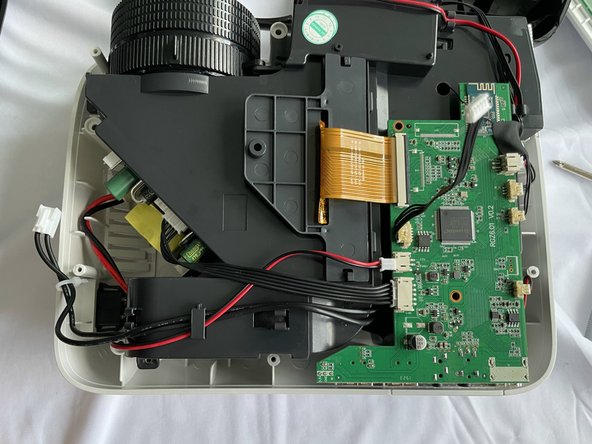
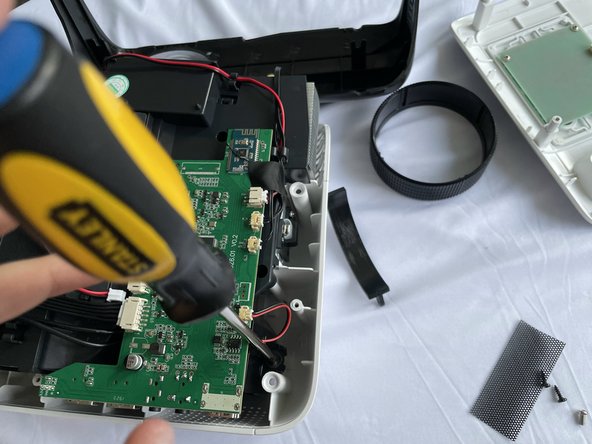
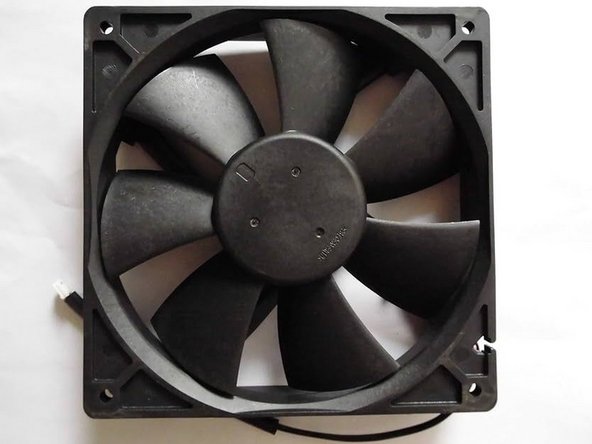
Gently pull out the fan from below the motherboard and swap it with a new one.
-
-
-
Reconnect the wires between the fan and the motherboard.
-
Gently push the colorful cables inside the white plastic clips until it gets locked
-
-
-
-
Place the screws in the holes and using a Philip#00 screwdriver gently rotate it until it is tight.
-
-
-
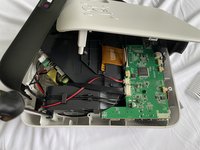
Now put the cover back in place and tighten the screws using a Philip#00 screwdriver.
-
-





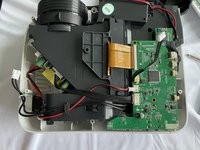

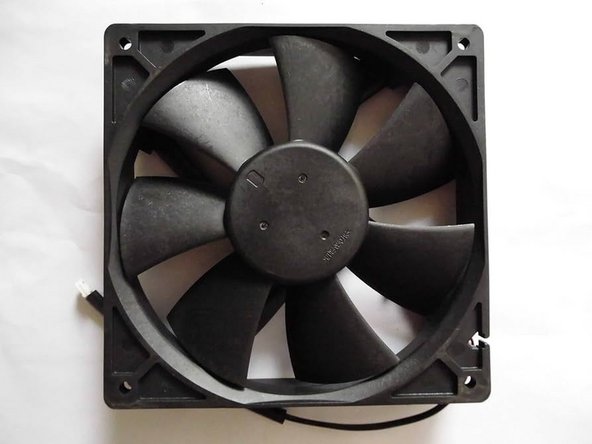
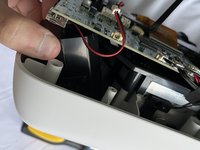


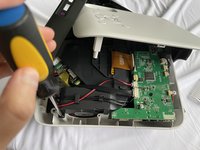
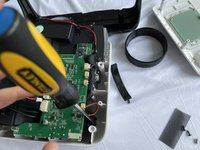

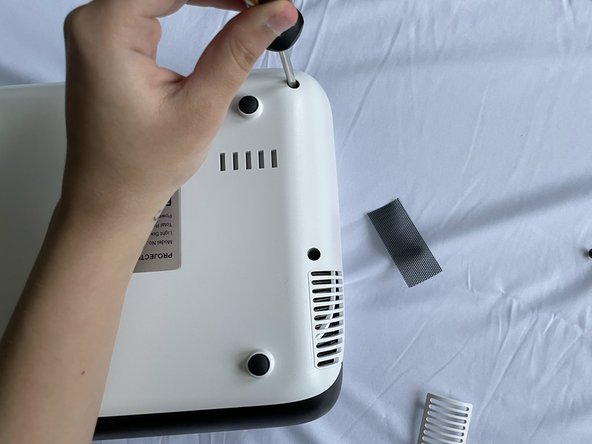
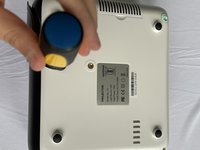

To reassemble your device, follow these instructions in reverse order.
Cancel: I did not complete this guide.
One other person completed this guide.

Team

York University, Team 2-15, O'Regan Fall 2023 Member of York University, Team 2-15, O'Regan Fall 2023
YORK-O'REGAN-F23S2G15
1 Member
12 Guides authored
10 Guide Comments
Hi Tulika, thank you for the guide!
Is there a chance you can provide me with the messurements of the fan and maybe you know the voltage and RPM's it runs on?
I want to replace it with a quitter one like from Noctua or so.
Thanks!
Any luck doing that? I'm looking for the same solution.
i measured 75x30mm
D-Fan Model: DFM7530S
DC 12V 0.25A, 2 Pin connector
@rudyazoulay, I jsut took apart my projector and this guide is just something weird.
There are 2 turbine type fans
DC Brushless Fan, Model: DFM7530S, DC 12V - 0.25A.
Just put it into google and you will see that one specific. I didn't find the quite one yet.
Yes this is exactly the sort of fan I´m expecting to find in there!
Gonna be tough finding a pair that lowers the fan noise tho, undervolting them could result in inadequent cooling for the LED and LCD..
If you go on ebay or google, hit "75 75 30 radial fan" and make sure to check dimensions, voltage and current, you should definitely be able to find some compatible ones.
A little tolerance on current should be fine too, I would stay away from high RPM fans as they will likely increase fan noise.
The M in DFM7530S most likely stands for Medium speed
