
Haiboxing 18859 Servo Replacement

Kevin Hillmann and 3 other contributors
Last updated on Jun 19, 2025
Views: 569
View statistics:
- Past 24 Hours:
- 1
- Past 7 Days:
- 14
- Past 30 Days:
- 74
- All Time:
- 569
Comments: 0
No one has left comments on this guide. Will you be first?
Go to guide commentsCompleted: 0 1
No one has marked this guide "completed." Will you be the first?
1 person has marked this guide "completed." It's you — great job!
Favorites: 0 1
No one has favorited (and subscribed to) this guide. Will you be the first?
1 person has favorited (and subscribed to) this guide — and that's you!
Introduction
Go to step 1 ↓If your Haiboxing 18859 is having trouble steering its wheels, then this guide will show you how to replace its servo to fix that.
Before using this guide make sure that nothing is obstructing the wheels of the Haiboxing 18859, such as dirt or rocks. Then, make sure the axels of the Haiboxing 18859 are properly connected and straight.
What you need
Tools


-
-
-
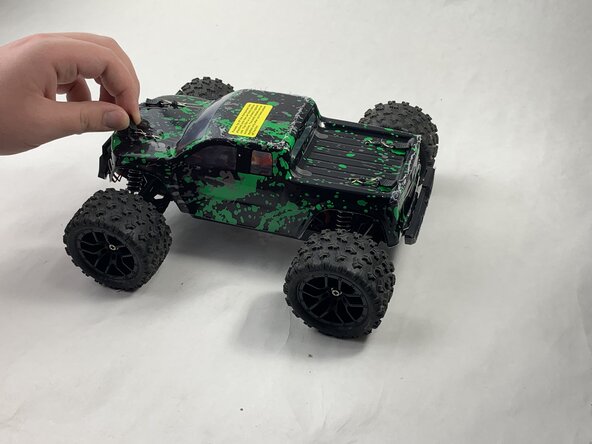
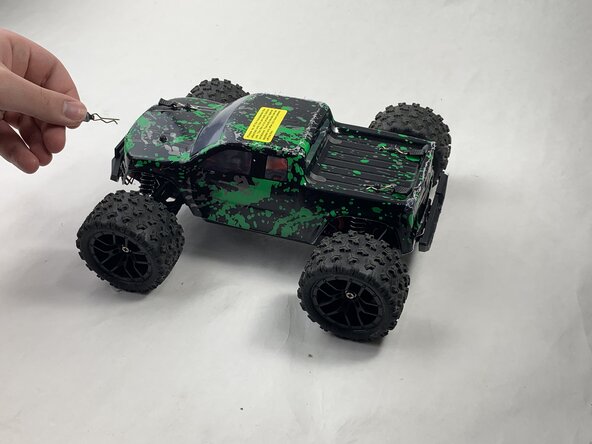
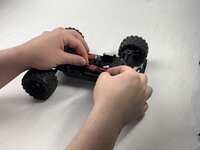
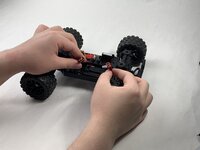
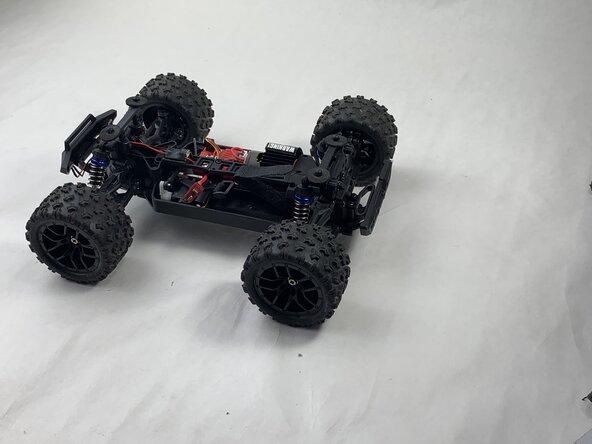
Remove the 4 clips holding down the hard plastic shell of the RC car. Do this by pinching them with your thumb and index finger and pulling away.
 Ask FixBot
-
-
-
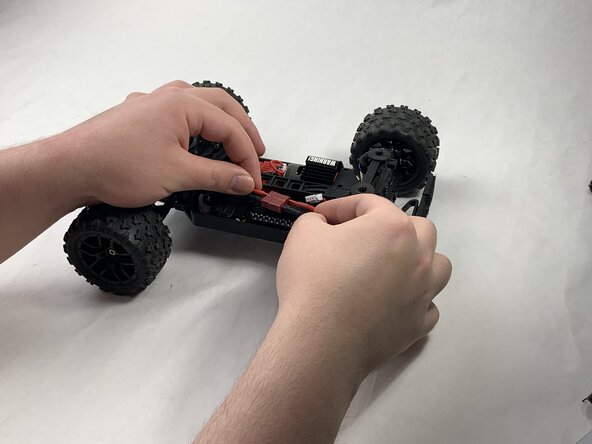
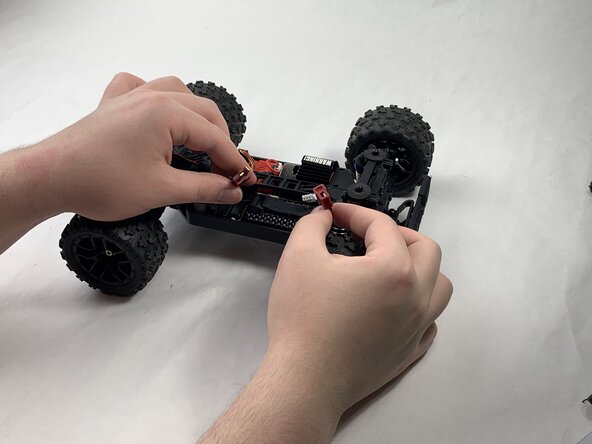
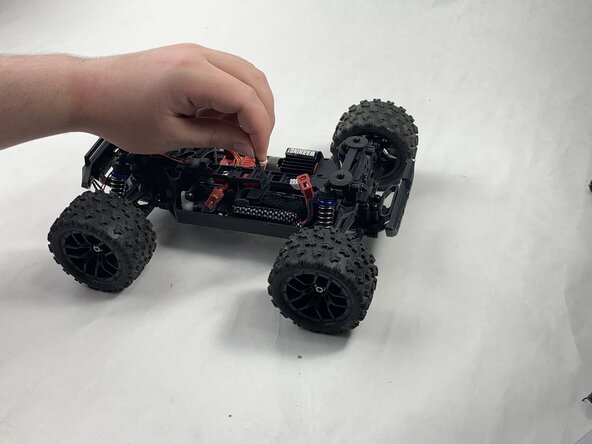
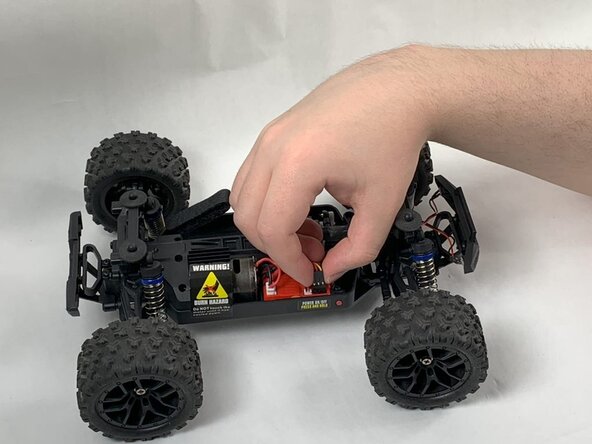
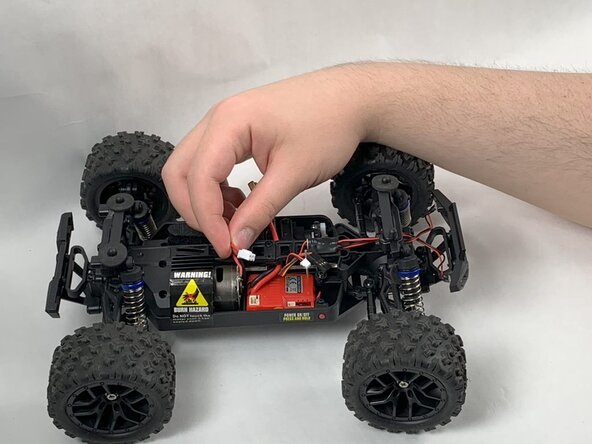
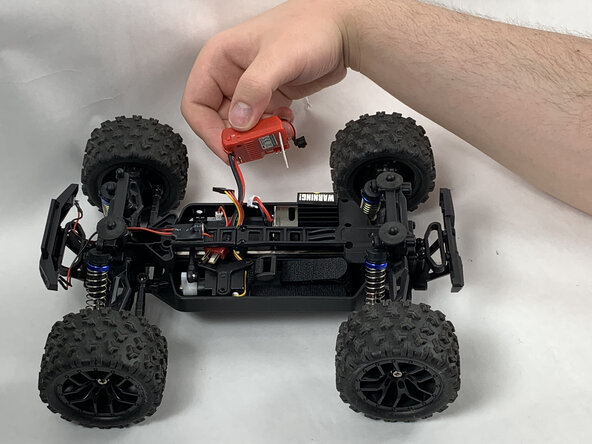
Disconnect the Lego-style battery connector by gripping either side and pulling them away from each other, slowly and consistently.
-
-
-
-
-
Remove the 8 mm Phillips #0 screw holding the front corner of the receiver down.
-
Remove the front corner piece.
-
-
-
-
-
Remove the three 10 mm Phillips #0 screws holding the three-pointed plastic bracket in place.
-
-
-
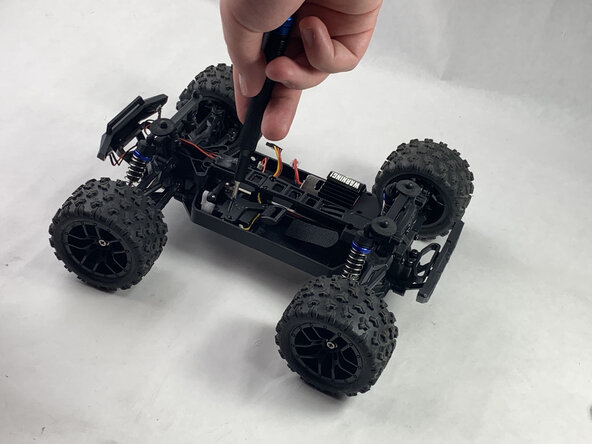
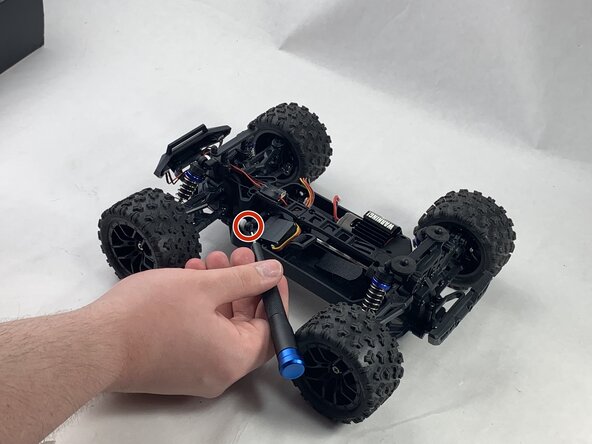
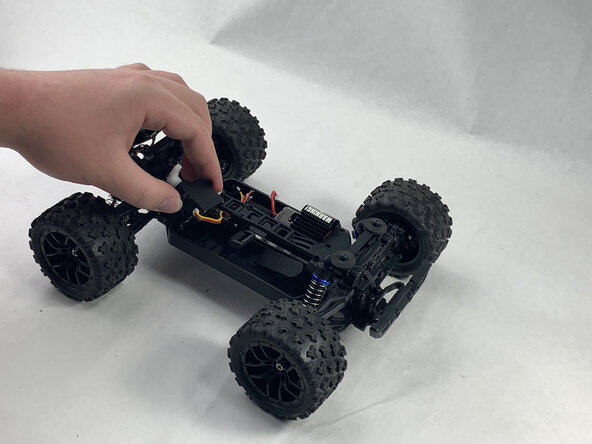
Remove the 10 mm Phillips #00 screw holding the white piece of the servo to the black plastic piece of the shaft.
-
-






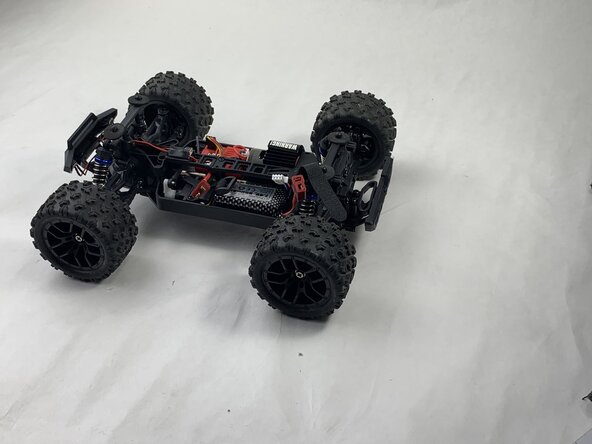












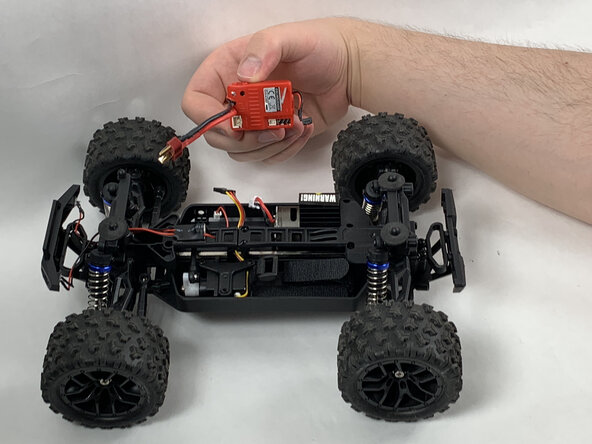



To reassemble your device, follow the above steps in reverse order.
Take your e-waste to an R2 or e-Stewards certified recycler.
Repair didn’t go as planned? Try some basic troubleshooting or ask our Answers community for help.

Team

UMass Dartmouth, Team 6-3, Botvin Spring 2025 Member of UMass Dartmouth, Team 6-3, Botvin Spring 2025
UMASSD-BOTVIN-S25S6G3
3 Members
60 Guides authored
