Free Shipping on Domestic Orders $75+

Haiboxing 18859 Receiver Replacement

What you need

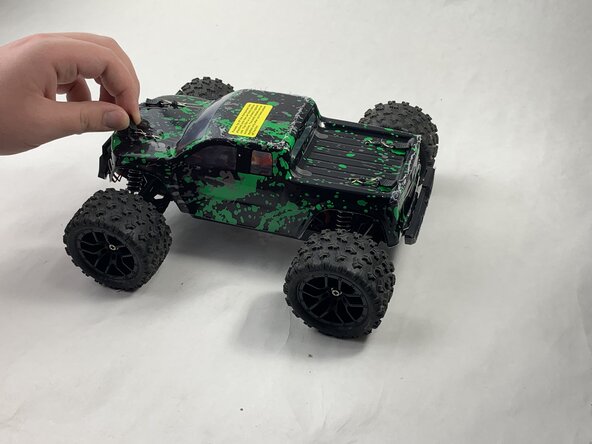
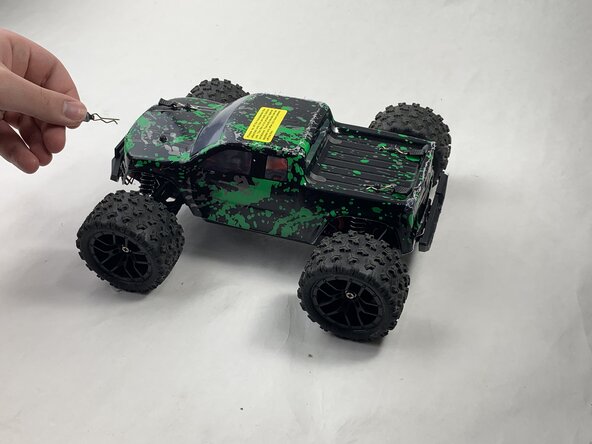
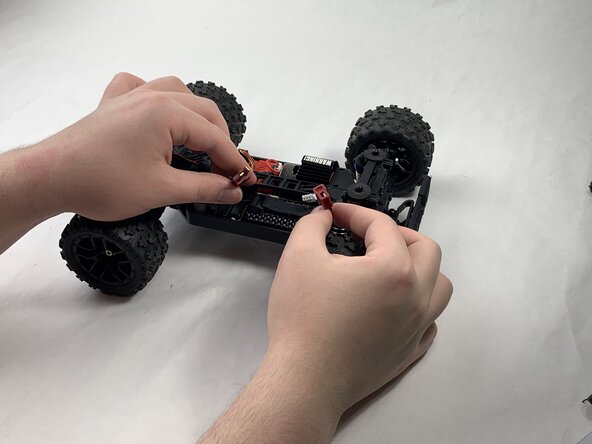
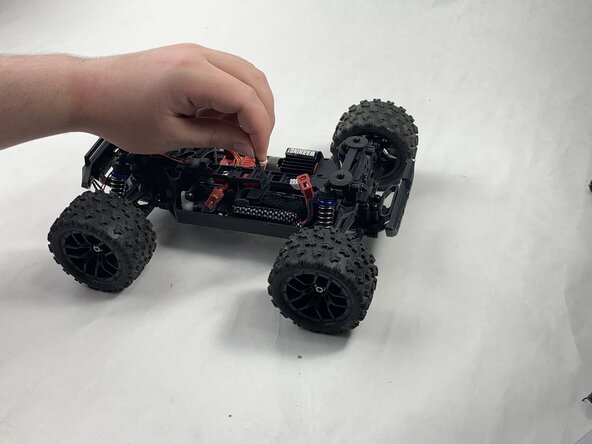
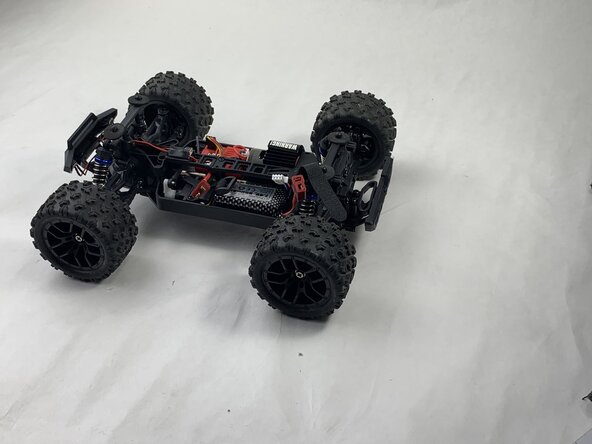
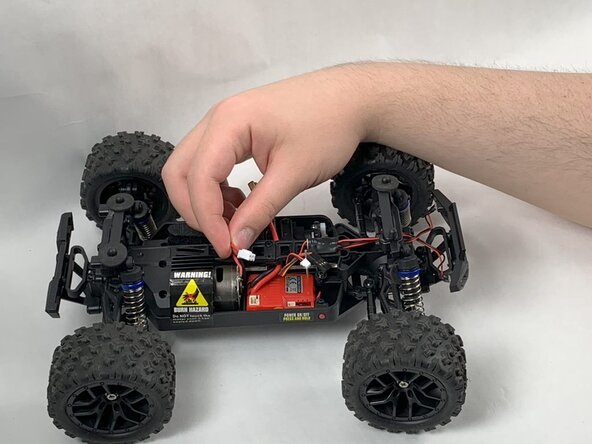
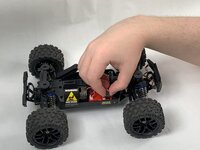
  1. Haiboxing 18859 Receiver Replacement, Battery: step 1, image 1 of 3 Haiboxing 18859 Receiver Replacement, Battery: step 1, image 2 of 3 Haiboxing 18859 Receiver Replacement, Battery: step 1, image 3 of 3
    • Remove the 4 clips holding down the hard plastic shell of the RC car. Do this by pinching them with your thumb and index finger and pulling away.

    Ask FixBot

    Add Comment

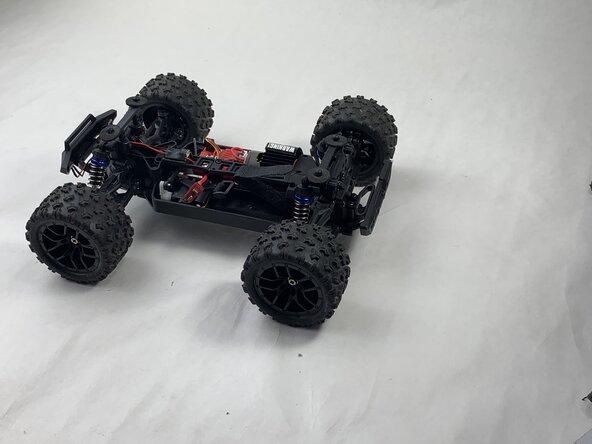
  2. Haiboxing 18859 Receiver Replacement: step 2, image 1 of 1
    • Lift the hard plastic shell off of the RC car.

    Ask FixBot

    Add Comment

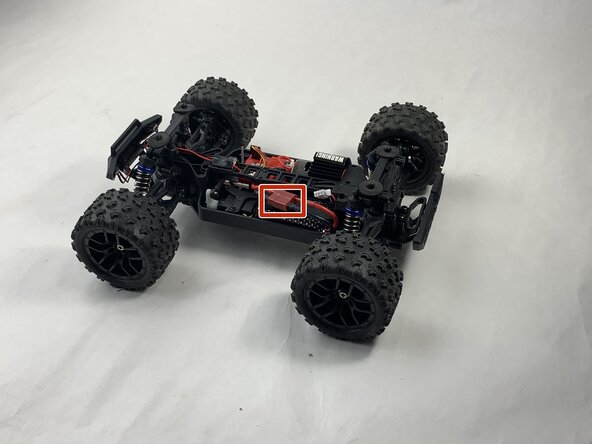
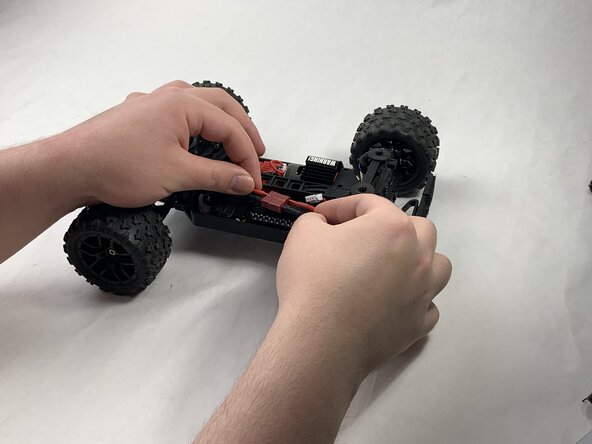
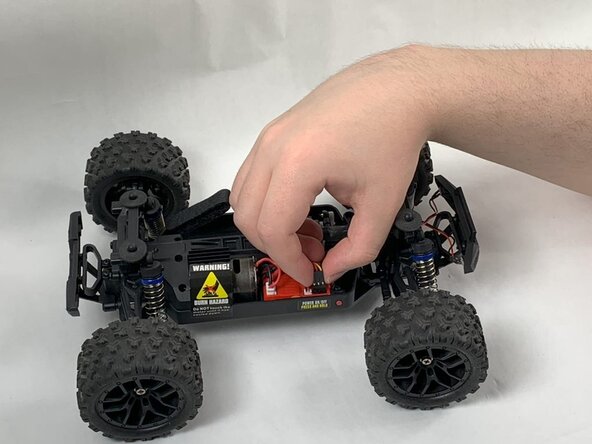
  3. Haiboxing 18859 Receiver Replacement: step 3, image 1 of 3 Haiboxing 18859 Receiver Replacement: step 3, image 2 of 3 Haiboxing 18859 Receiver Replacement: step 3, image 3 of 3
    • Disconnect the Lego-style battery connector by gripping either side and pulling them away from each other, slowly and consistently.

    Ask FixBot

    Add Comment

  4. Haiboxing 18859 Receiver Replacement: step 4, image 1 of 3 Haiboxing 18859 Receiver Replacement: step 4, image 2 of 3 Haiboxing 18859 Receiver Replacement: step 4, image 3 of 3
    • Unfasten the Velcro strap that secures the battery.

    Ask FixBot

    Add Comment

  5. Haiboxing 18859 Receiver Replacement: step 5, image 1 of 2 Haiboxing 18859 Receiver Replacement: step 5, image 2 of 2
    • Remove the battery.

    Ask FixBot

    Add Comment

  6. Haiboxing 18859 Receiver Replacement, Receiver: step 6, image 1 of 3 Haiboxing 18859 Receiver Replacement, Receiver: step 6, image 2 of 3 Haiboxing 18859 Receiver Replacement, Receiver: step 6, image 3 of 3
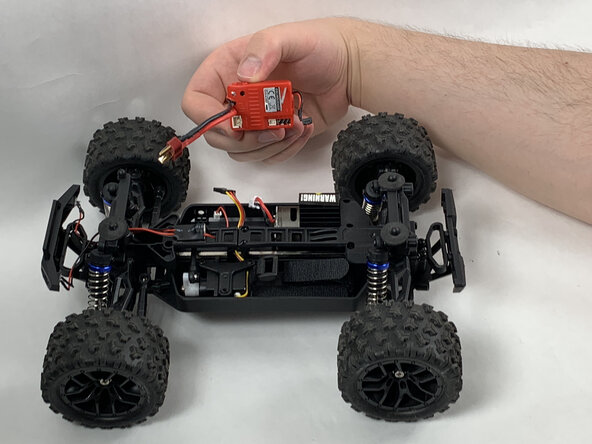
    • Disonnect all connectors attached to the red, plastic receiver.

    Ask FixBot

    Add Comment

  7. Haiboxing 18859 Receiver Replacement: step 7, image 1 of 1
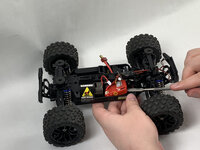
    • Remove the 8 mm Phillips #0 screw holding the front corner of the receiver down.

    • Remove the front corner piece.

    Ask FixBot

    Add Comment

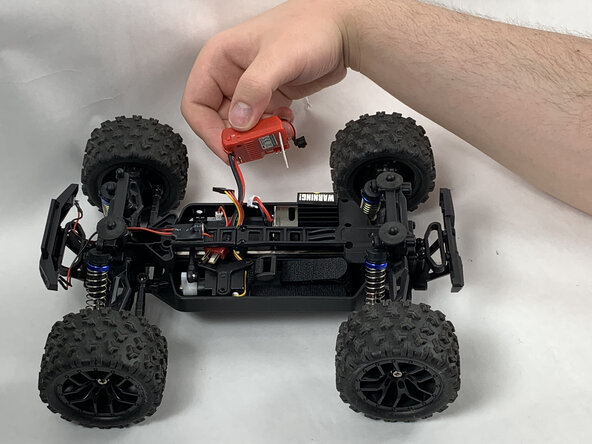
  8. Haiboxing 18859 Receiver Replacement: step 8, image 1 of 3 Haiboxing 18859 Receiver Replacement: step 8, image 2 of 3 Haiboxing 18859 Receiver Replacement: step 8, image 3 of 3
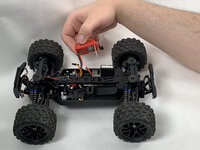
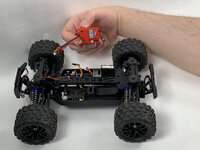
    • Remove the receiver.

    Ask FixBot

    Add Comment

Conclusion

To reassemble your device, follow the above steps in reverse order.
Take your e-waste to an R2 or e-Stewards certified recycler.
Repair didn’t go as planned? Try some basic troubleshooting or ask our Answers community for help.

Cancel: I did not complete this guide.

Kevin Hillmann

Member since: 03/21/25

258 Reputation

2 Guides authored

Team

0 Guide Comments

Add Comment

View Statistics:

Past 24 Hours: 2

Past 7 Days: 8

Past 30 Days: 44

All Time: 555