
HTC Warhawk Buttons Replacement

Caitlin Bruce and 6 other contributors
Last updated on Jan 15, 2026
Views: 1.2K
View statistics:
- Past 24 Hours:
- 1
- Past 7 Days:
- 9
- Past 30 Days:
- 49
- All Time:
- 1,169
Comments: 0
No one has left comments on this guide. Will you be first?
Go to guide commentsCompleted: 0 1
No one has marked this guide "completed." Will you be the first?
1 person has marked this guide "completed." It's you — great job!
Favorites: 2 3
2 people have favorited (and subscribed to) this guide. Will you be next?
3 people have favorited (and subscribed to) this guide — including you!
Mismatched Prerequisites
This guide does not have a proper prerequisite guide. Help match it to its ideal partner by finding it or writing one!
Incorrect Tools
Help make this guide better by using the correct tools in images and/or text.
Needs Better Images
Better photos will improve this guide. Help out by taking, editing, or uploading new ones!
Better Introduction
Improve this guide by completing or revising its introduction.
Missing Details
Some of this guide's details are missing. Help users by adding tools, difficulty, or time.
What you need
Tools
-
Spudger4.9


-
-
-
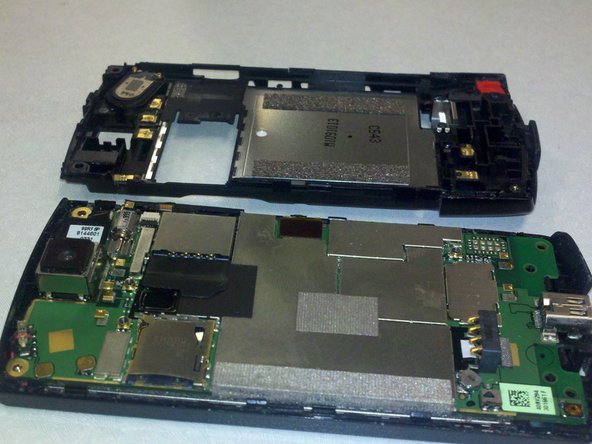
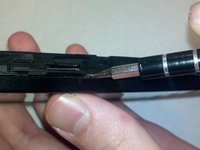
Take the SL#2.5 screwdriver and pry off the back cover
-
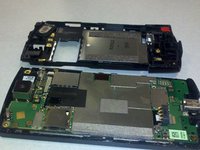
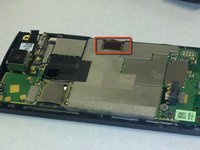
The phone should now look like the second picture
-
-
-
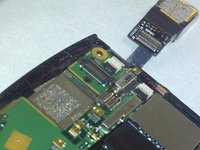
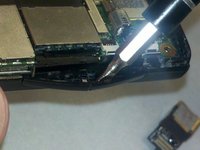
Take the SL#2.5 screwdriver and lift up the white connector at the top right corner of the phone on the side with the circuit board
-
-
-
-
Next lift up the camera lens from the board.
-
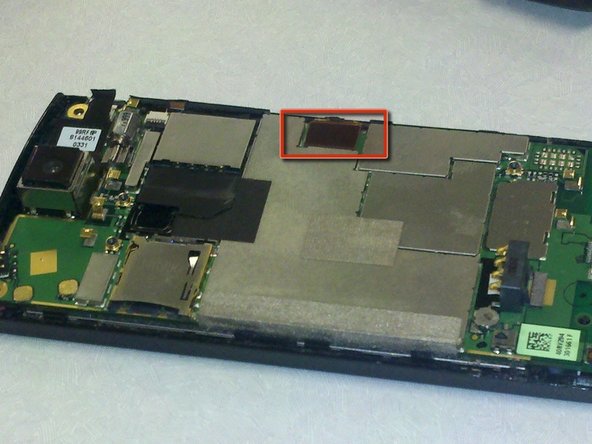
It should now look like the second picture
-
Then lift up the circuit outlined in red on the second picture
-
-
-
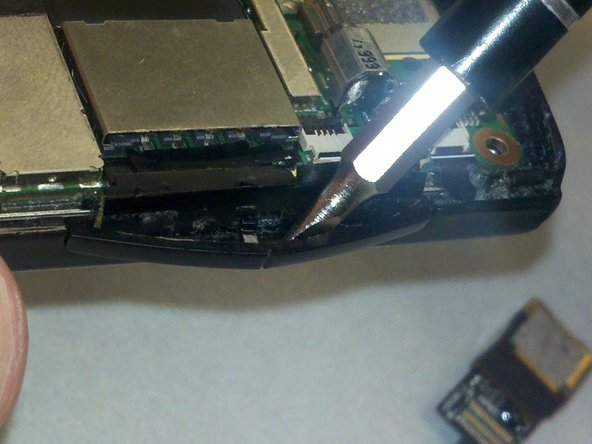
Take the SL#2.5 screwdriver and pry off the volume buttons on the side of the phone
-
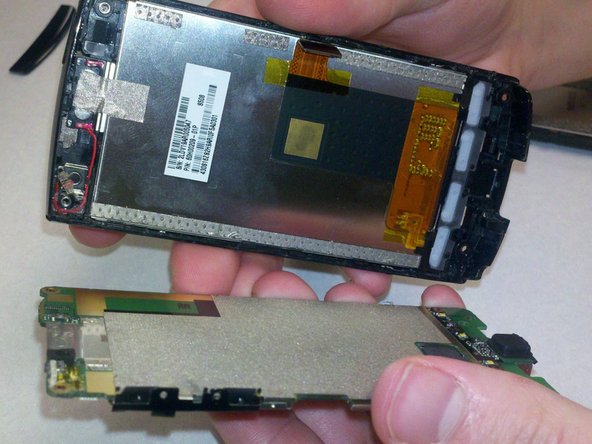
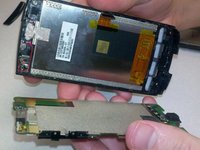
The circuit board should now be detached from the LCD part of the phone
-
-
-
Next take the SL#2.5 screwdriver and pry the buttons off the phone and replace with the new ones
-

 Ask FixBot





To reassemble your device, follow these instructions in reverse order.

Team

UW Stout, Team 5-3, Zhou Fall 2011 Member of UW Stout, Team 5-3, Zhou Fall 2011
UWSTOUT-ZHOU-F11S5G3
4 Members
36 Guides authored
