
HTC Touch Pro 2 Display Screen Replacement

Melinda Phan and 8 other contributors
Last updated on May 7, 2024
Views: 12K
View statistics:
- Past 24 Hours:
- 2
- Past 7 Days:
- 18
- Past 30 Days:
- 103
- All Time:
- 12,270
Comments: 0
No one has left comments on this guide. Will you be first?
Go to guide commentsCompleted: 5 6
5 people have marked this guide "completed." Will you be next?
6 people have marked this guide "completed." Including you — great job!
Favorites: 7 8
7 people have favorited (and subscribed to) this guide. Will you be next?
8 people have favorited (and subscribed to) this guide — including you!
Better Introduction
Improve this guide by completing or revising its introduction.
Missing Details
Some of this guide's details are missing. Help users by adding tools, difficulty, or time.
What you need
Tools
-
Spudger4.9


-
-
-
Apply pressure and slide upward to remove back cover.
-
Lift the back cover up away from the phone.
 Ask FixBot
-
-
-
Lift battery upward on the upper right-hand side to remove it.
-
Check the battery to make sure there's no bent corners.
-
-
-
-
-
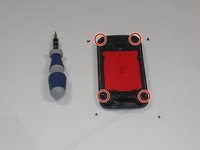
Using a T5 screwdriver, remove the four screws in corners as shown.
-
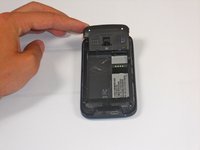
Lift the top portion of the rear case.
-
-
-
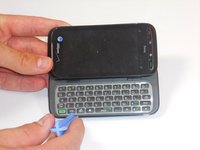
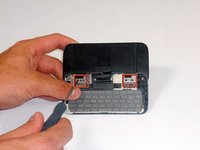
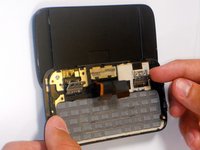
Using an IfixIt Plastic Tool, detach the plastic casing from the keyboard. This may require some force.
-
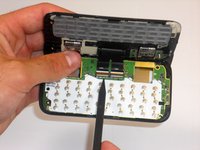
Using a spudger or other thin tool, carefully pry up ZIF connectors as shown. This will allow the black ribbons to detach from the keyboard.
-
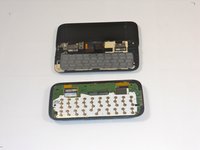
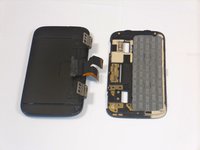
Slide the two parts away from each other so that the black ribbons slide through the slots and you will now have housing into two parts.
-
-
-
-
-
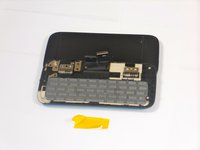
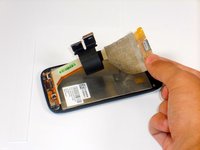
Peel the off yellow ribbon slowly.
-
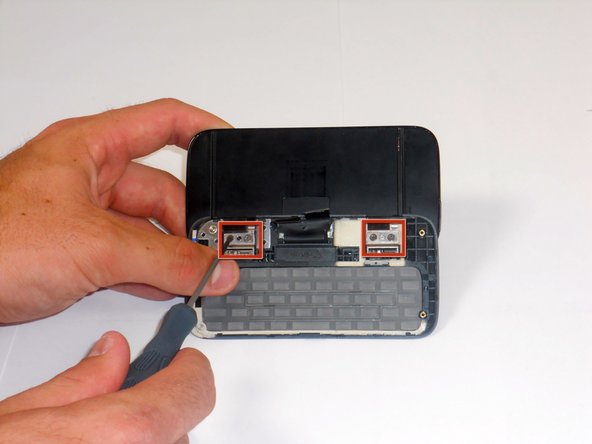
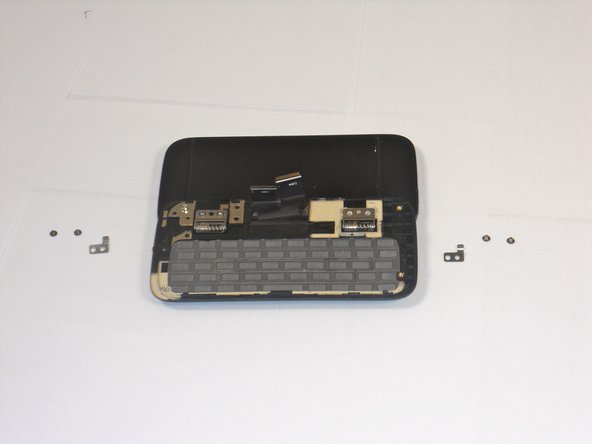
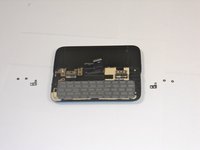
Unscrew the fours screws in red squares (two in each square) using a 00 screwdriver.
-
After the screws are out you will be able to easily take off the small metal pieces.
-
-
Tool used on this step:Tweezers$4.99
-
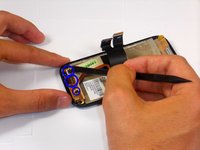
Gently peel off the yellow tape.
-
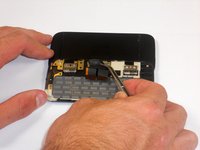
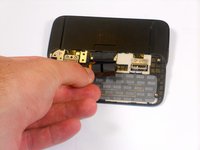
Carefully pull the dual black strip off using force.
-
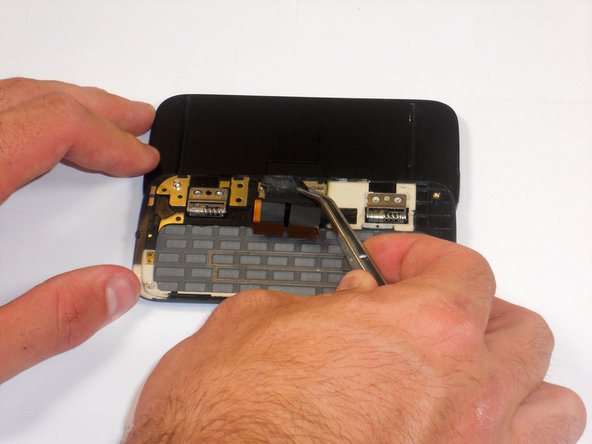
Behind the dual black strip is very sticky piece of grey tape. Use tweezers with a grip at end to peel it off, be careful not to rip the grey tape.
-
-
-
-
Lift up the metal hinges up.
-
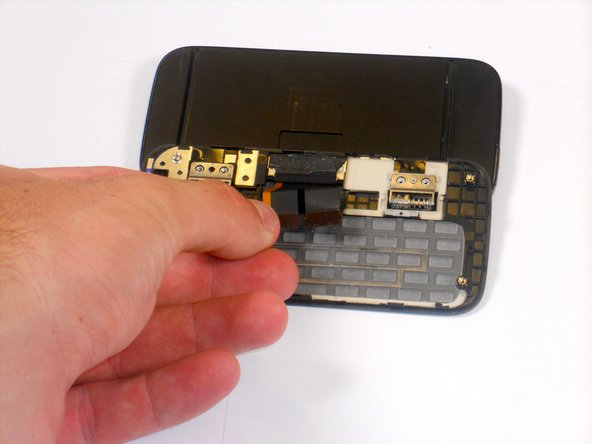
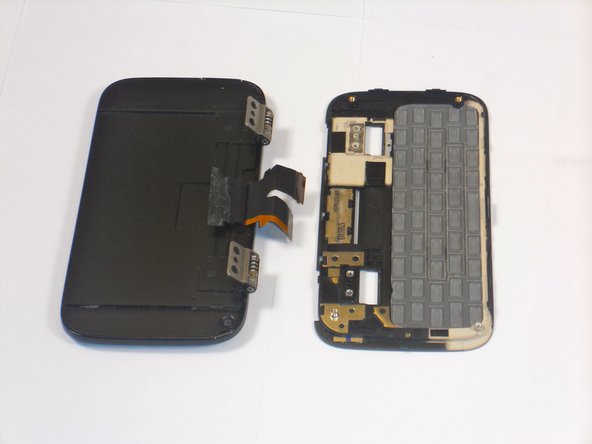
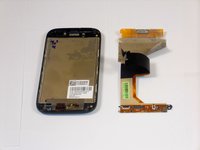
Lift the keyboard frame off separating the key board from the screen.
-
-
-
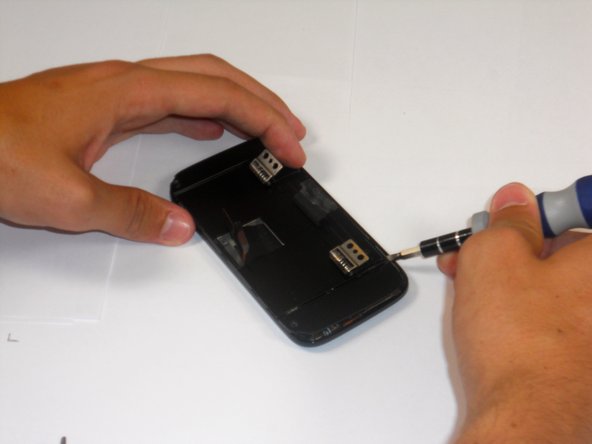
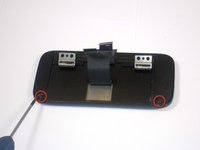
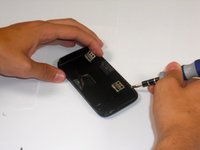
Unscrew the two screws shown using a 00 phillips screwdriver.
-
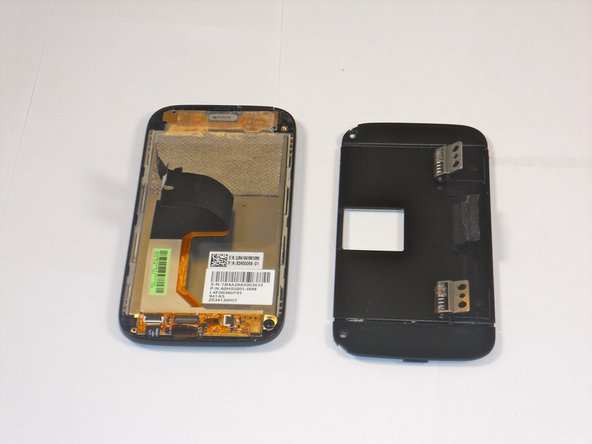
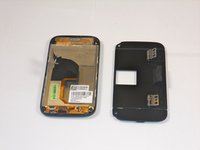
Wedge a flat head screwdriver or metal prying tool between the flat face and rounded edge of the phone casing. Then, slide and pry around the entire piece until the face comes off.
-
-
-
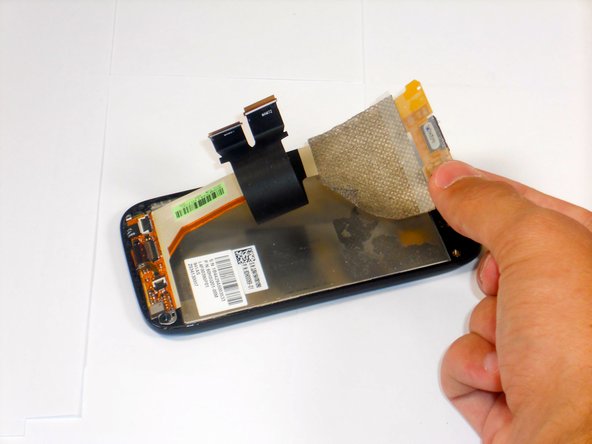
Use a spudger to lift up the three black latches that secure the flat electrical wire. Then, pull the wire out of the latches being careful not to rip them.
-
Carefully, peel the silver electric tape off (force required).
-
-











To reassemble your device, follow these instructions in reverse order.
Cancel: I did not complete this guide.
5 other people completed this guide.

Team

Cal Poly, Team 9-64, Walters Spring 2011 Member of Cal Poly, Team 9-64, Walters Spring 2011
CPSU-WALTERS-S11S9G64
5 Members
108 Guides authored
