
HTC Touch Pro 2 Camera Replacement

Melinda Phan and 10 other contributors
Last updated on May 7, 2024
Views: 3K
View statistics:
- Past 24 Hours:
- 5
- Past 7 Days:
- 17
- Past 30 Days:
- 101
- All Time:
- 3,006
Comments: 0
No one has left comments on this guide. Will you be first?
Go to guide commentsCompleted: 1 2
1 person has marked this guide "completed." Will you be next?
2 people have marked this guide "completed." Including you — great job!
Favorites: 2 3
2 people have favorited (and subscribed to) this guide. Will you be next?
3 people have favorited (and subscribed to) this guide — including you!
Introduction
Go to step 1 ↓If your HTC Touch Pro 2 Camera isn’t turning on, a possible issue may be with the camera lens. Follow this guide to learn how to replace your HTC Touch Pro 2 Camera. After the lens is replaced the quality of picture should be restored to its original state. This guide requires a T5 screwdriver and some tweezers.
Use caution when replacing the lens if the glass of the lens is shattered to avoid injury.
What you need
Tools


-
-
-
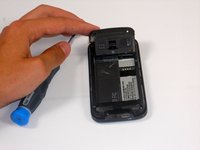
Apply pressure and slide upward to remove back cover.
-
Lift the back cover up away from the phone.
 Ask FixBot
-
-
-
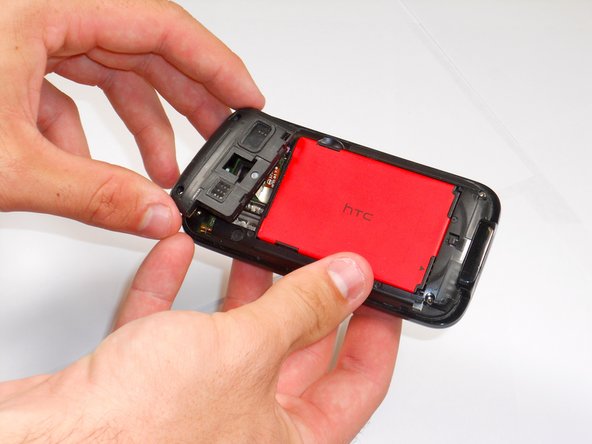
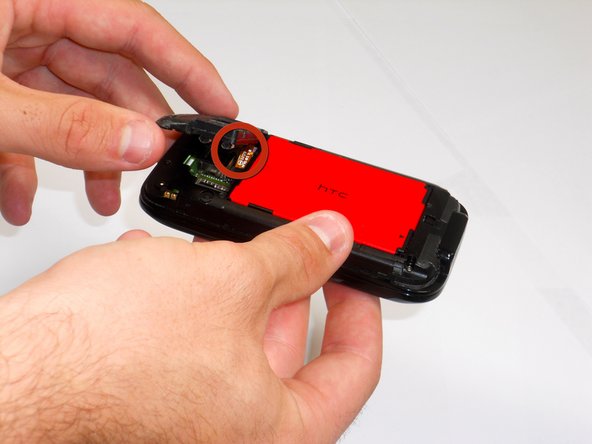
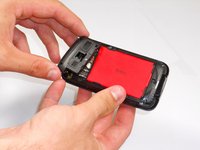
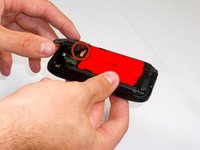
Lift battery upward on the upper right-hand side to remove it.
-
Check the battery to make sure there's no bent corners.
-
-
-
-
-
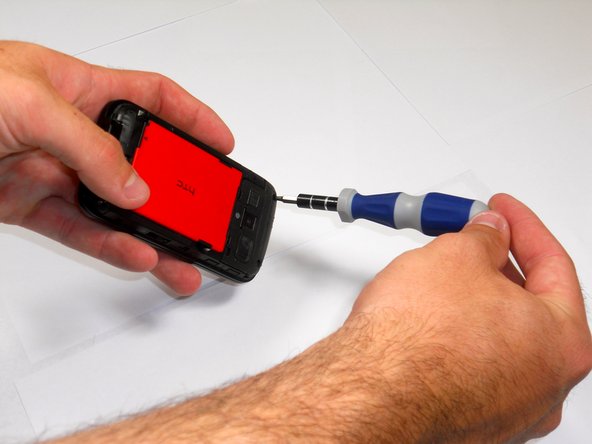
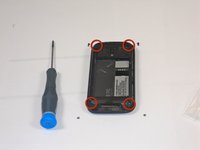
Remove the four screws from the corners of the phone using a T5 Torx screwdriver.
-
-
-
Tool used on this step:Tweezers$4.99
-
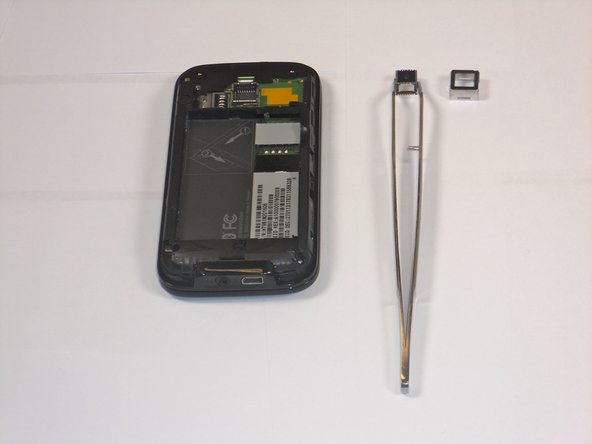
Use the tweezers to pull the camera cover up and away from the phone. Repeat for the camera underneath.
-
-




To reassemble your device, follow these instructions in reverse order.
Cancel: I did not complete this guide.
One other person completed this guide.

Team

Cal Poly, Team 9-64, Walters Spring 2011 Member of Cal Poly, Team 9-64, Walters Spring 2011
CPSU-WALTERS-S11S9G64
5 Members
108 Guides authored
