
HTC SMT 6175 Keyboard Replacement

Luke Plewa and 10 other contributors
Last updated on Jan 4, 2024
Views: 2.3K
View statistics:
- Past 24 Hours:
- 3
- Past 7 Days:
- 18
- Past 30 Days:
- 100
- All Time:
- 2,318
Comments: 0
No one has left comments on this guide. Will you be first?
Go to guide commentsCompleted: 0 1
No one has marked this guide "completed." Will you be the first?
1 person has marked this guide "completed." It's you — great job!
Favorites: 4 5
4 people have favorited (and subscribed to) this guide. Will you be next?
5 people have favorited (and subscribed to) this guide — including you!
Incorrect Tools
Help make this guide better by using the correct tools in images and/or text.
Introduction
Go to step 1 ↓If your HTC SMT 6175 keyboard and navigation keys aren't typing properly, due to malfunctioning or broken keys, then this guide can help you disassemble and replace the keyboard and navigation keys. The HTC SMT 6175 keyboard is the qwerty keyboard (soft keys) on the front of the phone. The navigation keys are the hard, directional keys above the qwerty keyboard.
Before you begin the repair, be sure to power off your phone and unplug it from the charger.
What you need
Tools


-
-
-
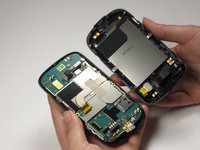
Using both thumbs, push the back side of the phone's exterior up and remove the front face of the phone.
-
-
-
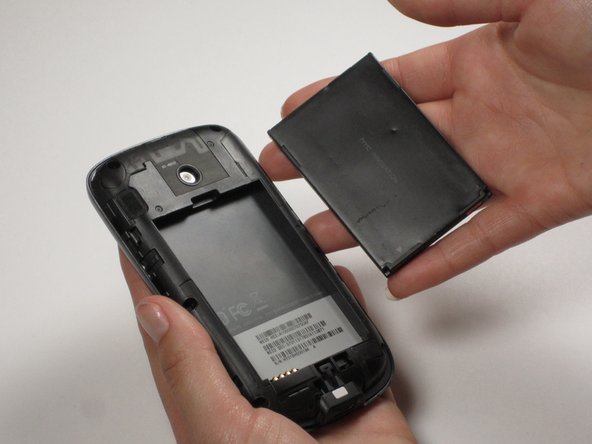
Insert your finger or a pry tool into the slot above the battery. Remove it and set aside.
-
-
-
-
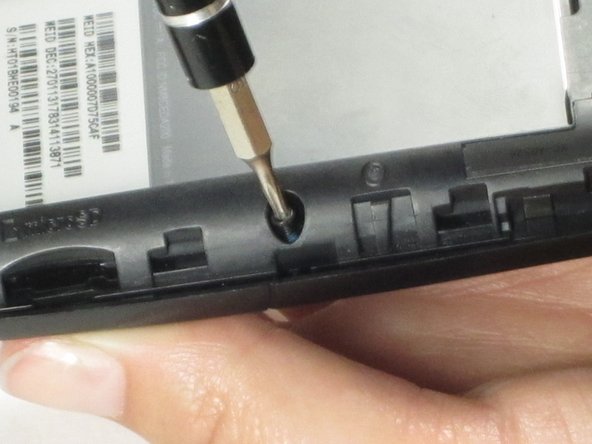
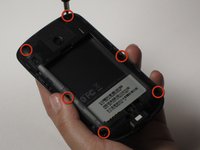
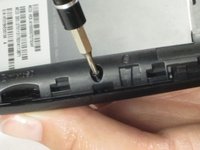
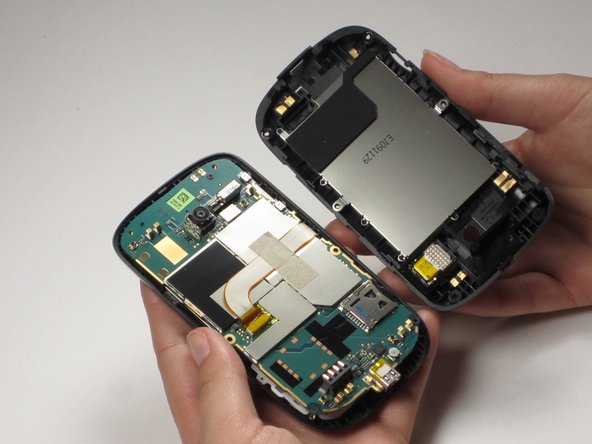
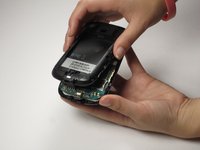
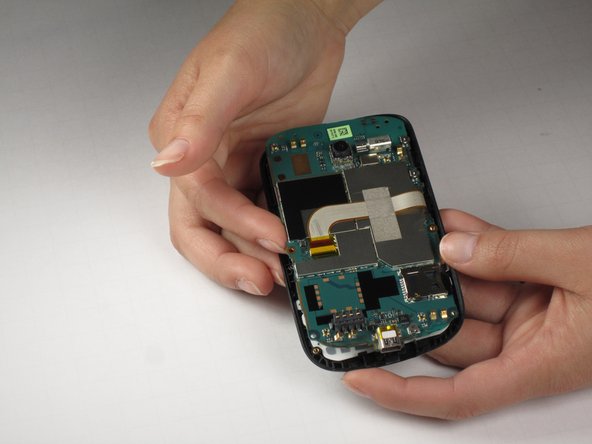
To remove the back casing inside the phone, remove the six screws around the perimeter.
-
-
-
-
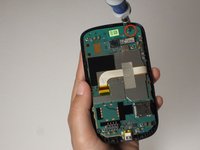
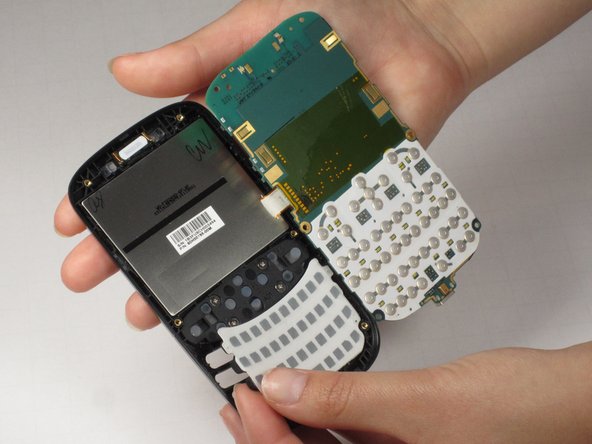
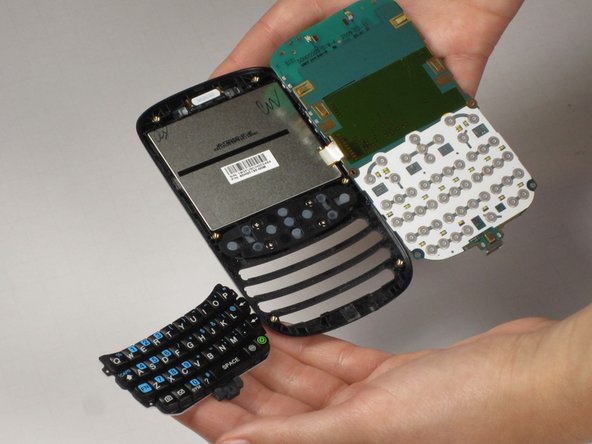
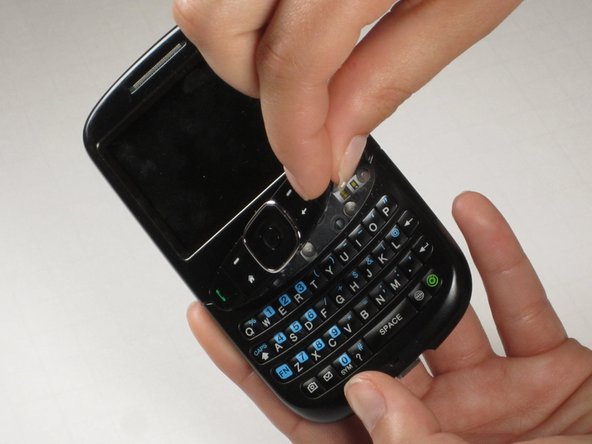
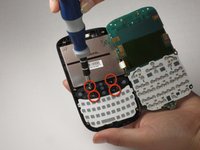
To remove the navigation keys on the front of the phone, remove the four screws securing the navigation keys using a Phillips screwdriver.
-
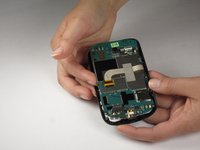
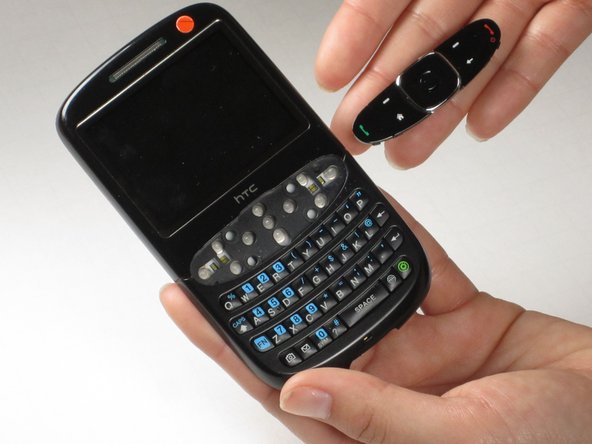
Remove the navigation keys from the front of the phone.
-
-

 Ask FixBot











To reassemble your device, follow these instructions in reverse order.

Team

Cal Poly, Team 25-29, Garner Spring 2011 Member of Cal Poly, Team 25-29, Garner Spring 2011
CPSU-GARNER-S11S25G29
3 Members
60 Guides authored
