Free Shipping on Domestic Orders $75+

HTC Rhyme Speaker Replacement

What you need

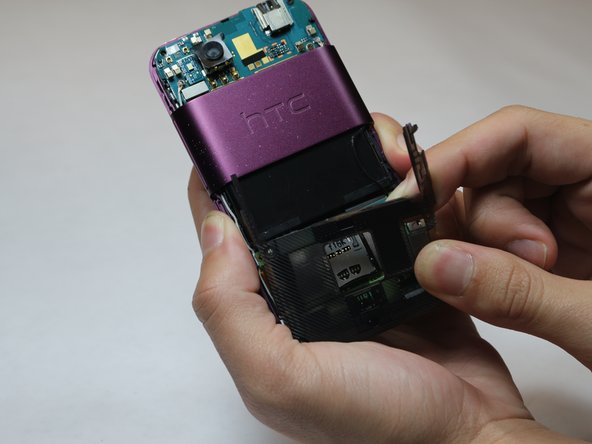
    1. HTC Rhyme Speaker Replacement, Speaker: step 1, image 1 of 2 HTC Rhyme Speaker Replacement, Speaker: step 1, image 2 of 2
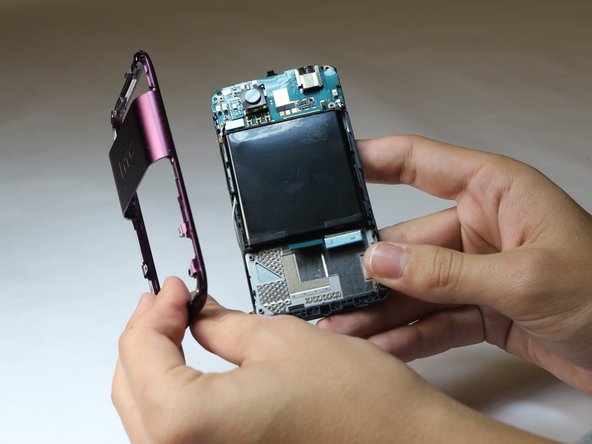
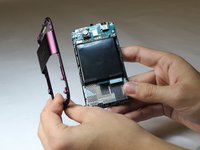
      • Slide the bottom back casing off, pulling down.

      Ask FixBot
      Add Comment

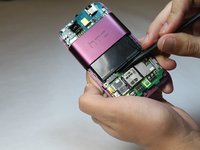
    2. HTC Rhyme Speaker Replacement: step 2, image 1 of 2 HTC Rhyme Speaker Replacement: step 2, image 2 of 2
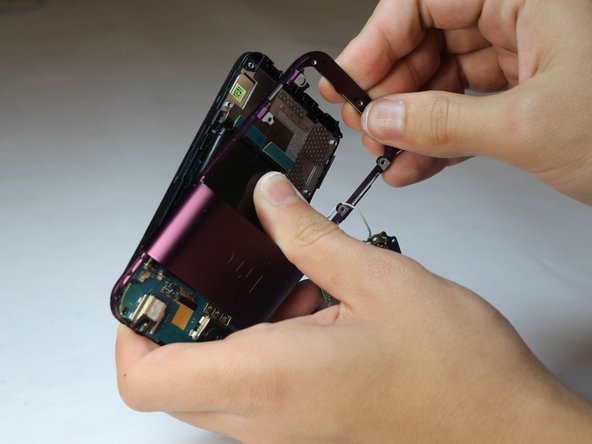
      • Using the plastic tool, pry underneath the top plastic cover.

      Ask FixBot
      Add Comment

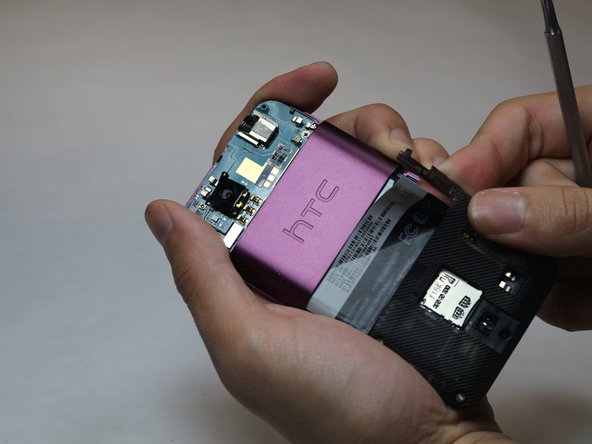
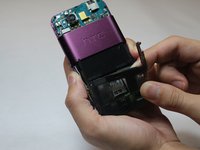
    3. HTC Rhyme Speaker Replacement: step 3, image 1 of 2 HTC Rhyme Speaker Replacement: step 3, image 2 of 2
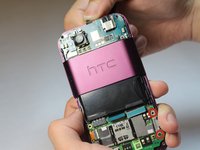
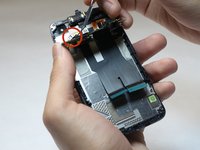
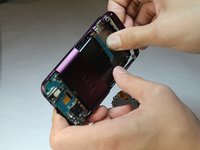
      • Using a metal spudger, pry up the plastic piece covering the motherboard, and remove the sticker.

      Ask FixBot
      Add Comment

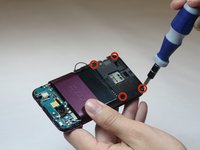
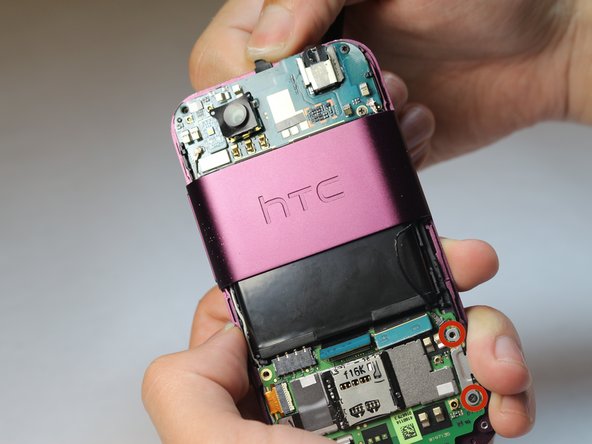
    4. HTC Rhyme Speaker Replacement, Removing the Back Plastic Motherboard Cover: step 4, image 1 of 2 HTC Rhyme Speaker Replacement, Removing the Back Plastic Motherboard Cover: step 4, image 2 of 2
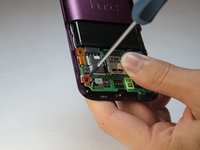
      • Use a Philip #0 screwdriver to remove the four screws of the plastic covering the motherboard.

      Ask FixBot

      Add Comment

    5. HTC Rhyme Speaker Replacement: step 5, image 1 of 1
      Tool used on this step:
      Tweezers
      $4.99
      Buy
      • Using tweezers, remove the yellow ribbon by gently pulling on it.

      Ask FixBot
      Add Comment

    6. HTC Rhyme Speaker Replacement: step 6, image 1 of 2 HTC Rhyme Speaker Replacement: step 6, image 2 of 2
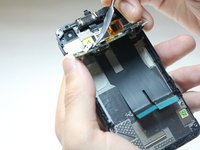
      • Using the plastic tweezers, gently lift the blue flaps up.

      Ask FixBot

      Add Comment

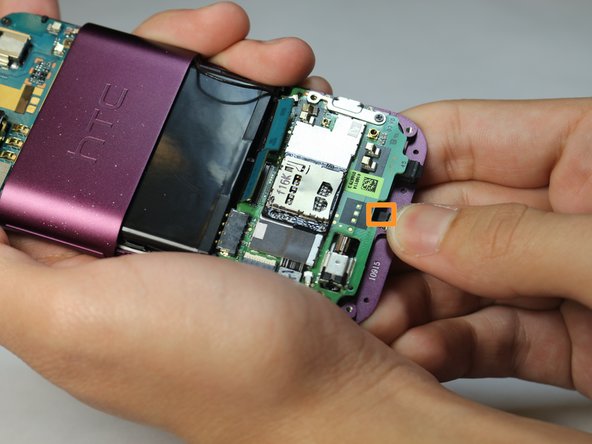
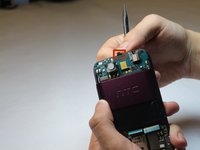
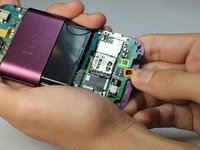
    7. HTC Rhyme Speaker Replacement: step 7, image 1 of 2 HTC Rhyme Speaker Replacement: step 7, image 2 of 2
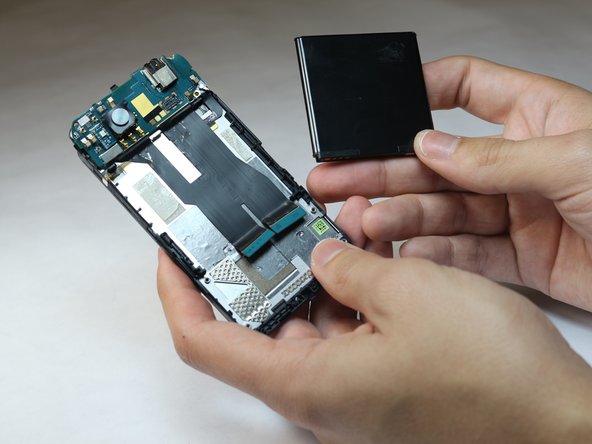
      • Using your thumb, push the flap up on the top.

      • Using your thumb, push the flap up on the bottom of the motherboard.

      Ask FixBot
      Add Comment

    8. HTC Rhyme Speaker Replacement, Unscrewing the Motherboard: step 8, image 1 of 2 HTC Rhyme Speaker Replacement, Unscrewing the Motherboard: step 8, image 2 of 2
      • Using a Phillips #00 screwdriver, unscrew the four screws in each corner of the motherboard.

      Ask FixBot
      Add Comment

    9. HTC Rhyme Speaker Replacement, Removing the Motherboard: step 9, image 1 of 1
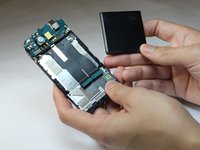
      • Carefully remove the motherboard from the base of the phone.

      Ask FixBot
      Add Comment

    10. HTC Rhyme Speaker Replacement: step 10, image 1 of 3 HTC Rhyme Speaker Replacement: step 10, image 2 of 3 HTC Rhyme Speaker Replacement: step 10, image 3 of 3
      • Gently push the base of the phone from the frame.

      Ask FixBot

      Add Comment
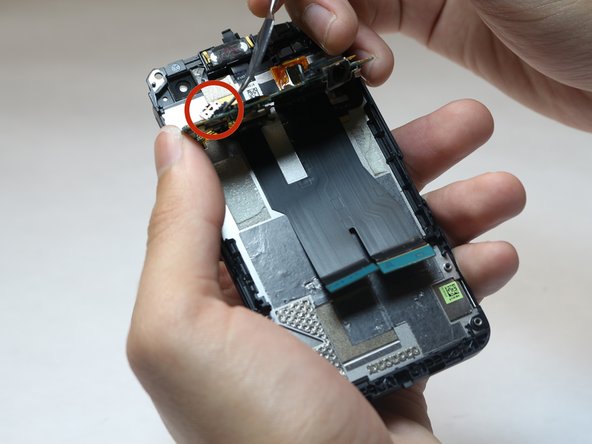
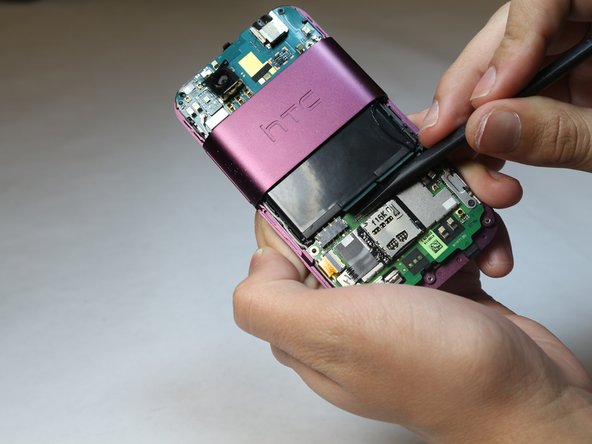
    11. HTC Rhyme Speaker Replacement, Battery Removal: step 11, image 1 of 2 HTC Rhyme Speaker Replacement, Battery Removal: step 11, image 2 of 2
      • Using the metal spudger, remove the battery from the base.

      Ask FixBot

      Add Comment

    12. HTC Rhyme Speaker Replacement, Locating and Replacing the Speaker: step 12, image 1 of 2 HTC Rhyme Speaker Replacement, Locating and Replacing the Speaker: step 12, image 2 of 2
      • Using tweezers, lift the secondary motherboard from the base of the phone.

      • The speaker is located on the back of the board.

      Ask FixBot

      Add Comment

Conclusion

To reassemble your device, follow these instructions in reverse order.

Cancel: I did not complete this guide.

Kelsey Harris

Member since: 10/08/14

157 Reputation

1 Guide authored

Team

USF Tampa, Team 9-6, Leahy Fall 2014 Member of USF Tampa, Team 9-6, Leahy Fall 2014

USFT-LEAHY-F14S9G6

3 Members

60 Guides authored

0 Guide Comments

Add Comment

View Statistics:

Past 24 Hours: 0

Past 7 Days: 1

Past 30 Days: 29

All Time: 585