Free Shipping on Domestic Orders $75+

HTC Ozone Motherboard Replacement

What you need

    1. HTC Ozone Motherboard Replacement, Rear Battery Cover: step 1, image 1 of 1
      • Flip the phone over to have the rear cover facing up.

      • The camera lens should be towards the top of the phone.

      Ask FixBot
      Add Comment

    2. HTC Ozone Motherboard Replacement: step 2, image 1 of 2 HTC Ozone Motherboard Replacement: step 2, image 2 of 2
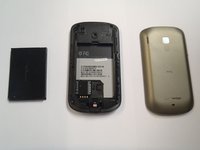
      • Slide the cover up, towards the top of phone, to unlock the battery cover.

      • Lift the cover off phone and remove it.

      Ask FixBot

      Add Comment

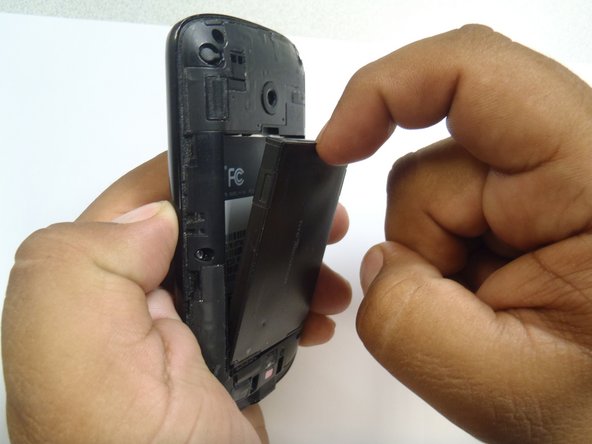
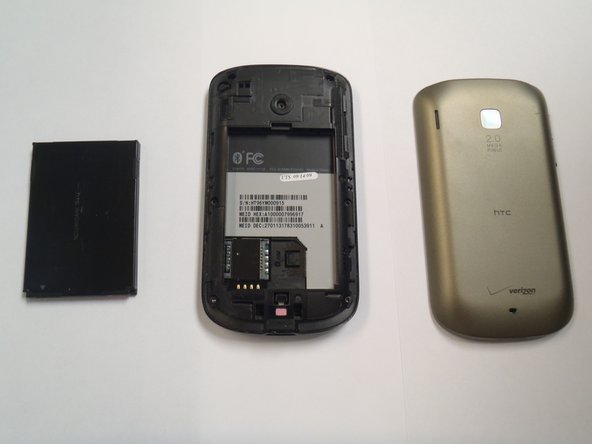
    1. HTC Ozone Motherboard Replacement, Battery: step 3, image 1 of 3 HTC Ozone Motherboard Replacement, Battery: step 3, image 2 of 3 HTC Ozone Motherboard Replacement, Battery: step 3, image 3 of 3
      • Use your finger to push the top of the battery downwards and lift the battery out of the phone.

      Ask FixBot
      Add Comment

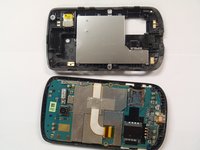
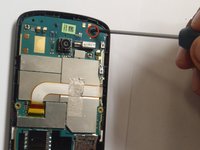
    1. HTC Ozone Motherboard Replacement, Frame: step 4, image 1 of 2 HTC Ozone Motherboard Replacement, Frame: step 4, image 2 of 2
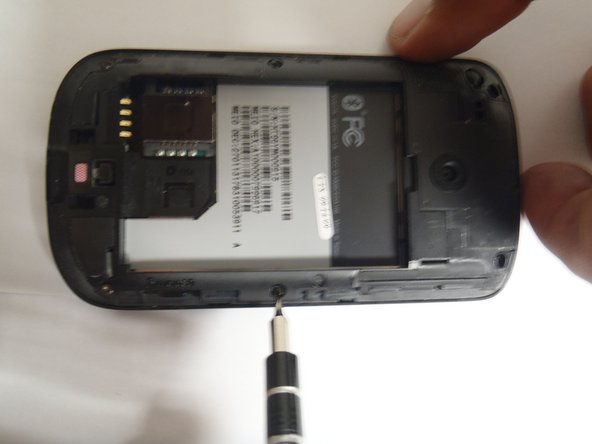
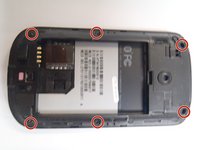
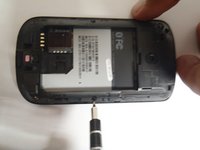
      • Remove the six Torx #5 screws that are securing the rear frame.

      Ask FixBot
      Add Comment

    2. HTC Ozone Motherboard Replacement: step 5, image 1 of 3 HTC Ozone Motherboard Replacement: step 5, image 2 of 3 HTC Ozone Motherboard Replacement: step 5, image 3 of 3
      Tool used on this step:
      Plastic Cards
      $2.99
      Buy
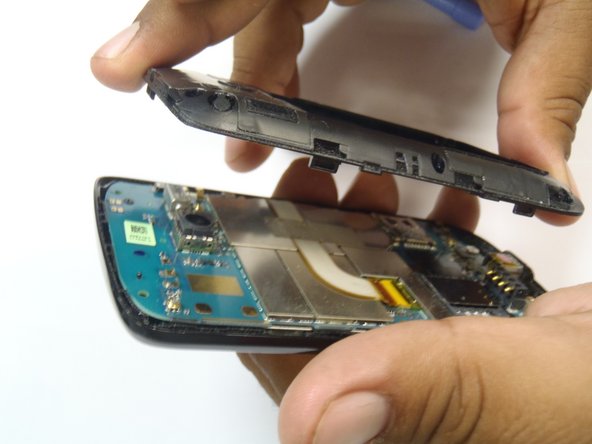
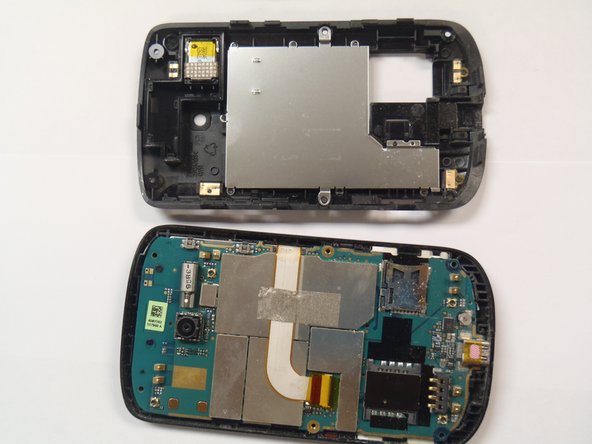
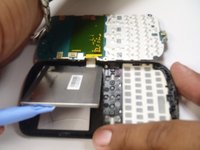
      • Pry the frame open, releasing the eight plastic tabs around the edge of the frame, using the plastic opening tool.

      • A plastic card can be used instead of the plastic opening tool.

      Ask FixBot
      Add Comment

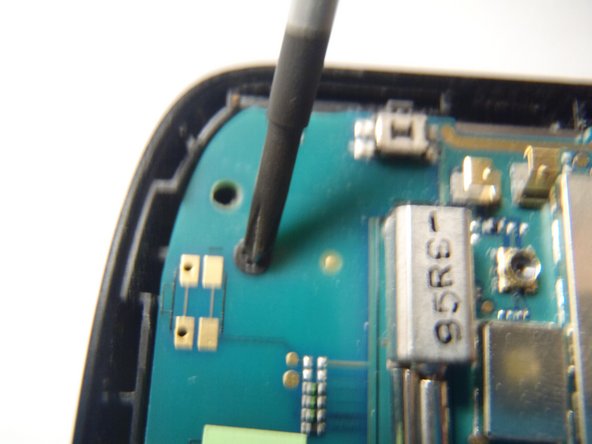
    1. HTC Ozone Motherboard Replacement, Motherboard: step 6, image 1 of 2 HTC Ozone Motherboard Replacement, Motherboard: step 6, image 2 of 2
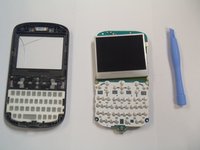
      • Remove the single Phillips #0 screw that is securing the motherboard to the front case of the phone.

      Ask FixBot
      Add Comment

    2. HTC Ozone Motherboard Replacement: step 7, image 1 of 2 HTC Ozone Motherboard Replacement: step 7, image 2 of 2
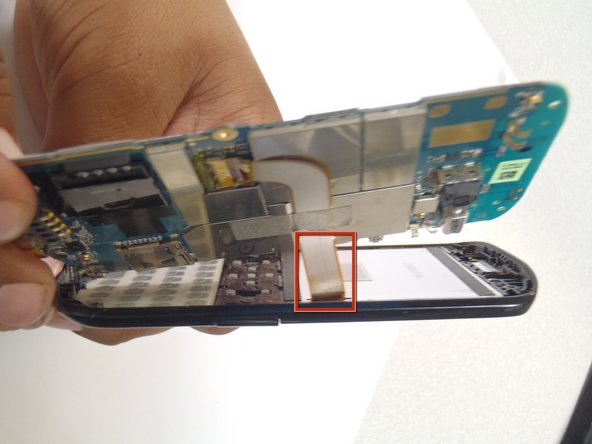
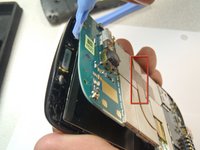
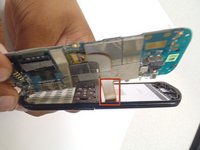
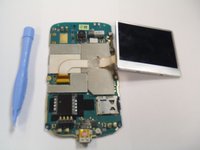
      • Pry the motherboard away from the front of the plastic case using a plastic opening tool.

      • Be careful not to break the ribbon cable when prying away the motherboard.

      Ask FixBot
      Add Comment

    3. HTC Ozone Motherboard Replacement: step 8, image 1 of 3 HTC Ozone Motherboard Replacement: step 8, image 2 of 3 HTC Ozone Motherboard Replacement: step 8, image 3 of 3
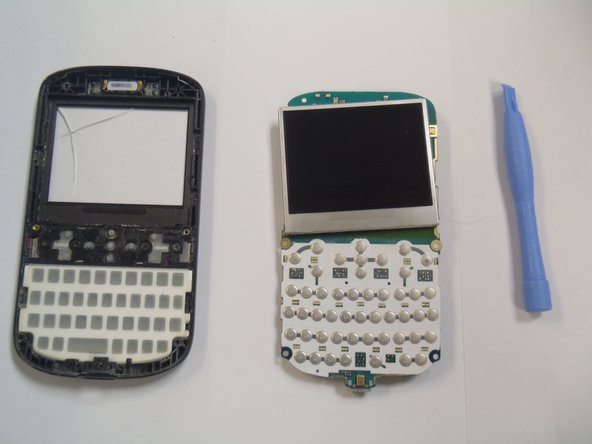
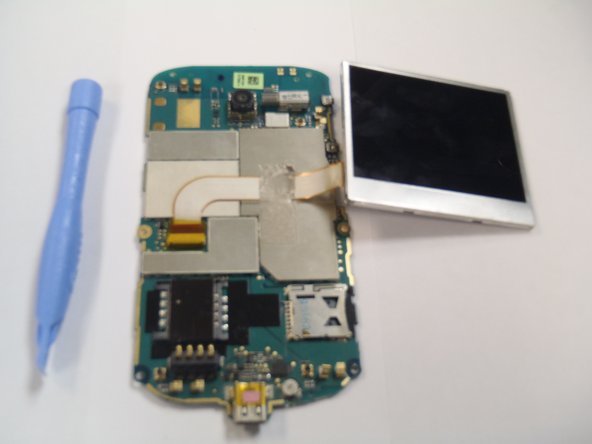
      • Remove the plastic cover from the LCD display and the motherboard.

      • The Motherboard and the LCD are still attached together.

      Ask FixBot

      Add Comment

Conclusion

To reassemble your device, follow these instructions in reverse order.

Cancel: I did not complete this guide.

One other person completed this guide.

Marco Jokada

Member since: 04/28/11

247 Reputation

6 Guides authored

Team

1 Guide Comment

Where can I buy/find/get this motherboard? I have been looking for one for over a year now, thanks

Walt - Reply Share

Add Comment

View Statistics:

Past 24 Hours: 0

Past 7 Days: 2

Past 30 Days: 21

All Time: 1,973