Free Shipping on Domestic Orders $75+

HTC One X Plus Top Speaker Replacement

What you need

    1. HTC One X Plus Top Speaker Replacement, Top Speaker: step 1, image 1 of 1
      • Hold down the power button to turn off your device.

      • Insert a pin, paper clip, or another similar object into the hole next to the micro sim card holder to remove it.

      • The SIM card slot is located on the top edge of the device.

      Ask FixBot

      Add Comment

    2. HTC One X Plus Top Speaker Replacement: step 2, image 1 of 3 HTC One X Plus Top Speaker Replacement: step 2, image 2 of 3 HTC One X Plus Top Speaker Replacement: step 2, image 3 of 3
      • Using plastic opening tools, pry open the bottom of the device.

      • You will hear clicking sounds as the sides of the device detach from the screen.

      • Once both sides are detached use the suction cup tool to remove the screen completely from the black casing.

      Ask FixBot

      Add Comment

    3. HTC One X Plus Top Speaker Replacement: step 3, image 1 of 3 HTC One X Plus Top Speaker Replacement: step 3, image 2 of 3 HTC One X Plus Top Speaker Replacement: step 3, image 3 of 3
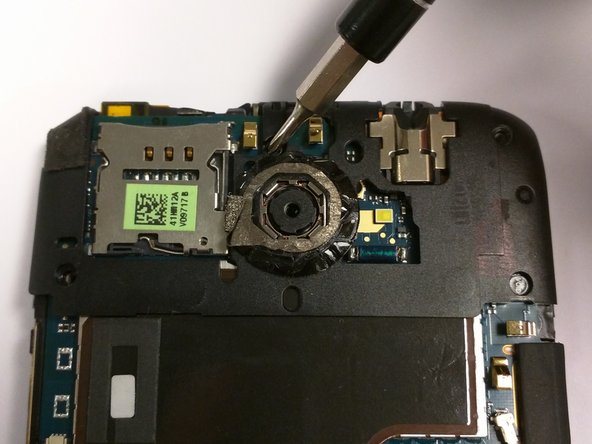
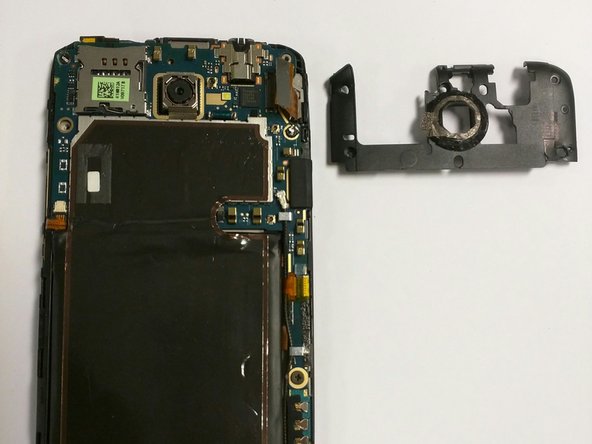
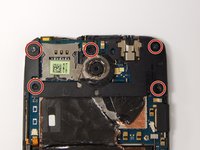
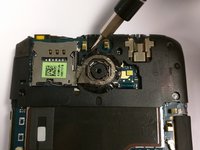
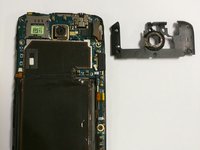
      • Remove the five 2.4mm screws located around the camera using a Philips head screwdriver to remove the plastic cover.

      • Once you have disassembled your device the warranty will no longer be valid.

      Ask FixBot

      Add Comment

    4. HTC One X Plus Top Speaker Replacement: step 4, image 1 of 3 HTC One X Plus Top Speaker Replacement: step 4, image 2 of 3 HTC One X Plus Top Speaker Replacement: step 4, image 3 of 3
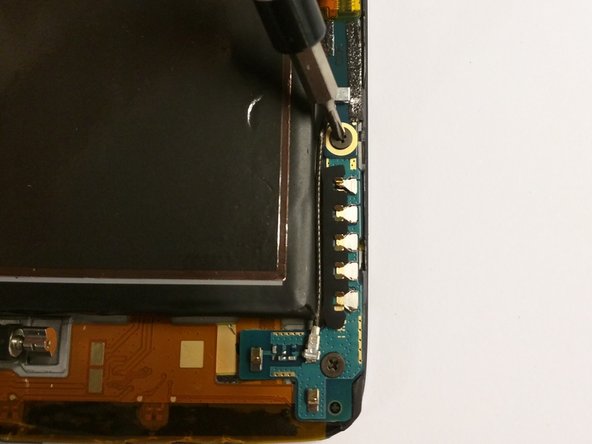
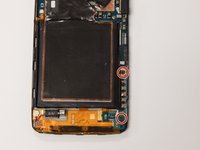
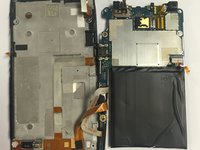
      • Use the J000 Philips screwdriver to remove the screws and remove the PCB board and antenna.

      • These are two 3.4mm Philips head screws found in the lower right corner of the phone.

      Ask FixBot

      Add Comment

    5. HTC One X Plus Top Speaker Replacement: step 5, image 1 of 2 HTC One X Plus Top Speaker Replacement: step 5, image 2 of 2
      Tool used on this step:
      Tweezers
      $4.99
      Buy
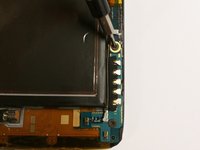
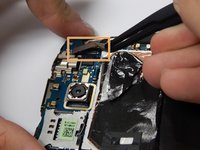
      • Pull out the power button flex cable using tweezers to disconnect from the phone.

      • Use the tweezers to then disconnect the touch screen flex cable.

      Ask FixBot

      Add Comment

    6. HTC One X Plus Top Speaker Replacement: step 6, image 1 of 3 HTC One X Plus Top Speaker Replacement: step 6, image 2 of 3 HTC One X Plus Top Speaker Replacement: step 6, image 3 of 3
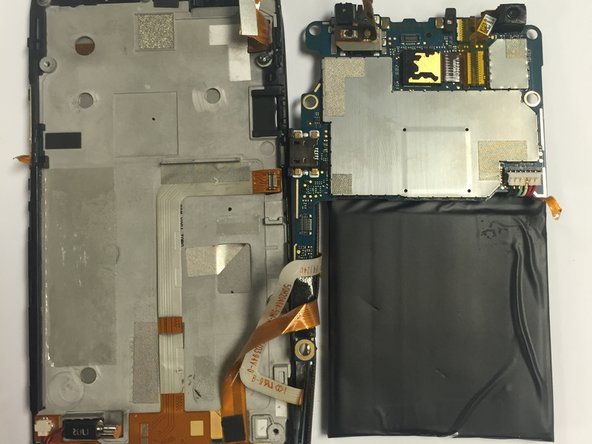
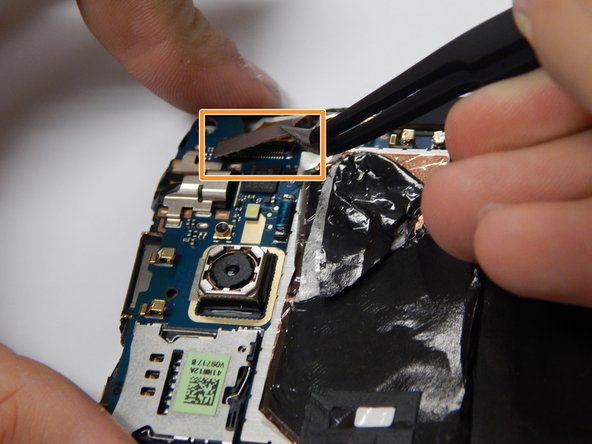
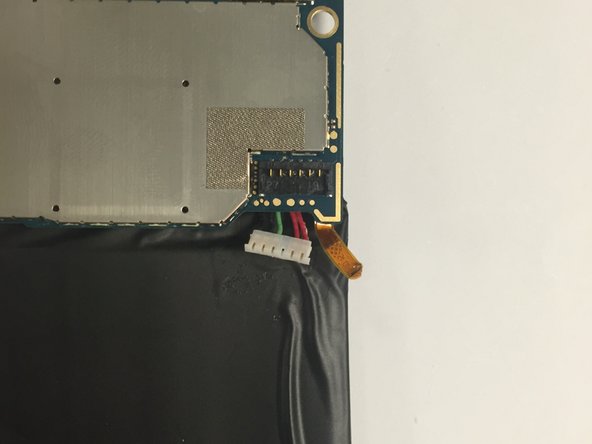
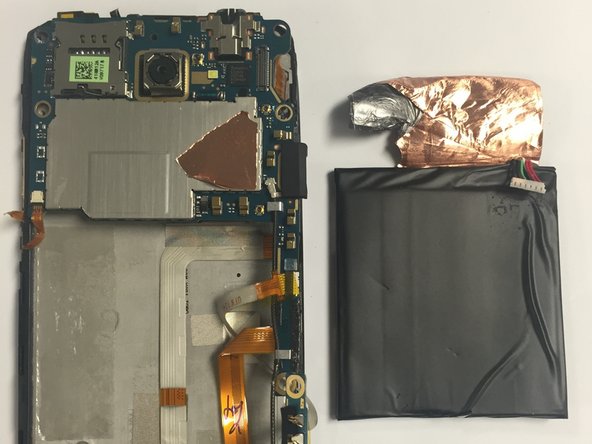
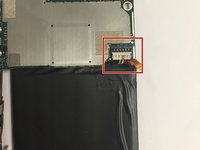
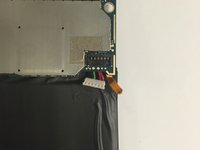
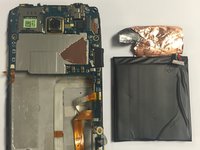
      • Remove the battery connections to the logic board.

      • This is the six pin connector seen in the red box.

      • Pull the battery away to remove from the back of the screen.

      Ask FixBot

      Add Comment

    7. HTC One X Plus Top Speaker Replacement: step 7, image 1 of 2 HTC One X Plus Top Speaker Replacement: step 7, image 2 of 2
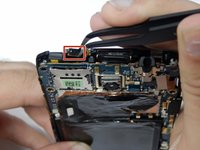
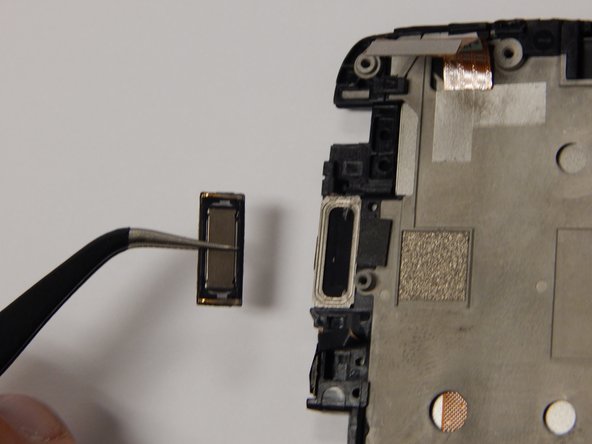
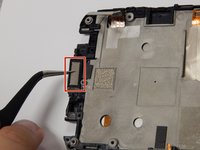
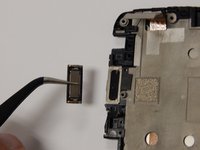
      • CAUTION: carefully remove the top speaker from the phone using tweezers.

      Ask FixBot

      Add Comment

Conclusion

To reassemble your device, follow these instructions in reverse order.

Cancel: I did not complete this guide.

One other person completed this guide.

Jason Melo

Member since: 08/26/15

483 Reputation

4 Guides authored

Team

USF Tampa, Team 3-3, Eyestone Fall 2015 Member of USF Tampa, Team 3-3, Eyestone Fall 2015

USFT-EYESTONE-F15S3G3

3 Members

60 Guides authored

0 Guide Comments

Add Comment

View Statistics:

Past 24 Hours: 2

Past 7 Days: 23

Past 30 Days: 98

All Time: 954